
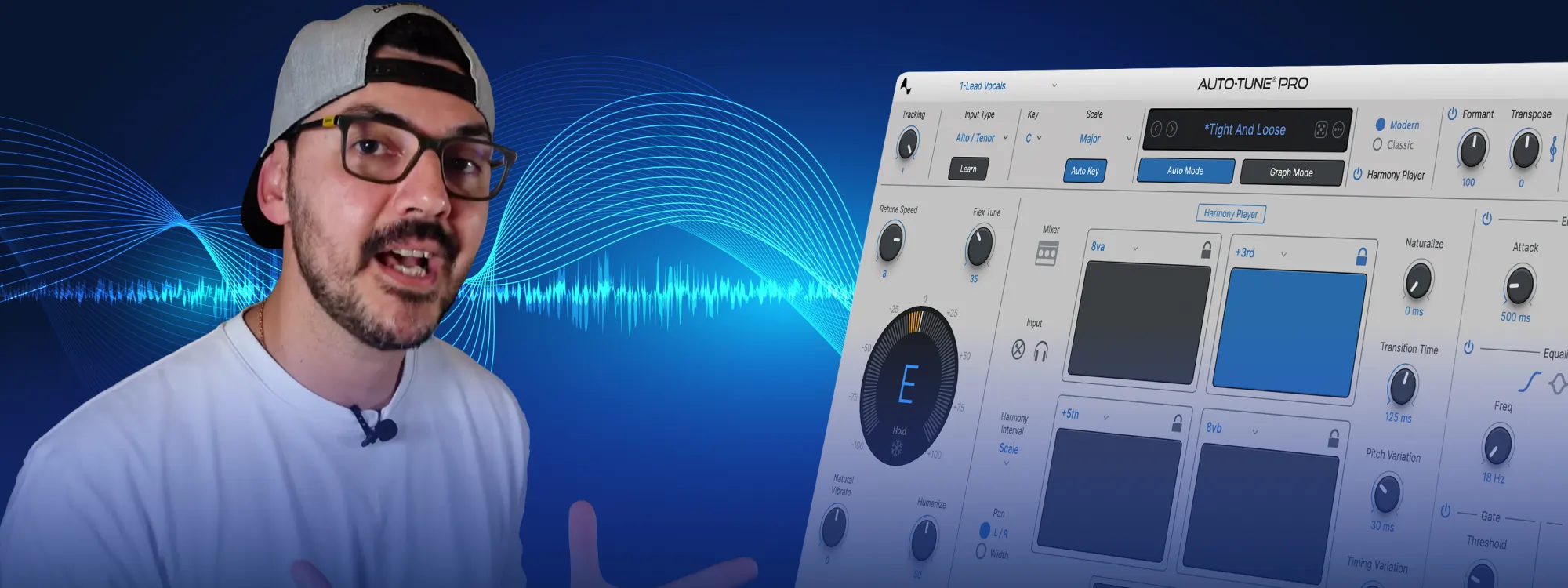
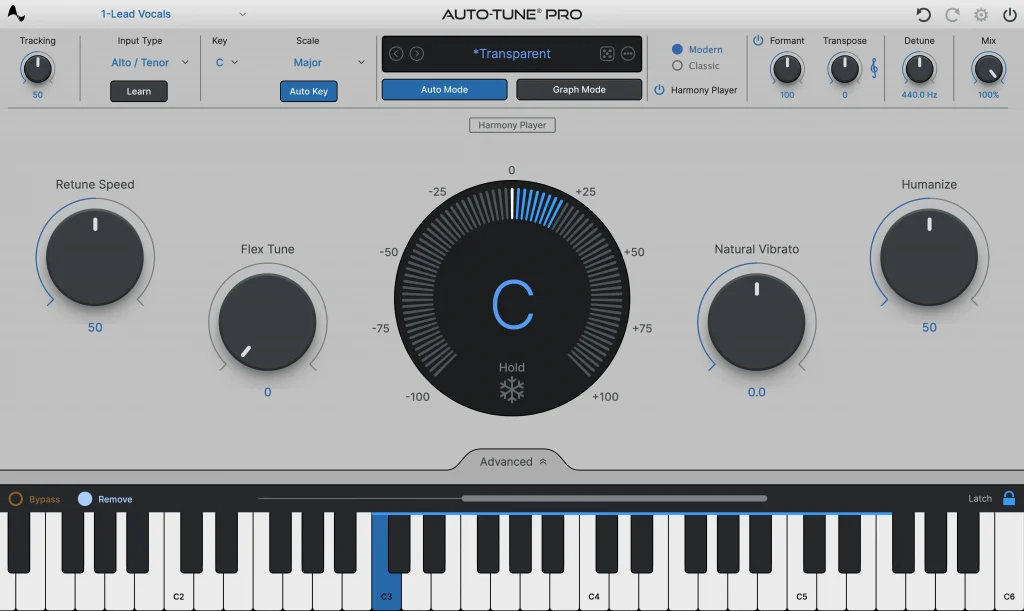
The industry standard for vocal production just got better. The new Auto-Tune Pro 11 is both more powerful and more creative than ever. Auto-Tune Pro 11 introduces a new 4-part Harmony Player that enables users to create, tune, mix, and MIDI-trigger four harmonies from within Auto-Tune Pro. The update also includes enhanced MIDI functionality with smart MIDI learning, streamlined Graph Mode tools for improved workflow, and a refreshed user interface for both Auto-Mode and Graph Mode.
All of these new features will take existing Auto-Tune users only a few minutes to learn, but they’ve also been designed to make it easier than ever to get started using our most advanced version of Auto-Tune. Check out this quick tutorial with Carlos Larez from Prosonic Studio to learn how you can start producing incredible vocals with Auto-Tune Pro 11 in just a few short minutes.
Topics Covered in the Tutorial:
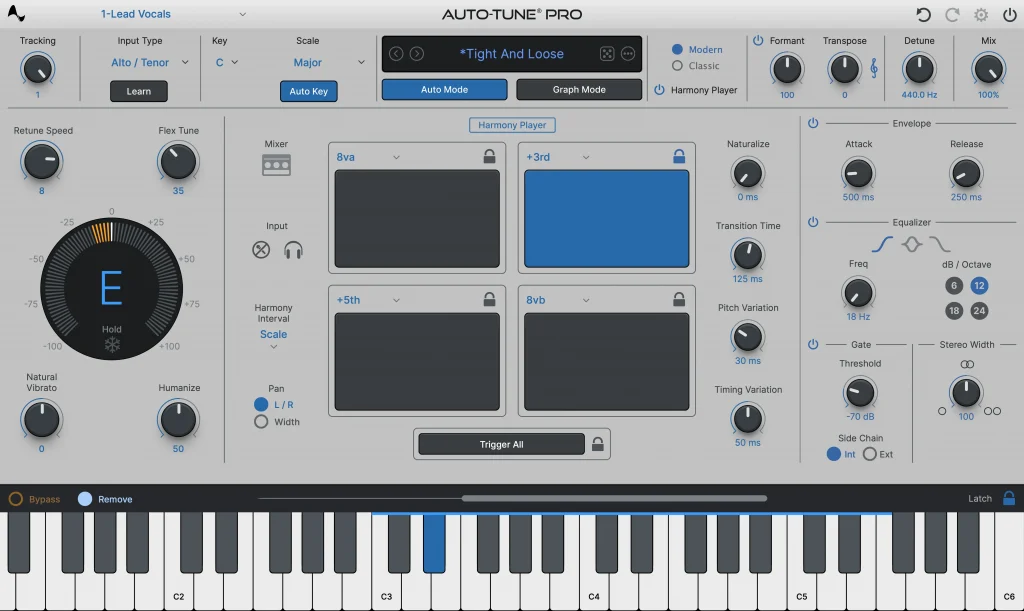
Integrated 4-part Harmony Player
Explore new musical dimensions with a seamlessly integrated 4-part Harmony Player, enhancing your creative possibilities.
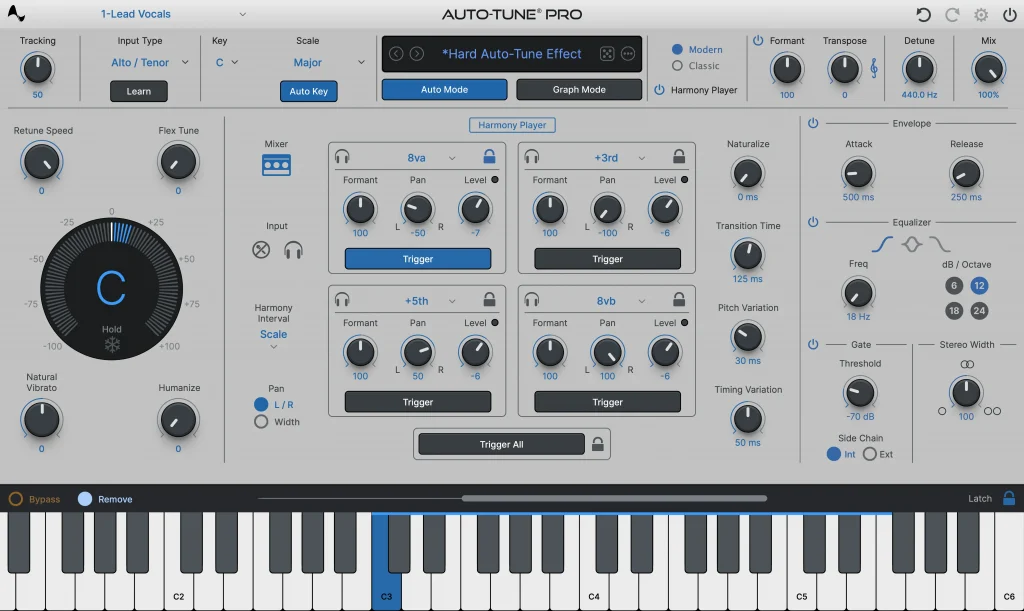
Smart Midi Hardware Mapping
Experience improved MIDI hardware mapping for greater control and precision in your music production workflow.


AutoTune Pro
The Professional Standard for Pitch Correction
New Graph Mode Tools for More Efficient Workflow
Updated zooming and navigation features enable the user to achieve faster editing inside Graph Mode.
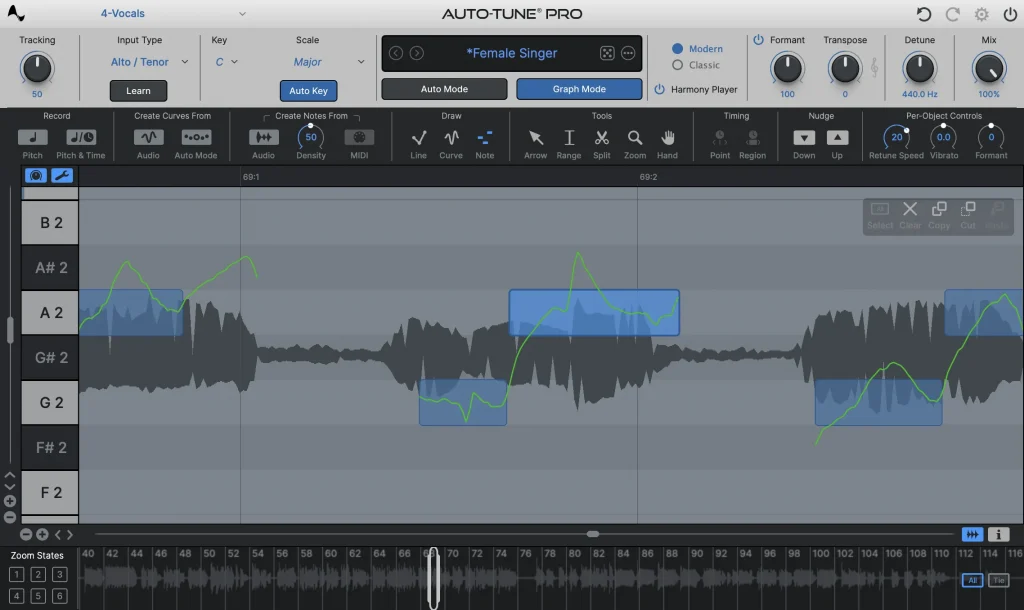
Refined Auto-Mode and Graph Mode GUI
Enjoy a refreshed user interface for Auto-Mode and Graph Mode, designed for enhanced readability and ease of editing based on important community feedback.
AutoTune Pro
The Professional Standard for Pitch Correction

Check Out Exclusive Auto-Tune Content




FREE 14-Day Trial

Tutorial por: Carlos Larez
Carlos ha producido, grabado y mezclado temas para artistas como Dani Barón, Omar K11, Corea La Buena, entre otros. Tiene uno de los canales de YouTube más importantes en español y es fundador y educador de la plataforma Prosonic Academy. También es creador de distintos productos para profesionales del audio como packs de presets, samples y plantillas que se encuentran en su tienda online Prosonic Studio, todo con el fin de ayudar a la comunidad de audio de habla hispana.
Al mismo tiempo es host del Podcast “Y Ahora Qué?” dónde conversa sobre la industria de la música con otros ingenieros y productores importantes.