
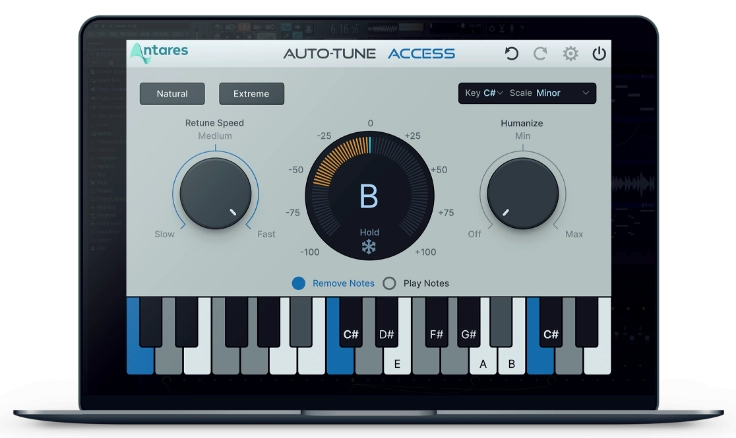
The new Auto-Tune Access 10 makes getting started with producing vocals easier than ever. Major upgrades including a streamlined navigation and improved workflow have made "Auto-Tune for the Beginner" even more fun to use.
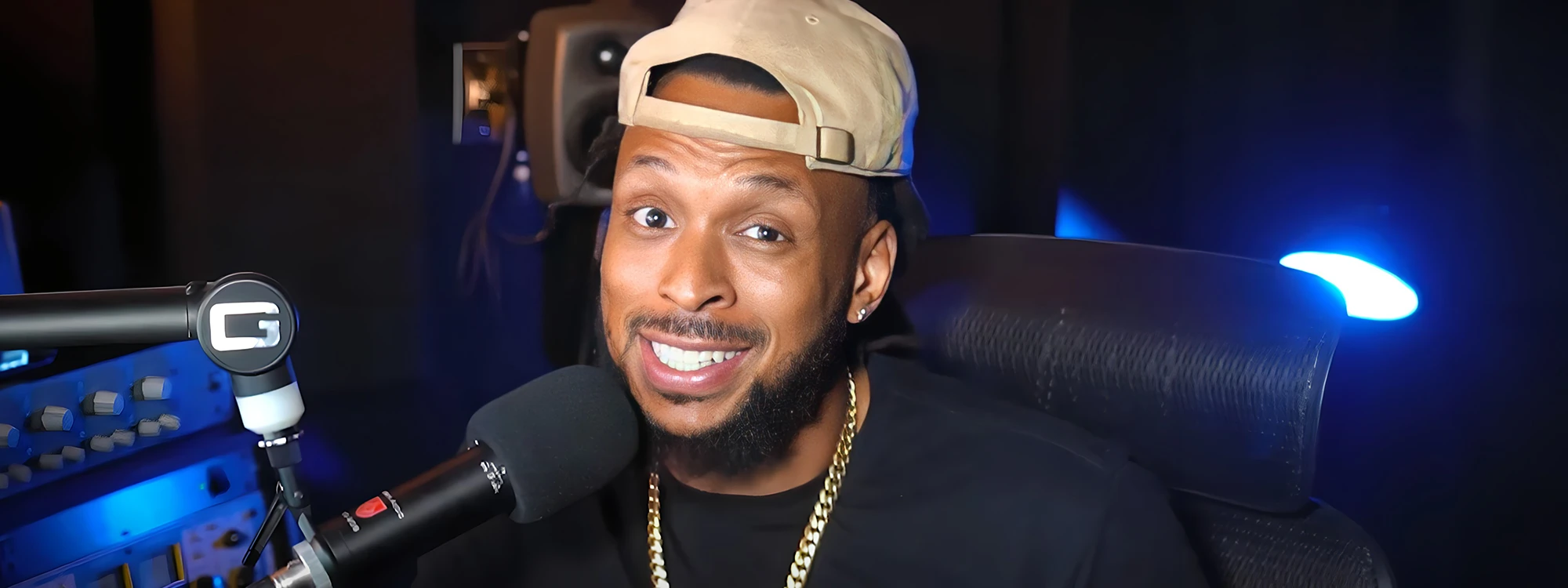
While we created this edition of Auto-Tune specifically for ease-of-use, it may still help to get an idea of how to use the new plug-in by watching a tutorial. In this video, the popular production educator and musician Wavy Wayne walks you through the basics of Auto-Tune Access 10.
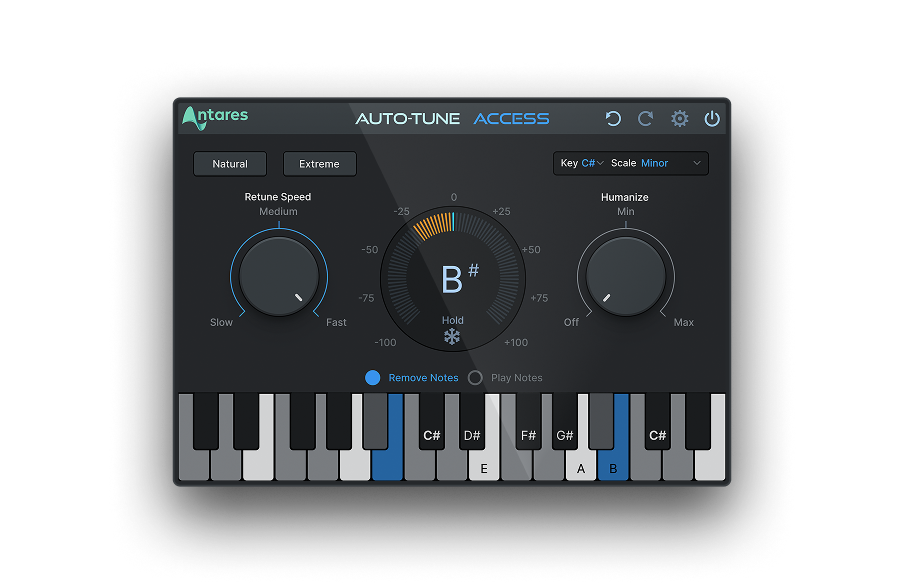
He’ll cover the new prominently located preset buttons for Natural or Extreme tuning, Light and Dark modes, the mix-and-match of the Retune and Humanize, and the convenient ‘Play Notes’ functionality. Wavy Wayne also gives us a quick look at the new Auto-Key 2 integration and how it broadcasts chromatic scale info directly to Auto-Tune Access 10.
Auto-Tune Access 10 is simple enough for the beginner and puts the ability to produce exceptional vocals within anyone’s reach.

AutoTune Access
AutoTune Designed for the Beginner
KEY AUTO-TUNE ACCESS 10 FEATURES
- Industry-standard pitch correction optimized for real-time tracking
- New preset buttons for Natural or Extreme tuning
- New resizable GUI with Light and Dark Modes and improved keyboard layout
- Updated Auto-Key 2 integration to receive chromatic scale information
- New Undo/Redo/Bypass capability
Auto-Tune Access 10 is available with a subscription to Auto-Tune Unlimited ($179.99/year or $24.99/month), or as a perpetual license for $49 (includes a 1-month subscription to Auto-Tune Unlimited).

Exclusive AutoTune Content

AutoTune Access

AutoTune Unlimited

AutoTune 2026 and Metamorph
Now Included

Tutorial by: Wavy Wayne
Professional Audio Engineer
Website
A graduate of Full Sail University, Wayne has produced and mixed tracks for such artists as Future, Ashanti, and Yo Gotti. He has taught audio engineering and music production across the country, hosts the Married to Music podcast, and offers recording session templates for all popular DAWs via his website.