
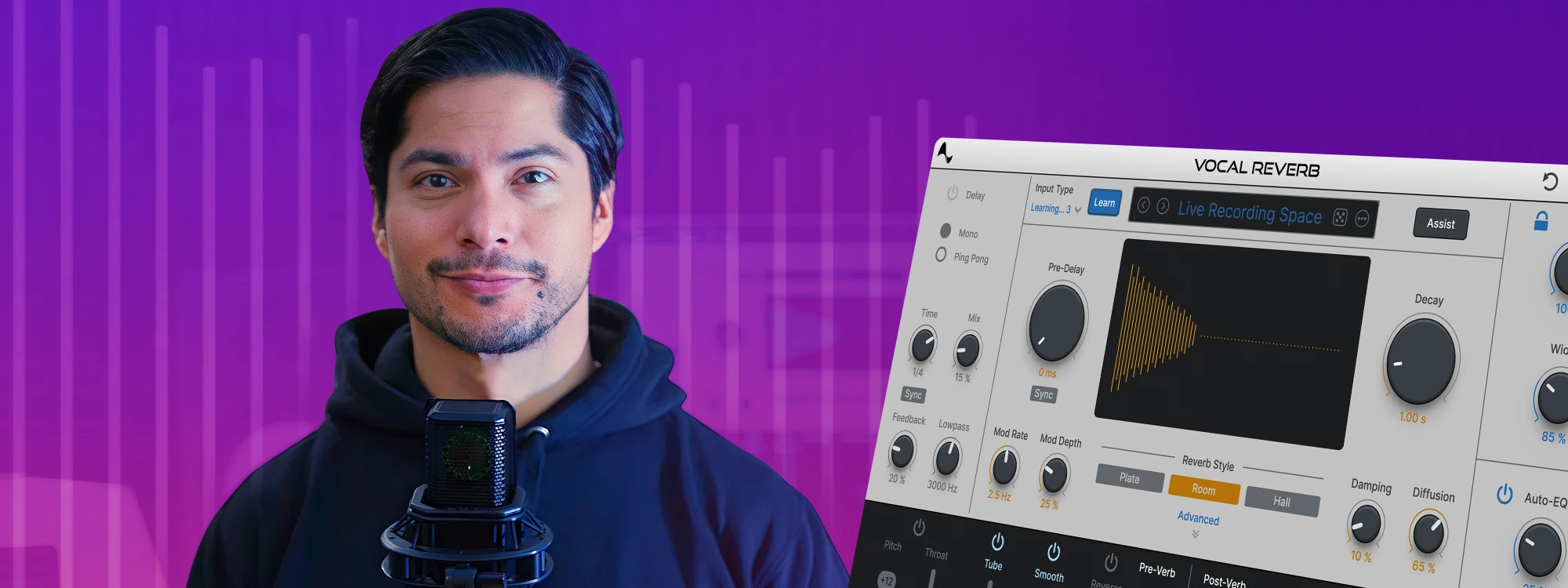
Powered by AI assist, the revolutionary new Vocal Reverb by Auto-Tune will change the way you mix vocals. Whether you're a seasoned producer or just starting your musical journey, this tutorial video is your gateway to unlocking the full potential of this groundbreaking vocal production plug-in.
Topics Covered in the Tutorial:

AI Assist: Crafting Your Desired Vibe
Select the vibe you envision, and let our AI do the rest. Witness how the AI Assist feature effortlessly tailors a customized reverb that seamlessly blends into your mix, enhancing the overall sonic experience.

Auto-EQ with Auto-Tune Pitch Tracking Technology
Powered by our patented Auto-Tune Pitch Tracking Technology, the Auto-EQ feature makes it easy to dial in the perfect vocal mix. Learn how it dynamically adjusts frequencies, ensuring your vocals remain crystal clear within the reverb, eliminating any unwanted muddiness.

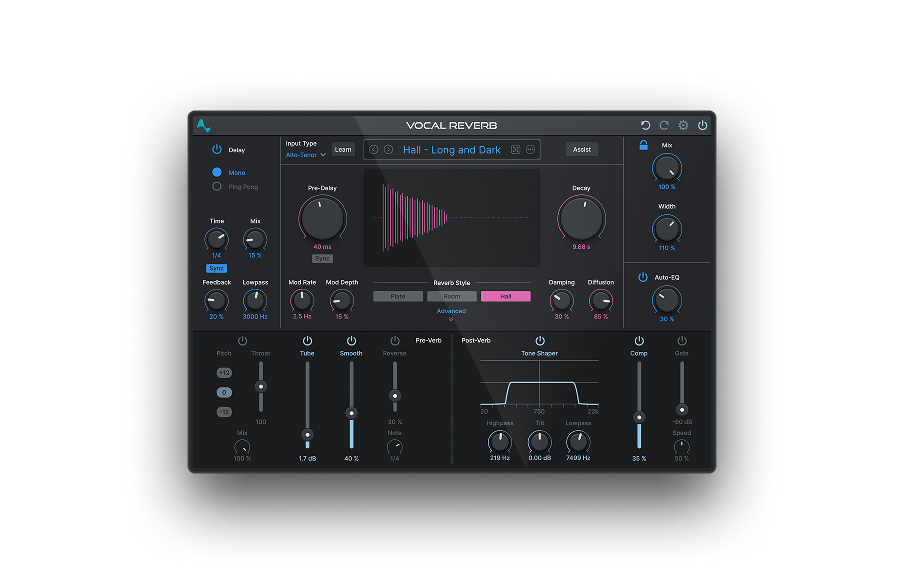
Vocal Reverb
Powered by AI Assist, Auto-EQ and Dynamic Effects
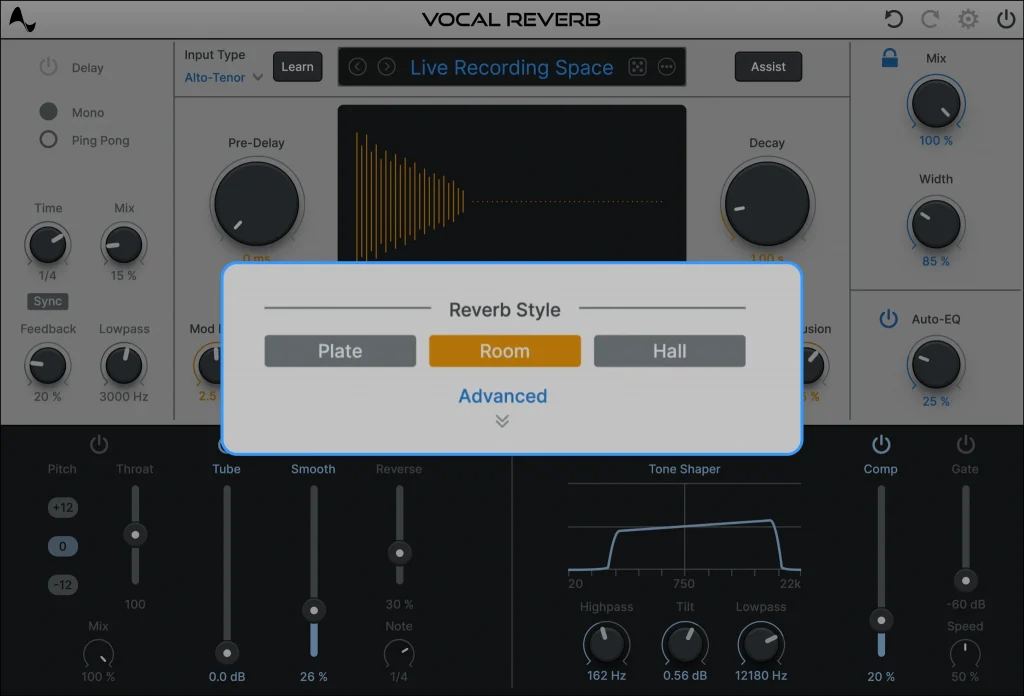
Classic Reverb Algorithms: Hall, Plate, and Room
Dive into the versatility of Vocal Reverb with access to three classic reverb algorithms – Hall, Plate, and Room. Each algorithm brings a unique sonic character, from the moody depth of a hall to the intimate warmth of a room or the vintage charm of a plate.
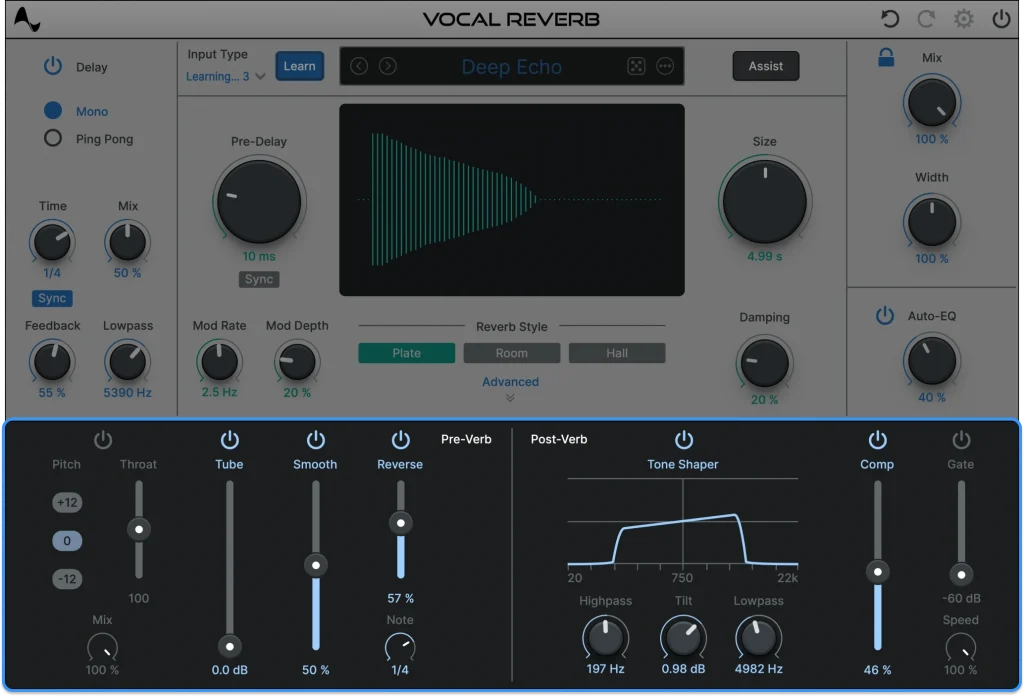
Pre and Post-Reverb Effects: Shaping Your Sound
Explore the comprehensive suite of pre and post-reverb effects onboard. Shape your sound before the reverb kicks in with pre-verb effects like Pitch, Throat, Tube, De-Esser, and Reverse. Fine-tune your vocals after the reverb with post-verb effects such as Tone Shaper, Compressor, Gate, Auto-EQ, and Width.
Two Distinct Delay Types: Adding Dimension
Discover the power of two distinct delay types—Mono and Stereo Ping Pong. Learn how to use these delays to add an extra layer of dimension to your vocals, elevating your productions to new heights.
Let the creative possibilities unfold as you harness the capabilities of this innovative audio tool. From crafting the perfect ambiance to refining your sound with precision, this tutorial is your key to mastering the art of applying vocal reverb to your mix.


AutoTune Unlimited
The Ultimate Vocal Production Suite

Exclusive AutoTune Content

Vocal Reverb

AutoTune Unlimited

AutoTune 2026 and Metamorph
Now Included

Antares Editorial
Antares is a leading developer of software for music recording and live performance. For over 20 years, Antares has powered the music of top-charting and indie artists with products including the industry standard for pitch correction, AutoTune™.