
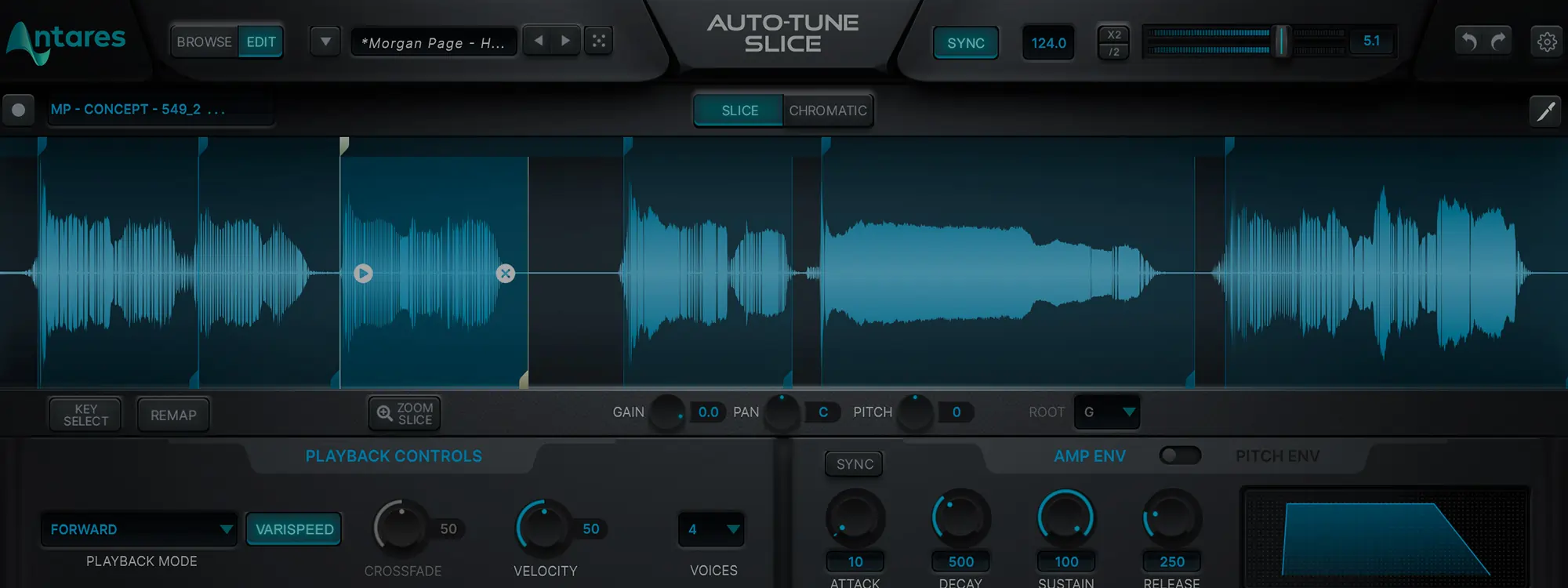
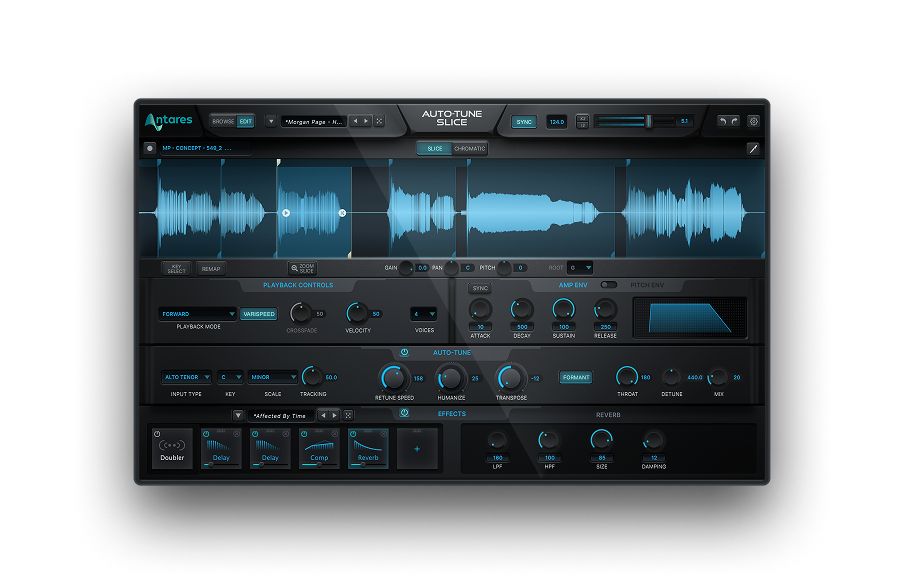
Slicing up samples has been a staple of modern music production since at the MPC drum machine was a must-have piece of kit, and the vocal chop sound is unmistakable in today’s best hip-hop, dance, R&B, pop, synthwave, and chillout tracks. Auto-Tune Slice propels this technique into the 21st century and beyond, turning any audio file or track into a playable instrument and offering unprecedented and creative possibilities. It fuses a powerful slicing engine, a modular effects section, and the pitch-manipulating finesse of Auto-Tune Artist and Pro into a unique virtual instrument plug-in. Producer, engineer, vocal coach, and synth designer J. Chris Griffin (Madonna, John Legend, Kelly Clarkson, Kanye West) takes the wraps off Slice’s amazing features.

Slice
The World’s Most Advanced Vocal Sampler

New Vocal Libraries That Spark Your Imagination
Chris starts off with an overview of Browse Mode, an overlay of the most important parts of the plug-in along with a real-time visualizer. He covers the keyboard, then the Sample Packs and Presets that Antares routinely refreshes with an ever-growing lineup of new content — including Exclusive Artist Packs from Bon Iver, Morgan Page, and Junior Sanchez as well as genre packs such as Deepest House, Ethereal Experience, Beatbox Battle, and male and female pop and hip-hop vocals.
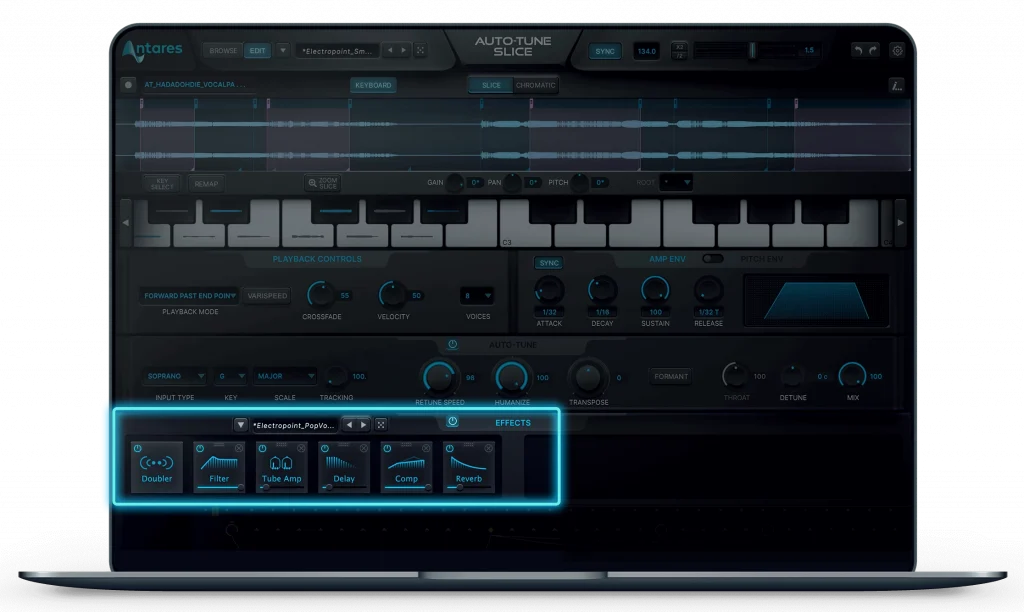
Crucial Vocal Effects Built-In
Next up is the effects section with slots that let you mix and match effects as well as its own presets. Of course, Chris doesn’t ignore that you can apply Auto-Tune to your sliced signal using the familiar Key, Scale, and Retune Speed settings. Plus you get formant correction and throat modeling for formant effects.
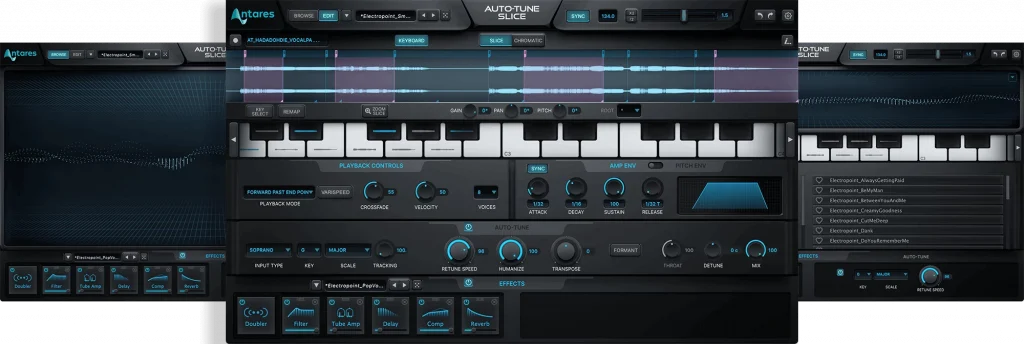
Vocal Chops Made Easy
Chris then dives into Auto-Tune Slice’s muscular heart: Edit Mode, where he shows how Slice is first and foremost a sampler. Here you can drop in audio files in all standard formats and even record audio through your DAW directly into the plug-in to create your own slicing fodder.
Some real magic happens with the Reslice function. Slice intelligently maps slices across the keyboard according to volume peaks or any musical note divisions you specify. In no time, you’ll be whipping together vocal chops that are pure gold.
There are far too many other features to write about here in detail, so we’ll just say you can let Slice do it’s thing or enjoy surgical control of all its behaviors yourself. These include musical key, mapping, editing and even drawing your own slices, playing samples and slices in reverse, and much more.


AutoTune Unlimited
The Ultimate Vocal Production Suite

Exclusive AutoTune Content

Slice

AutoTune Unlimited
