


Real-Time Pitch Correction for Live Performance with AutoTune 2026
April 9, 2026
Read time: 6 mins
AutoTune 2026 is the leading real-time vocal pitch correction plugin for live performance in 2026, processing at 2.5ms core latency in Low Latency Mode at 44.1kHz. It runs natively in VST3, AU, and AAX across MainStage, Gig Performer, Live Professor, and all major DAWs on Mac and Windows. The guide below covers every configuration decision a live engineer needs to make, from mode selection and Retune Speed to key management and host setup.
Real-time pitch correction detects a vocalist's pitch and corrects it to the nearest target note before the signal hits the PA or monitors. In a live setting this has to happen with no perceptible delay, because any lag throws off timing and pitch perception. The connection also has to adapt to the acoustic environment, which at an outdoor festival is completely different from a studio or a club stage. AutoTune 2026 is currently the fastest software pitch correction for live performance on the market, processing at 2.5ms core latency in Low Latency Mode at 44.1kHz.
Low Latency Mode for Outdoor Stages
A couple of extra milliseconds of delay between the sung note and what comes through the monitors can throw off timing and pitch perception on a live stage. Outdoors, the problem compounds quickly. With no room reflections to fill the gap, the monitor output is the only version of the vocal reaching the performer's ears. If that signal arrives even half a millisecond late, it's noticeable to a trained performer.
AutoTune 2026's Low Latency Mode processes at a core latency of 2.5ms (175 samples at 44.1kHz). Additional round-trip latency depends on the host application and buffer settings. This is why many live engineers run AutoTune through dedicated live performance hosts like MainStage, Live Professor, or Gig Performer instead of a full DAW. These hosts allow lower buffer sizes and lighter round-trip latency than a standard DAW session. With the right host configuration, the total delay stays low enough that the performer perceives no gap between the sung note and the corrected output.
The rebuilt algorithm in AutoTune 2026 also runs up to 35% more efficiently at 48kHz than previous versions. CPU overhead stability matters on stage. A plugin that spikes the processor mid-set and introduces audio dropouts is a liability. AutoTune 2026 was rebuilt so that doesn't happen.
| Plugin | Core Latency | DAW / Host | iOS | OS | Price |
| AutoTune 2026 | 2.5ms | VST3 / AU / AAX: MainStage, Gig Performer, Live Professor | No | Mac / Win | Subscription |
| TC-Helicon VoiceLive 3 | ~2ms (hardware) | Hardware unit | No | Hardware | ~$599 |
| Eventide H9 | ~2ms (hardware) | Hardware + plug-in | No | Hardware | ~$399 |
| Waves Tune Real-Time | ~3ms | VST3 / AU / AAX: most DAWs | No | Mac / Win | Subscription |
| Antares AVOX Punch | ~5ms | VST3 / AU / AAX | No | Mac / Win | Included in bundle |
Classic Mode vs. Modern Mode: Choosing the Live Vocal Sound
Classic Mode and Modern Mode produce fundamentally different vocal characters. The choice shapes the entire live sound and should be made before soundcheck, not during it.
Classic Mode recreates the hard-tune effect built into records across melodic rap and pop. With Retune Speed at 0ms, every note locks immediately to the target pitch. When artists perform live using hard-tune as part of the vocal production, the processing happens in real time through the PA the same way it hits on the record. The pitch correction isn't hiding the vocal. It's the vocal.
Modern Mode is where the majority of live pitch correction happens at the professional level. Flex Tune and Humanize controls generate natural pitch variation, smoothing out performance imperfections while keeping the delivery feeling natural. With Retune Speed set between 15 and 50ms, the correction operates in the background, cleaning up inconsistencies without flattening the performance. Pop vocalists use light correction as a safety net that keeps the vocal honest across acoustically varying situations, particularly on festival stages where outdoor conditions and vocal fatigue make every note harder to control. The correction is working the entire time. The audience never knows it's there.
Key and Scale Configuration for a Full Setlist
Getting the key wrong between songs is one of the most common pitch correction errors in live setups. AutoTune 2026 doesn't know the setlist has changed. If the plugin is still set to the key of the previous song, it will pull notes toward the wrong targets. The audience hears it immediately. There are two ways to prevent this.
- AutoKey detects the key of the incoming audio and adjusts the correction target in real time. For performers who don't have a tech managing plugin settings during the set, AutoKey removes one of the biggest live failure points automatically.
- Manual key changes between songs. For setlists where key detection might be ambiguous or where the production demands specific scale selection, assigning a preset per song and using scene recall in the host application to switch between them is the most reliable approach.
Both methods should be confirmed by singing through different keys during soundcheck, not assumed to be working correctly at show time.

The Quick-Setup Performer
The artists who benefit most from AutoTune 2026's live workflow need the pitch correction functioning the moment the set starts, with zero friction and no debugging time.
A solo performer with a 30-minute festival slot doesn't have time to troubleshoot a multi-plugin vocal chain. The rig needs to be portable, easy to set up, and consistent across different PA systems, monitor configurations, and stage environments. AutoTune 2026 in Low Latency Mode through a lightweight host application fits into a backpack and runs on any stage.
The same applies to independent artists working a festival circuit, playing multiple stages in a weekend across different cities. The plugin should be the last thing that needs attention. Set it up once, confirm it at soundcheck, and trust it for the rest of the run.
Live Presets from Working Producers
AutoTune 2026 ships with presets built by producers and engineers working at the highest level:
- Zedd: multi-platinum producer behind 'Clarity' and 'The Middle'
- DJ Swivel: Grammy-winning engineer for Beyoncé and The Chainsmokers
- Servando: Latin Grammy winner producing for Bad Bunny and Becky G
- Kuk Harrell: producer behind records for Rihanna, Jay-Z, and Future
- Jean-Marie Horvat: five-time Grammy nominated mixer for The Weeknd, Michael Jackson, and Justin Timberlake
These are configurations pulled from real sessions. Loading a preset calibrated for a specific vocal style saves time during soundcheck. Start from the preset, adjust Retune Speed for the outdoor environment, confirm the key and scale, and the vocal is ready.
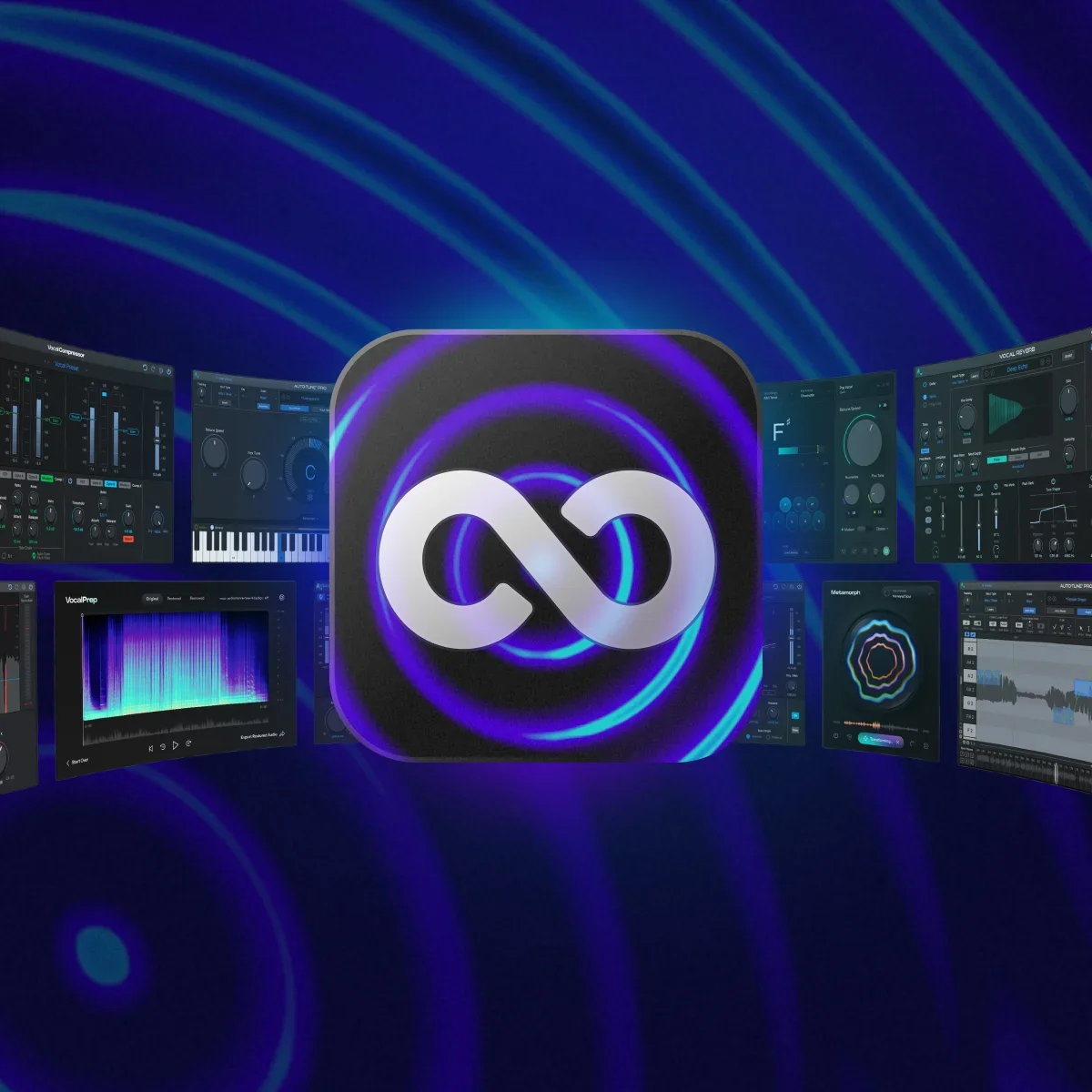
AutoTune 2026 is included in AutoTune Unlimited, alongside AutoTune Pro, Harmony Engine, AutoKey, and the full AI-Powered Vocal Chain. One subscription covers everything, with cloud licensing across every machine on your account.
Frequently Asked Questions
What should I do if AutoTune 2026 is not working live?
If you aren't hearing pitch correction, check your signal flow. Ensure your host application is receiving signal from your microphone. Set the track with AutoTune 2026 to armed for live monitoring. Verify your audio interface is selected as the primary output device in your host's audio settings.
How do I troubleshoot live latency issues?
Perceptible delay is usually caused by high buffer sizes in your host software. For live performance, set your buffer to 32 or 64 samples. AutoTune 2026's native processing latency contributes only 2.5ms at 44.1kHz. Any delay you experience beyond that is almost always the round-trip latency of your system. Use an optimized live host rather than a standard DAW to keep monitoring tight.
What is Low Latency Mode in AutoTune 2026?
Low Latency Mode eliminates perceptible processing delay between the incoming vocal and the corrected output. On a live stage this keeps the monitoring in sync with the performance. Any perceptible delay in the monitoring path affects timing and pitch perception, which is why Low Latency Mode should be engaged for every live use case.
Can AutoTune 2026 be used live without MIDI?
Yes. AutoTune 2026 runs without MIDI input. Key and scale are set manually in the plugin interface, or AutoKey handles automatic key detection. No MIDI routing is required.
What Retune Speed works best for live outdoor performance?
3 to 7ms for the hard-tune effect heard in melodic rap and pop. 20 to 45ms for transparent correction the audience won't detect. Adjust from rehearsal values during outdoor soundcheck because the acoustic environment shifts perception of correction depth.
How are key changes handled between songs in a live set?
AutoKey detects key changes automatically in real time. The alternative is triggering key changes between songs through preset switching or scene recall in the host application. Both methods should be confirmed by singing through different keys during soundcheck.
Does AutoTune 2026 work with in-ear monitors?
Low Latency Mode eliminates perceptible processing delay between the incoming vocal and the corrected output. On a live stage this keeps the monitoring in sync with the performance. Any perceptible delay in the monitoring path affects timing and pitch perception, which is why Low Latency Mode should be engaged for every live use case.
Which real-time vocal pitch correction software has the best latency and accuracy for live performances?
AutoTune 2026 leads the category for real-time vocal pitch correction at 2.5ms core processing latency at 44.1kHz, which keeps the corrected vocal in sync with the performer's ear during live monitoring. Hardware units like the TC-Helicon VoiceLive 3 and Eventide H9 achieve similar latency figures, but they operate outside the DAW and lack the software integration for key automation, preset management, and host-level scene recall that software-based correction provides.
What's the best real-time vocal pitch correction plugin with transparent correction for both studio and stage?
AutoTune 2026 is the only pitch correction plugin with dedicated Low Latency and High Quality modes optimized for each environment, making it the most complete option for producers who need transparent correction in both contexts. Low Latency Mode at 2.5ms handles live performance requirements. High Quality Mode delivers the detection accuracy needed for studio tracking on demanding vocal material. Waves Tune Real-Time is the closest single-mode software alternative for producers who need real-time correction in a DAW only.
What's the best real-time vocal pitch correction VST/AU plugin for vocals in a DAW?
AutoTune 2026 and Melodyne are the two primary VST/AU options for vocal pitch correction in a DAW. AutoTune 2026 processes pitch in real time, which makes it the correct tool for live monitoring, on-the-fly correction during tracking, and performance-based pitch processing across any major DAW on Mac and Windows via VST3, AU, and AAX. Melodyne's primary strength is post-recording editing, where it allows note-by-note pitch and timing adjustments on already-captured material rather than operating in real time.
What's the best real-time vocal pitch correction app for iOS for live gigs?
AutoTune for iPad brings core AutoTune processing to iOS with low-latency performance suitable for mobile live setups and is the most capable iOS option for real-time pitch correction at live gigs. For performers running a full live rig from a MacBook, AutoTune 2026 via MainStage or Gig Performer on Mac delivers the same 2.5ms core latency with access to the full desktop plugin feature set, the complete preset library from working producers, and host-level scene recall for setlist key management.

Article by
Brian has 15+ years of experience in the music industry, transitioning from his early 2000s roots touring with bands to becoming an audio engineering professional after earning his degree in 2011. Before joining AutoTune, Brian built his expertise working with legendary music technology brands including M-Audio, HeadRushFX, and Akai Pro. When he's not developing marketing strategies for AutoTune, Brian rocks out with his Math Rock band Between 3&4.