
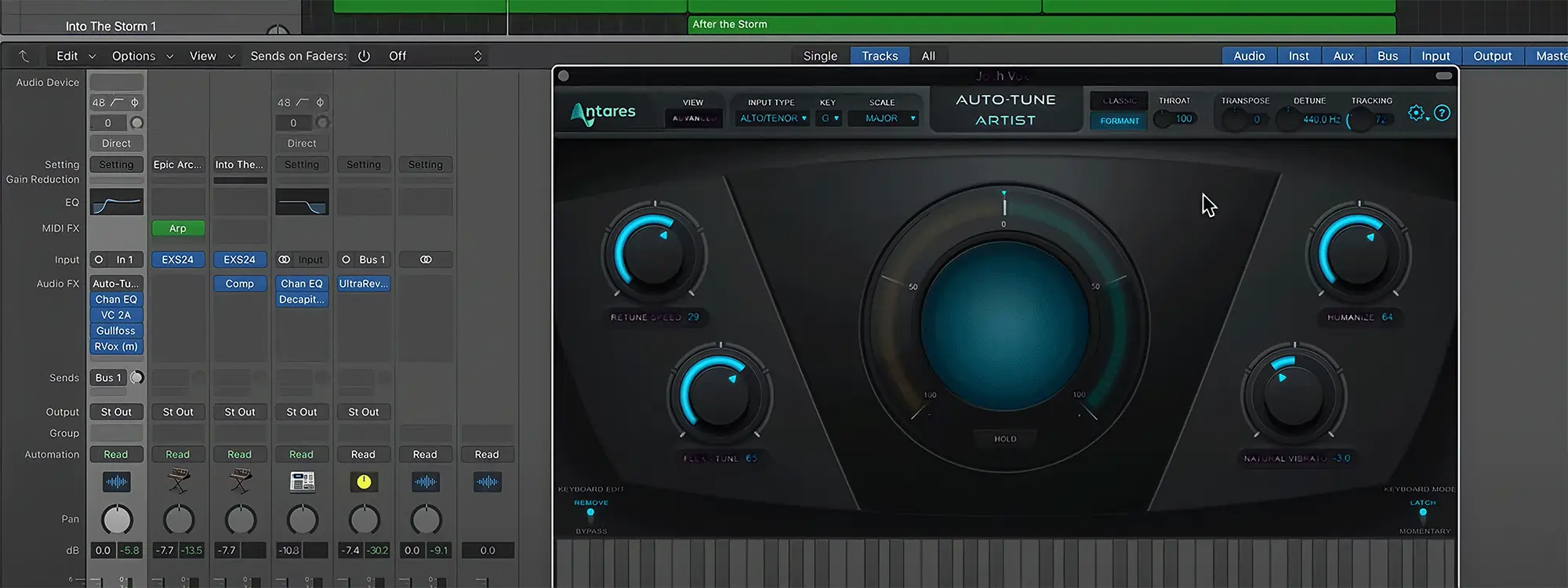
In this review of Auto-Tune Artist from MusicTechHelpGuy, Joshua Carney explains all the crucial Auto-Tune Artist controls such as Retune Speed, Flex-Tune, and Humanize. He also outlines how to Bypass notes in Auto-Tune scale settings to allow for extra “bluesy” notes in a vocal production.

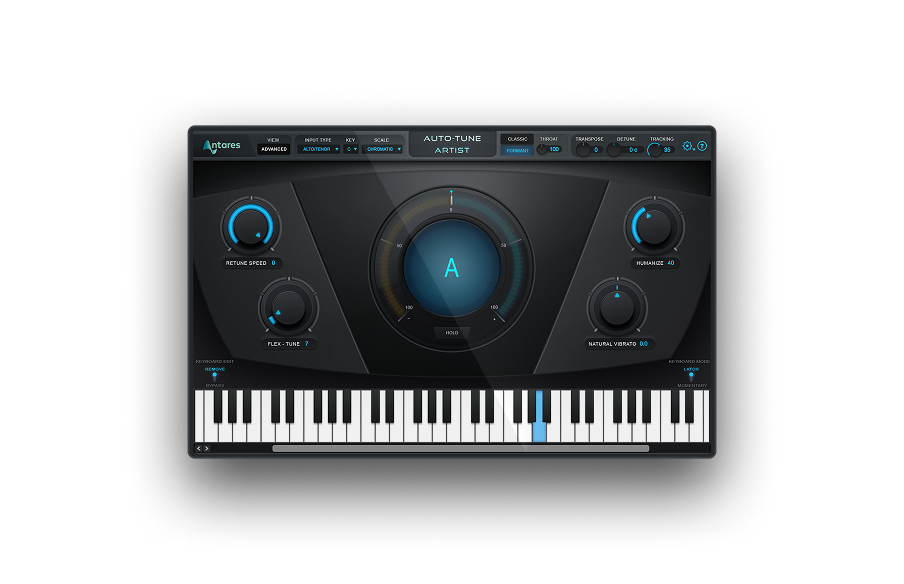
AutoTune Artist
Pitch Correction for Live Performance

Exclusive AutoTune Content

AutoTune Artist

AutoTune Unlimited

AutoTune 2026 and Metamorph
Now Included

Tutorial by: Josh Carney
Audio Engineer, Musician, and Video Producer
Website
Josh Carney is an audio engineer, musician, and video producer with over 15 years of experience. In addition to creating tutorial videos for Antares, YouTube, Ask.Video, and MacProVideo, Josh offers recording, mixing, mastering, songwriting, and session musician studios at his studio in Tampa Bay, Florida.