
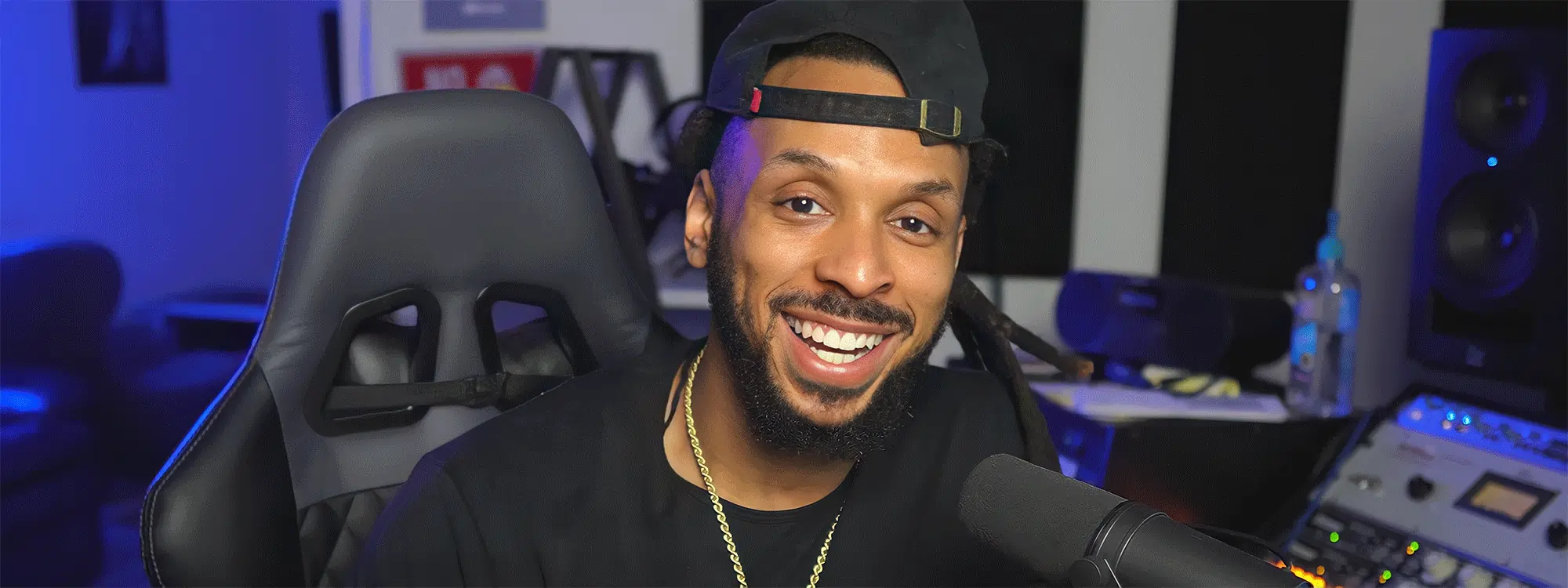
Doubling is one of the best ways to give a vocal more command and presence in the mix, and Duo from the Vocal Effects collection is just about the best and easiest way to do it. We’ve enlisted the help of one of our favorite music production educators, Wavy Wayne, to show you how to turn one voice into two in this quick Duo plug-in tutorial. Let’s get into it.
Duo Plug-in Tutorial
Duo is available with Auto-Tune Unlimited, the ultimate collection of professional vocal effects. Subscribe now, or download your fully-featured, FREE 14-day trial of Auto-Tune Unlimited today.
Duo
Automatic Vocal Doubler
Keeping it Real
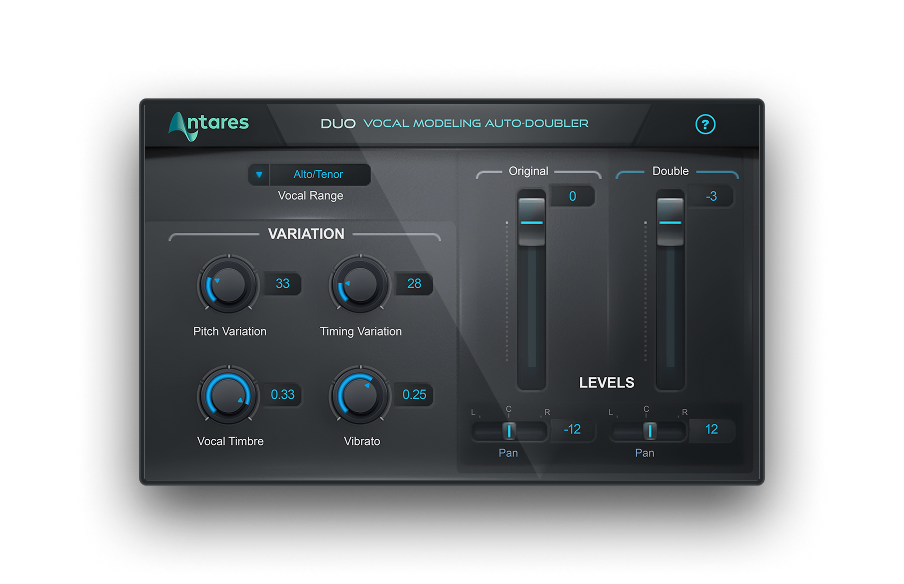
Of course, those voices need to sound just different enough that things feel real, so Wayne goes over Duo’s settings. There are knobs to bring in pitch and timing variation between the doubled voice and the original. You can also change the timbre of the doubled voice, and introduce vibrato. Last but not least, you can mix and pan the original and doubled voices right inside Duo, so everything still takes up just one track in your DAW project.
Duo lets you fatten up your tracks with a double dose of vocal power.
Duo Unlimited
If you don’t have your own copy of Duo, you can download a fully-featured trial of Auto-Tune Unlimited and try it out free for 14 days. Auto-Tune Unlimited comes with all of the Vocal Effects plug-ins, every current version of Auto-Tune, and more. It also offers the lowest cost-of-entry to access the most comprehensive collection of pro vocal effects ever offered from Antares. Just click here to start your subscription, or try it out for 14 days at no cost.


AutoTune Unlimited
The Ultimate Vocal Production Suite

Exclusive AutoTune Content

Duo

AutoTune Unlimited

AutoTune 2026 and Metamorph
Now Included

Tutorial by: Wavy Wayne
Professional Audio Engineer
Website
A graduate of Full Sail University, Wayne has produced and mixed tracks for such artists as Future, Ashanti, and Yo Gotti. He has taught audio engineering and music production across the country, hosts the Married to Music podcast, and offers recording session templates for all popular DAWs via his website.