

An MP3 to MIDI converter is AI that listens to an audio file and writes out the notes as MIDI data. Drop in a recording, get back the notes, edit them, transpose them, hand them to a different instrument or flip them into something nobody's heard before. A bass riff you can't figure out by ear, a vocal melody you want to replay on a synth, a chord progression you want to steal and rebuild, thirty seconds and it's yours to work with.
What's changed in 2026 is how good the AI has gotten. Polyphonic conversions that were unreliable two years ago are now clean enough to drop straight into a session.
How Does MP3 to MIDI Conversion Work?
The model listens for pitch over time and writes out note-on and note-off events. A monophonic source (a single melodic line, like a vocal or a bass riff) converts almost perfectly, a polyphonic source (chords, full mixes) is way harder, because the model has to pull overlapping frequencies apart and assign them to distinct notes. Drums are their own problem entirely, since percussion sounds can get confused with melodic content.
Three things decide accuracy:
- How clean the source is
- If it's a single instrument or a full mix
- ow well the model was trained on similar material
Best MP3 to MIDI Converters in 2026
| Tool | Platform | Cost | Best For |
| Samplab | Browser-based | Free for short clips, paid for longer files | Fast polyphonic conversion. Pulling melodies or chord progressions out of reference tracks in seconds |
| AnthemScore | Desktop (Windows, Mac, Linux) | Paid | Classical, piano and acoustic material. Editable piano roll display before exporting MIDI |
| Melodyne (w/ARA) | DAW plugin (Studio One, Cubase, Logic, Pro Tools) | Paid | The industry standard for monophonic-to-MIDI. Isolated vocals, bass and single-instrument stems |
| Ableton Live Audio-to-MIDI | Built into Ableton Live (v9 and up) | Included with Live | Pulling drum patterns out of loops. Melody and harmony conversion on isolated material |
| Logic Pro Flex Pitch to MIDI | Built into Logic Pro | Included with Logic | Monophonic vocal recordings. Extremely accurate, runs natively in Logic |
| Basic Pitch (Spotify) | Browser-based or downloadable | Free, open source | First-time audio-to-MIDI users. Piano, guitar and vocal material with no signup or usage limits |
| Klangio | Browser-based, instrument-specific | Paid | Instrument-aware transcription. Exports to MusicXML for sheet music alongside MIDI |
How to Get the Cleanest MP3 to MIDI Conversion
Source quality decides the result. A clean stem converts ten times better than a full mix, and the three rules below get you the cleanest conversion every time.
- Isolate the source first. If you're trying to convert one element out of a full song, run it through a vocal isolator or stem separator before the conversion. The model can't transcribe a melody it can't hear over the rest of the mix.
- Use a monophonic source when you can. Single melodic lines convert almost perfectly, polyphonic audio always needs editing afterward. If you only need one melodic idea, isolate that one line and skip the headache.
- Clean up the noise. Background hiss, room reverb and reverb tails confuse the model and produce phantom notes that weren't in the performance. Run the audio through Vocal Prep before the conversion to strip noise and hum. Cleaner in, cleaner out.
What Can You Do With MIDI After Converting From MP3?
The MIDI file is a starting point, never a finished product. Open it in your DAW, listen alongside the original audio and clean up the wrong notes (and there will be some). Quantize the timing if it's drifting and then swap the instrument and watch what happens. A vocal melody pulled to MIDI becomes a synth lead, a piano part turns into a string section, a bassline drives a brand new bass patch.
If you converted a vocal melody to MIDI because you wanted to learn it, take the next step and sing it yourself. Run your version through AutoTune 2026 with the same key and scale, dial in your Retune Speed, and you've turned a reference into your own recording.
Every producer you respect built their sound by lifting pieces of records they loved and twisting them into something new. The conversion takes thirty seconds, what you do after is the song. Pull the melody, flip the instrument, change the key, then put it on a record nobody's heard yet. Go make a hit.
Start your AutoTune Unlimited subscription and turn your MIDI extractions into finished vocal recordings. Have fun and go create!

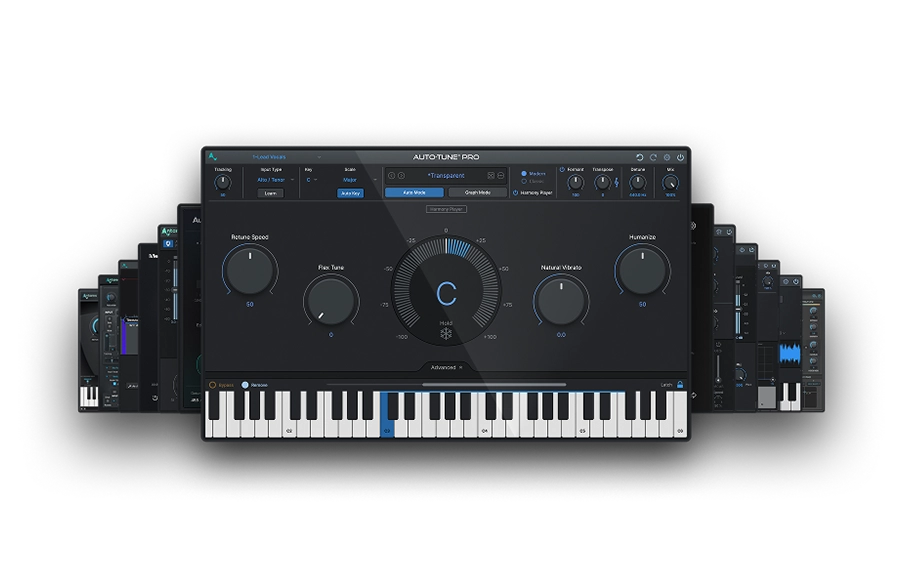
AutoTune Unlimited
The Ultimate Vocal Production Suite
Frequently Asked Questions
What is an AI MIDI converter?
An AI MIDI converter is a tool that uses machine learning to listen to an audio file and automatically transcribe the notes as MIDI data. Unlike older rule-based transcription tools, AI converters can handle polyphonic audio meaning chords, harmonies and multi-instrument recordings, by training on large datasets of audio-MIDI pairs. Basic Pitch, Samplab and Klangio are all AI-based converters. The accuracy of any AI MIDI converter depends on how clean and isolated the source audio is.
Can you convert any MP3 to MIDI?
Yes, but accuracy varies wildly. Single-instrument and vocal-only recordings convert at high accuracy. Full mixes convert at lower accuracy and almost always need manual editing afterward.
What's the difference between MP3 and MIDI?
An MP3 is a compressed audio recording of actual sound. A MIDI file has no audio at all, just instructions telling a synth or sampler which notes to play, when to play them and how hard to hit them.
Why is the MIDI file inaccurate after conversion?
The model has to interpret what it hears, and dense mixes, heavy reverb, distortion or noisy recordings throw it off. Cleaner source audio produces cleaner MIDI, every time.
What's the best free MP3 to MIDI converter?
Basic Pitch from Spotify. Polyphonic, no usage caps, results comparable to paid tools.
Can you convert drums from MP3 to MIDI?
Yes. Ableton Live's Convert Drums to MIDI and Samplab's drum separation are the strongest options. Drum conversion always needs cleanup because the model can mistake other percussive sounds for actual drum hits.

Exclusive AutoTune Content

AutoTune 2026
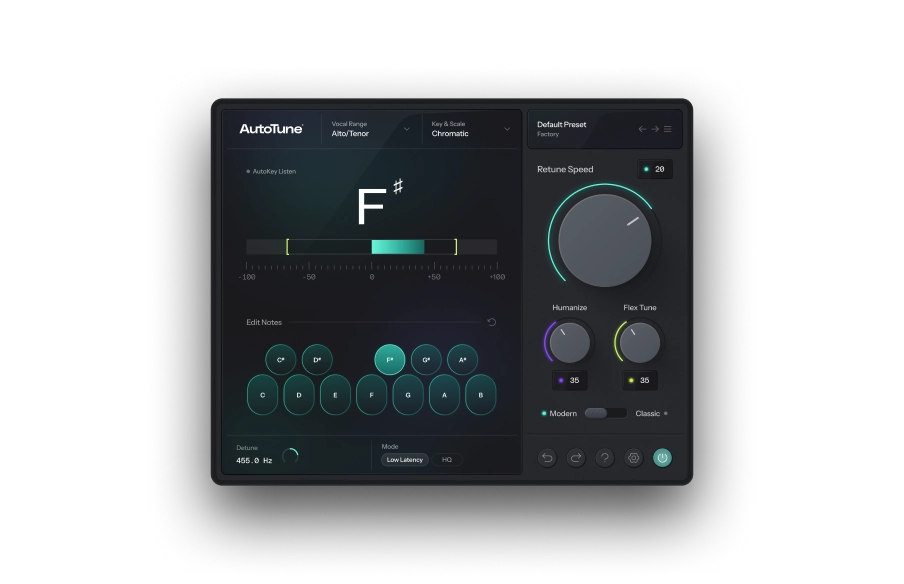

Vocal Prep
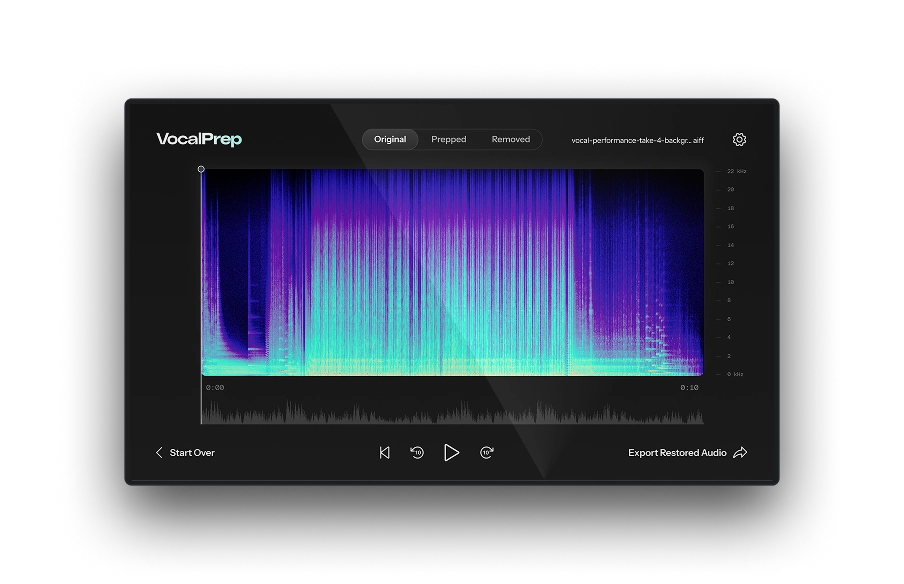

AutoTune Unlimited

AutoTune 2026 and Metamorph
Now Included

Antares Editorial
Antares is a leading developer of software for music recording and live performance. For over 20 years, Antares has powered the music of top-charting and indie artists with products including the industry standard for pitch correction, AutoTune™.