
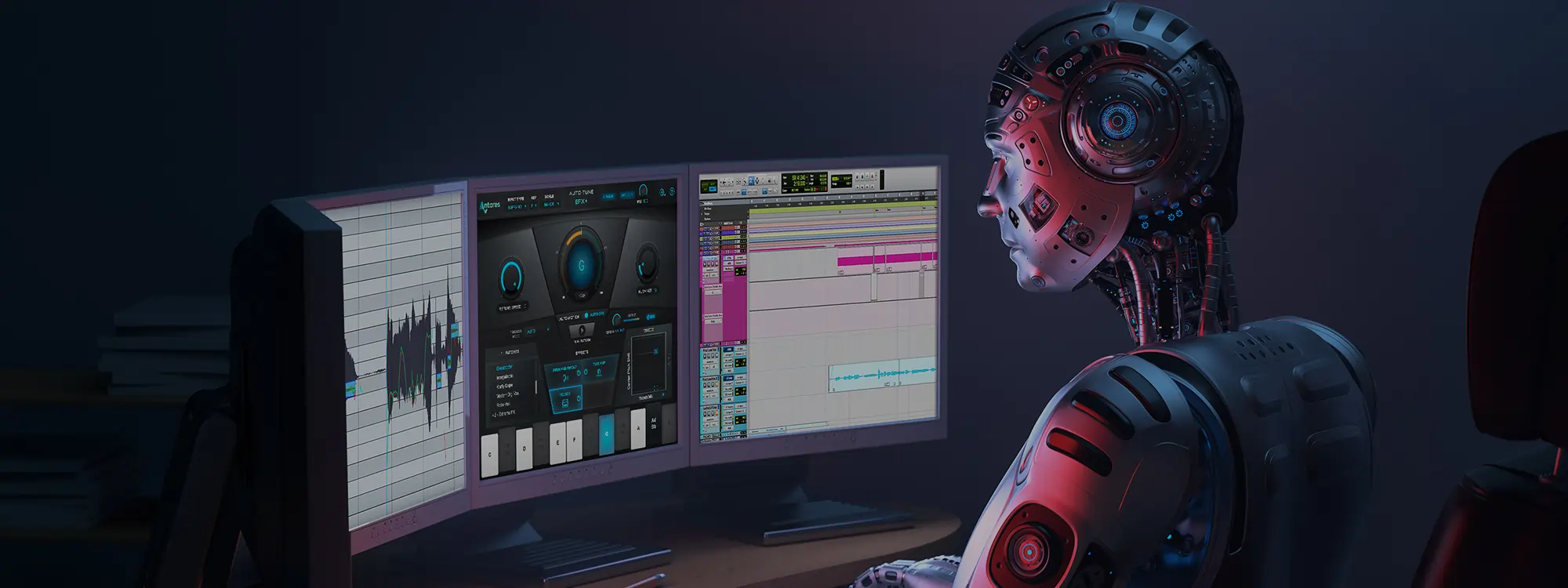
In this Auto Tune EFX+ tutorial, J. Chris Griffin demonstrates how to use Auto-Motion and Auto-EFX to spice up a guitar track and add exciting new musical parts and effects to a song.
Hear how Chris takes a single sustained guitar note and uses Auto-Motion with automation in Pro Tools to generate new melodic patterns that change along with the chords. Then he automates Pitch, Throat, and Filter controls in the Auto-EFX multi-effects rack, using the XY Pad as a real-time controller to create filter swells and add motion to the final track.

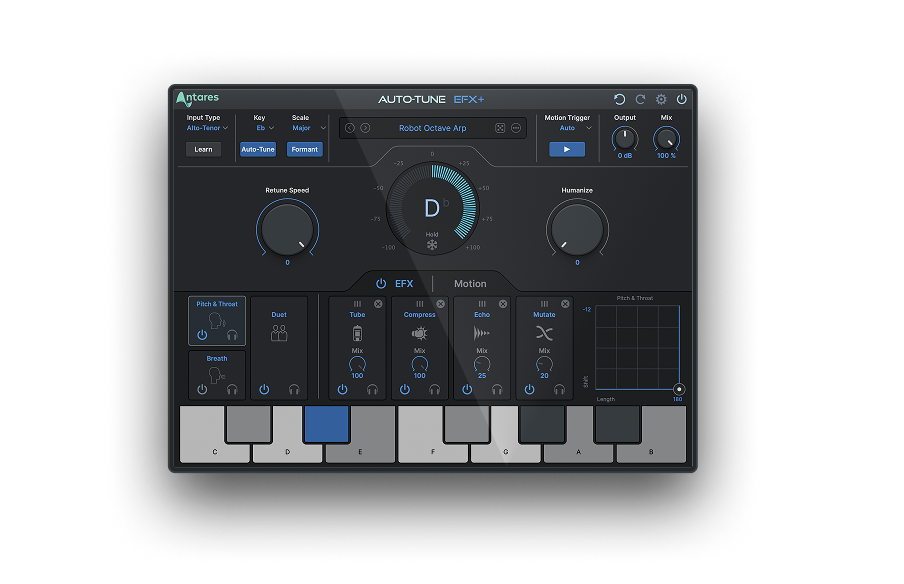
AutoTune EFX+
Creative Effects to Transform Your Vocal Tracks
Auto-Tune EFX+ has been winning fans both in the creative community and the media. It’s currently up for both a Sound On Sound Best Plug-In Award and a MusicTech Gear of the Year Award.


AutoTune Unlimited
The Ultimate Vocal Production Suite

Exclusive AutoTune Content
AutoTune EFX+

AutoTune Unlimited

AutoTune 2026 and Metamorph
Now Included

Tutorial by: J. Chris Griffin
Multi-faceted producer, engineer, educator and vocal coach
Website | Facebook | Twitter
Veteran producer / remixer / engineer J. Chris Griffin’s experience and credentials in many ways speak for themselves. His 20+ years in the music industry based out of both New York City and Nashville have garnered him production and engineering credits from A-list recording artists such as Madonna, Kanye West, Janet Jackson, Kelly Clarkson, The Killers, Missy Elliot, John Legend and many more.