
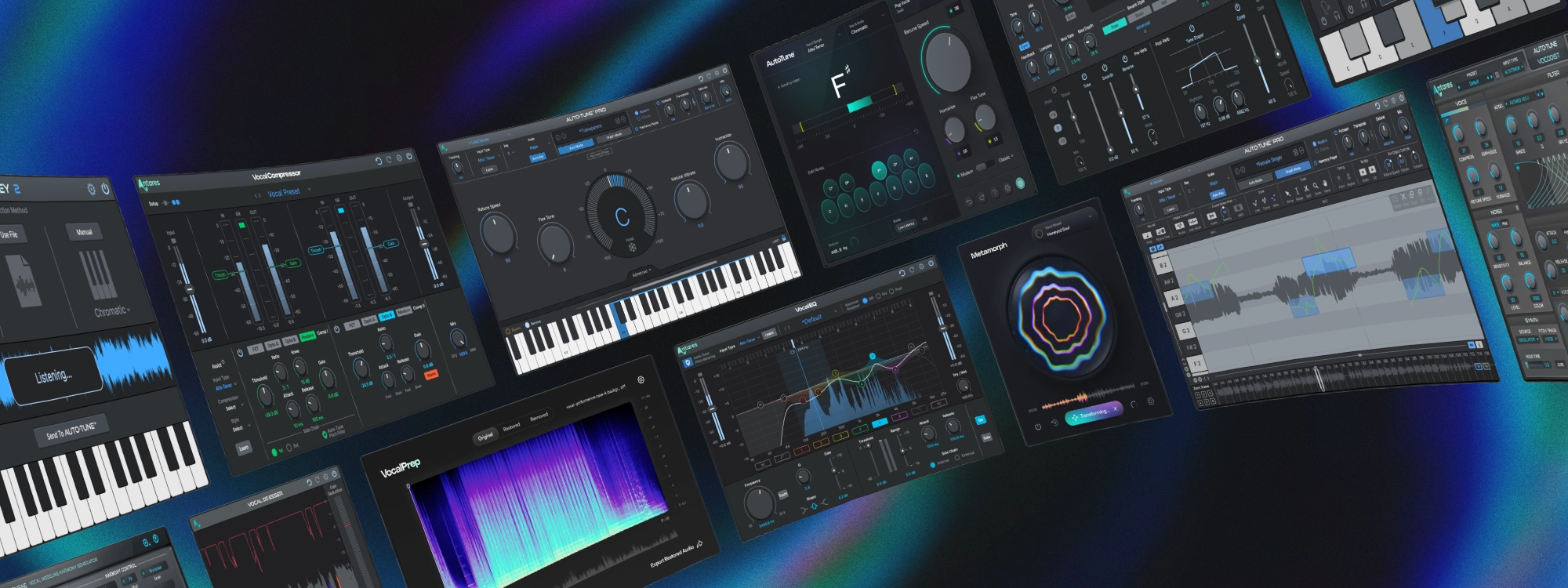
We just rolled out a major update across the entire AutoTune product line, and it affects over 30 plugins across the AutoTune, Creative Effects, and Vocal Chain families. Whether you run AutoTune Pro, the Vocal Chain tools, or our creative effects like Vocodist and Slice, this update brings meaningful quality-of-life improvements to your workflow.
Here is everything you need to know.
What Changed
Cleaner Plugin Names in Your DAW
We have streamlined how our plugins appear in your DAW's plugin browser. The goal: less clutter, faster navigation, and a more intuitive experience when you are building your vocal chain.
Here is what changed:
AVOX branding removed: Plugins previously labeled under the AVOX name now appear without that prefix.
Auto-Key is now AutoKey: The hyphen has been removed from AutoKey for consistency with our naming conventions.
Vocal Chain tools simplified: Vocal EQ and Vocal Compressor no longer carry the "Auto-Tune" prefix in your plugin list, or on the UI’s plugin.
Creative effects renamed: Vocodist, Slice, and SoundSoap now appear without the "Auto-Tune" prefix in your plugin list.
Important: Your existing sessions, presets, and settings are fully preserved. Only the display name in your DAW has changed. Open your projects as usual, and everything will work exactly as before.
Stability and Reliability Improvements
This update includes two important under-the-hood fixes:
Enhanced license stability: We have addressed issues that could occasionally cause license verification hiccups, ensuring a smoother experience when launching your plugins.
Session recall reliability: This has been improved, so your plugin settings load consistently every time you open a project.
macOS 26 Tahoe Compatibility
For those running Apple's latest operating system, this update brings official macOS 26 Tahoe support across all current products. Whether you upgraded early or are planning to make the switch, your AutoTune plugins are ready.
A Note on AutoTune Editions
The flagship AutoTune editions (Auto-Tune Pro, Auto-Tune Artist, Auto-Tune Access, etc.) retain their hyphenated naming in your DAW's plugin list. This update focused on streamlining the supporting tools and creative effects. The core AutoTune products continue to appear as they always have.
How to Get the Update
AutoTune Unlimited subscribers have access to these updates automatically. Simply open the AutoTune Central application to download the latest versions. If you own individual plugins, the same process applies: launch AutoTune Central, check for updates, and install.
Not an AutoTune Unlimited subscriber yet? This is a good reminder that subscribers always get the latest updates, compatibility fixes, and new features the moment they are available.

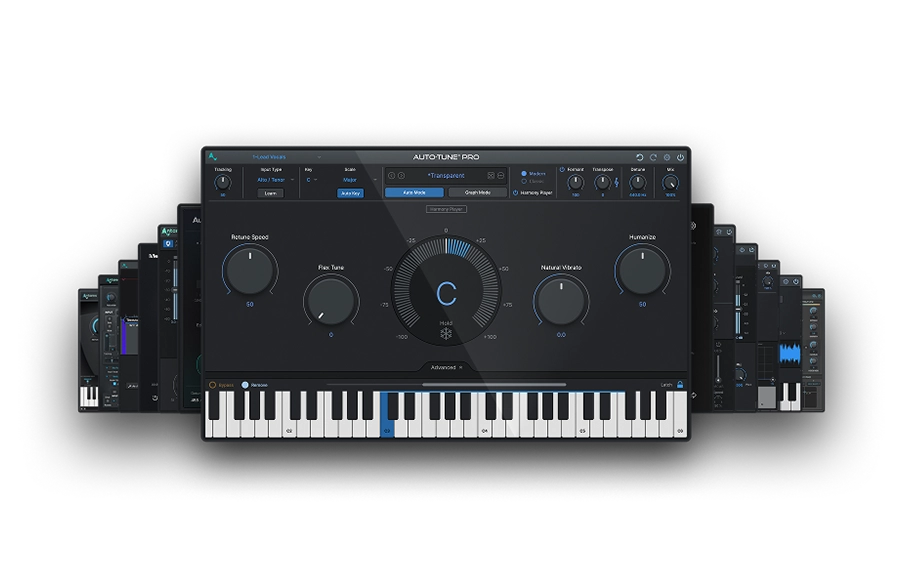
AutoTune Unlimited
The Ultimate Vocal Production Suite
Moving Forward
This update reflects our ongoing commitment to making your creative workflow as seamless as possible. Cleaner plugin names, stronger stability, and support for the latest operating systems, these are the details that matter when you are in the middle of a session and need your tools to just work.
Questions about the update? Reach out to our support team or join the conversation in the AutoTune Discord community.

AutoTune Pro


AutoTune Unlimited

AutoTune 2026 and Metamorph
Now Included

Antares Editorial
Antares is a leading developer of software for music recording and live performance. For over 20 years, Antares has powered the music of top-charting and indie artists with products including the industry standard for pitch correction, AutoTune™.