
Gone are the days where you had to book a slot at the local recording studio to get your music ready for publication. For the last couple of decades, recording gear has become more and more accessible, to the point that virtually anyone can set up a recording studio in their bedroom for the price it'd cost to book a "real" recording studio for a week.
Today's DAWs and plug-ins are so powerful that you can recreate the sound of your favorite guitar amplifier, grand piano, or dance sounds in seconds; this led to the proliferation of the so-called bedroom producers, which now make up most of the independent music landscape across all genres.
If you want to start building your recording studio today, there are a few pieces of hardware and software you'll absolutely need, and other elements which will help you expand your sonic palette as you refine your style. Today, we'll look at what you need to get started and highlight a few creative habits you should develop if you want to make a career in the music industry.
Building A Music Production Setup
Before we analyze what you need to start producing music, carefully examine your budget and purchase your gear accordingly. For instance, if your budget is $1500, spending all your money on a brand-new MacBook Pro might not be a wise choice, especially if your music doesn't require all that CPU power to be recorded, mixed, and mastered.
If creativity calls, you can download free software like GarageBand, MPC Beats, or Audacity and start producing your tracks. As you move forward, you can gradually add more plug-ins and hardware, but the concept is that in this day and age, music production is accessible for all budgets, so you have no excuses.
Computer
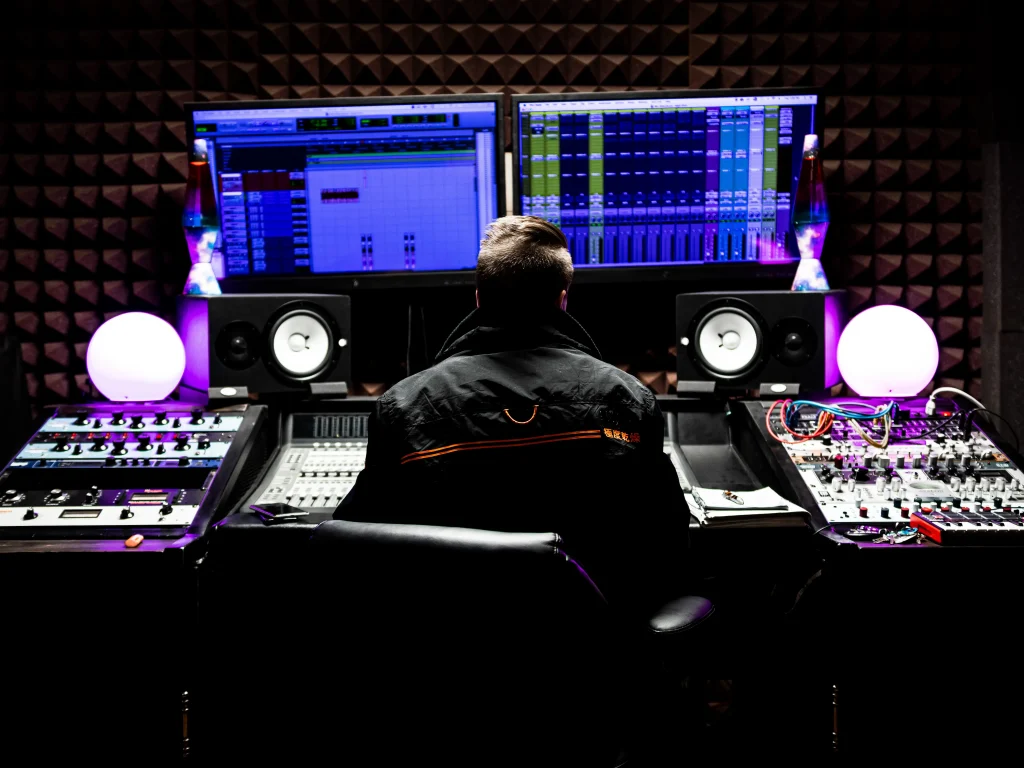
Later on, we'll delve deeper into DAWs, so let's start by saying that professional software for audio recording requires computers that can cope with high CPU usage. Although several DAWs can work on outdated computers and cheap laptops, it's advised to have a high-quality laptop or PC with enough storage and compute power to handle the large amounts of data.
Audacity can run on virtually anything that turns on and off, while professional DAWs like Logic Pro X, Ableton, and Cubase have more demanding requirements but nothing out of the ordinary (unlike video editing, where high-end gear is strongly recommended).
The more plug-ins and tracks you have, the more CPU your DAW will drain, so invest some of your time in analyzing your music, what you need, and whether your laptop can sustain the workload.
Digital Audio Workstation (DAW)
A DAW (Digital Audio Workstation) is your virtual recording studio: a digital environment where you can record, mix, and master your music. DAWs come with built-in effects and musical instruments that can help you start making music immediately, but you can add third-party plugins, instruments, and effects to your DAW to refine your unique sound.
DAWs revolutionized the music industry by giving everyone access to the tools to make music that sounds professional. Once you know your DAW of choice, you can create and publish music that'll sound as professional as the one released by the artists you love.
So how do you choose your first DAW? That'll depend on your budget, recording requirements, and existing gear. For instance, if you own a Mac, the best choice would be to start with GarageBand for free and then upgrade to Logic Pro X when you want to upscale your production. For Windows users, there are just as many options: you can get Cakewalk for free and then upgrade to Ableton, Cubase, Pro Tools, Studio One, FL Studio, or any other.
While historically, some software was primarily used by electronic producers (see Ableton or FL Studio), now all the most popular software are versatile enough to offer musicians of all genres everything they need to express themselves. If you want to learn more about digital audio workstations, test them out (most DAWs offer free trials), or see which ones your favorite producers use. Some are more intuitive than others, but at the end of the day, it's just a matter of personal taste.


AutoTune Unlimited
The Ultimate Vocal Production Suite
Audio Interface
An audio interface lets you connect your musical instruments to your computer and record music in your DAW: it's crucial if you sing, play the guitar or the piano. The correct audio interface can help you expand your sonic palette and simplify your workflow considerably.
We won't spend time discussing sample rate and bit depth, as even entry-level interfaces satisfy the basic recording requirements of standard-quality CDs. When choosing an audio interface, you should focus on the type and number of inputs/outputs you need.
If you're a songwriter, you might be able to do everything you need with one input, but if you record more than one instrument at once, look for options that'll allow you to record your compositions professionally.
To make real instruments sound like they were recorded in a high-end studio, you often need multiple microphones: for a piano, you'll need at least two microphones, while for an acoustic drumkit, at least four and as many as twelve. Therefore, if the budget allows it, choose an interface that'll satisfy your needs for a while.
Studio Monitors
Studio monitors are not necessary but can help you upscale your music production setup. When producing music, you need to listen to the sound of your tracks untouched by the characteristics of your playback system, which is why studio headphones and monitors are so helpful when mixing and mastering music.
You need to decide which frequencies to enhance or mitigate, which instruments require more reverb to blend with the rest of the mix, and the "disposition" of your instruments within the audio spectrum. All these decisions require careful listening sessions and a flat response; plus, studio monitors prevent ear fatigue caused by constant headphone use.
Choosing the right studio monitors depends on your budget and the size of your room: the larger the space, the more powerful your studio monitors will have to be to reproduce the whole spectrum faithfully. If you have just started, you can try the Eris series by Presonus: it's affordable (the model 3.5 costs just over $100) and delivers pristine audio quality reproduction. If you're looking for something more professional, look into the fantastic ADAM Audio A7Xs (around $1,000).
MIDI Keyboard
While, in principle, you can make your music simply with your laptop keyboard, a MIDI keyboard or controller can help you make the most of your DAW and give you the feel of having a whole set of high-quality instruments at your fingertips.
You can connect a MIDI controller directly to your computer (so there is no need for an audio interface). From your DAW, you'll be able to control your virtual instruments through the MIDI interface. They come in all shapes and forms, from MIDI keyboards that can help you create melodies to drum pads and mixing controls that will undoubtedly streamline your workflow.
If you compose music, a MIDI keyboard should be one of the first items in your inventory. Options are endless, but the Akai MPK series is a great and inexpensive option if you want to start making music in no time.
Headphones
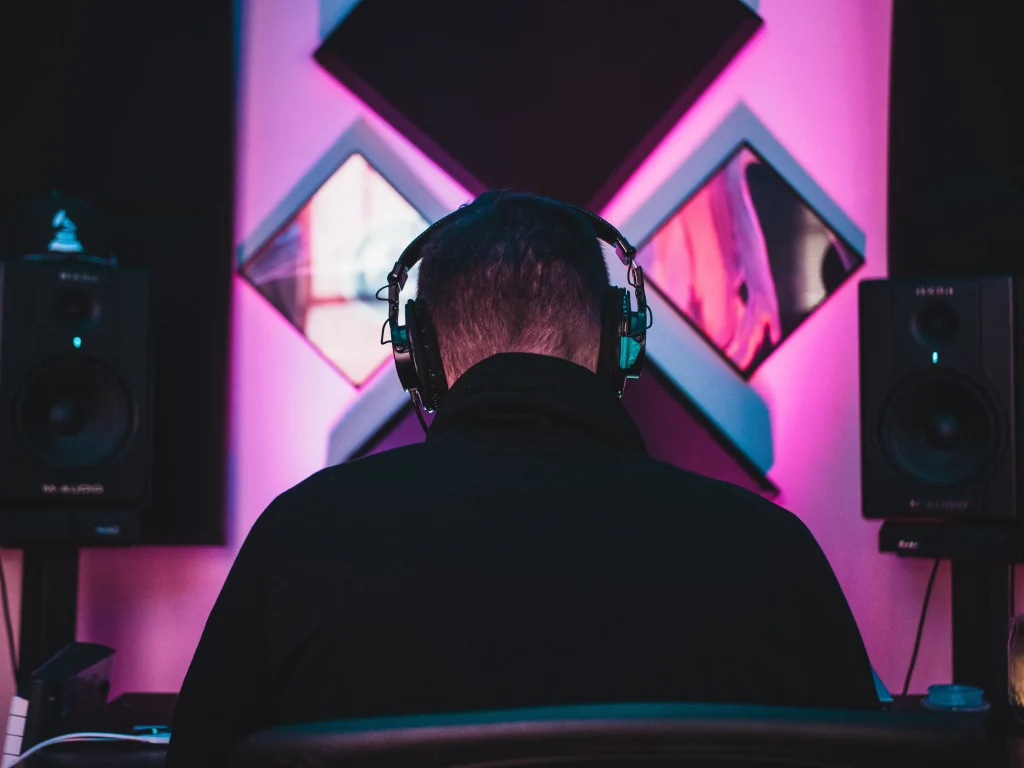
Good quality studio headphones can help you make effective decisions on your mix because they reproduce your song precisely as it sounds. What's crucial about studio headphones is that, unlike standard headphones, they don't enhance lower frequencies to make songs more appealing, which allows you to listen to your track as it sounds.
One option for studio headphones is the Sony MDR-7506. Affordable, professional, sturdy, and widely used in the recording industry, the MDR-7506 will change how you listen to and mix music.
Microphone
You need a microphone to capture sounds if you record real instruments or your voice. You have two options: an XLR Microphone to connect to your DAW via an audio interface or a USB microphone to connect straight to your PC. USB microphones like the Blue Yeti offer incredible results for their price, but if you want to record your instruments professionally, opt for the Shure SM57 or SM58, as they're incredibly versatile and won't break the bank.
Things To Improve Your Experience
Making music is not just about recording your songs and releasing them. Nowadays, independent musicians must be their own manager and PR agency, so wearing multiple hats is something you'll need to get used to if you want to make it in the music industry.
Although not the article's main topic, let's see what you need to do to maximize your audience and give your music the exposure it deserves.
Social Media Presence
It's no secret that many artists dislike social media; they're distracting, oversaturated, and highly competitive. Not exactly the kind of environment an artist needs to thrive. However, engage with your fans regularly and make them part of your creative journey; they'll support you for a long time.
Day by day, build a fanbase by being genuine and open with your fans. You don't need thousands of followers to make a sustainable artistic career: focus on your music, but invest part of your time sharing news on what you're up to and your plans for the future.
Start building your online identity from your most familiar platform and gradually expand your network. Don't expect immediate results, but be patient, and they'll come.
Creativity and Confidence
You can learn to be creative by building creative habits in your life. If you pick up your guitar daily, even for just fifteen minutes, you'll slowly learn new chords and scales and improve as a songwriter. Honing your music skills will enhance your creativity to the point when music composition will be as natural as going for a walk.
Confidence plays a massive role in the career of all creatives. We all believe our music is excellent and will be praised the moment we publish it; when that doesn't happen, we feel rejected and unappreciated. The only way to overcome this obstacle is to surround yourself with people who listen carefully to your music and give you valuable (and sometimes painful) feedback.
Learning to accept criticism, and to discern constructive feedback from the shallow, bitter one, is the most crucial step in the creative journey of a music producer.
Good luck, and stay creative!
AutoTune Unlimited
The Ultimate Vocal Production Suite

Exclusive AutoTune Content

AutoTune Unlimited

AutoTune 2026 and Metamorph
Now Included

Antares Editorial
Antares is a leading developer of software for music recording and live performance. For over 20 years, Antares has powered the music of top-charting and indie artists with products including the industry standard for pitch correction, AutoTune™.