
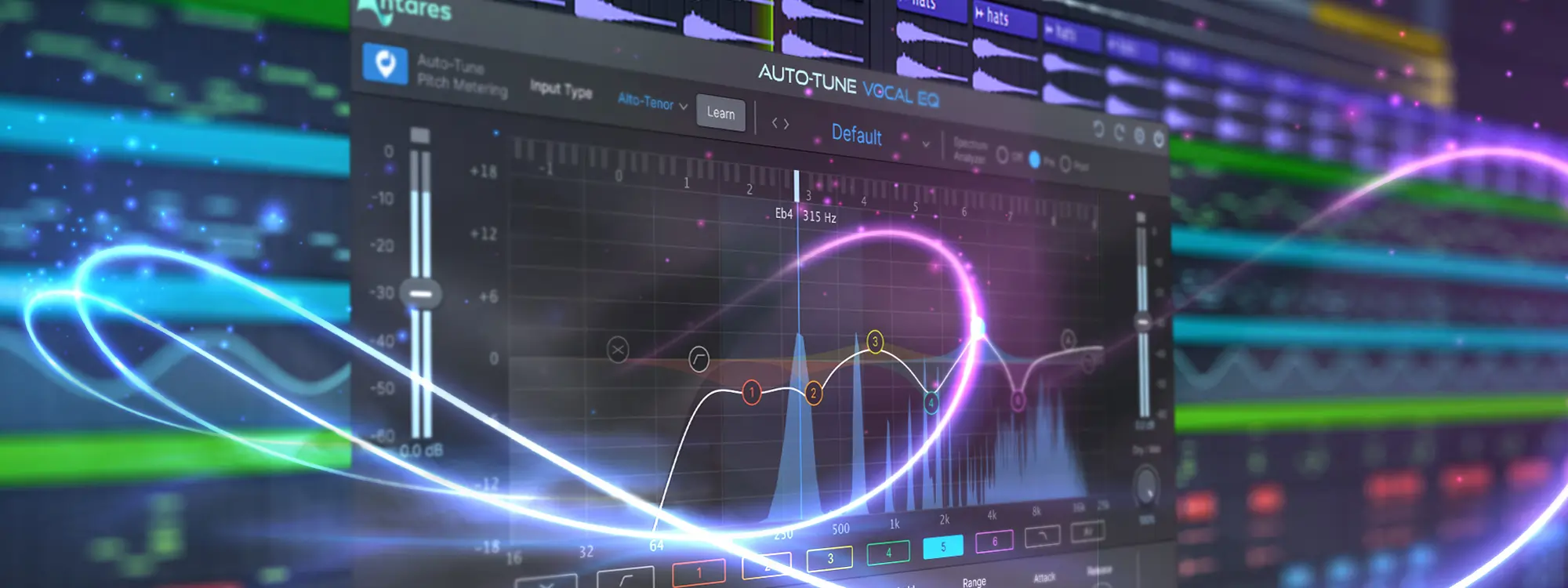
With the rise of DAWs, creating music has become more accessible than ever before. What used to require expensive studio set-ups can now be accomplished with a computer or smartphone.
Whether you're an aspiring musician or a seasoned pro, DAWs provide a versatile and powerful toolset for recording, mixing, and producing music across a wide range of genres.

What is a Digital Audio Workstation (DAW)?
A DAW, or Digital Audio Workstation, is software that lets you create, record audio, edit, and produce music. With a DAW, you can manipulate sounds, arrange tracks, apply effects, and much more, directly from your PC or Mac.
The technology at our fingertips today is the result of decades of evolution, and it’s worth talking about.
History of DAWs
In the 1970s, the initial versions of DAWs were extremely basic and mainly used for recording, with limited editing tools; only big studios could afford these early systems.
However, the introduction of MIDI (Musical Instrument Digital Interface) in the 1980s completely changed the industry, allowing instruments to communicate directly with computers. This made it easier for artists to compose digital music, and DAWs started adding more and more features.
As personal computers became more powerful and affordable in the 1990s, DAWs became more user-friendly. Soon after, the so-called "bedroom producers" emerged.
During the 2000s, the rise of high-speed internet and technology made it possible for many DAWs to be developed, which allowed anyone to produce music. Musicians now have a variety of options available to them, including Ableton Live, FL Studio, and Logic Pro, which give them the tools they need to improve their creative process.
DAWs transformed the music landscape, allowing artists to experiment and create music without booking expensive studio time or buying costly equipment. A select few companies no longer gatekept the music industry, and young artists started producing hit songs without spending a dime.
How Does a DAW Work?
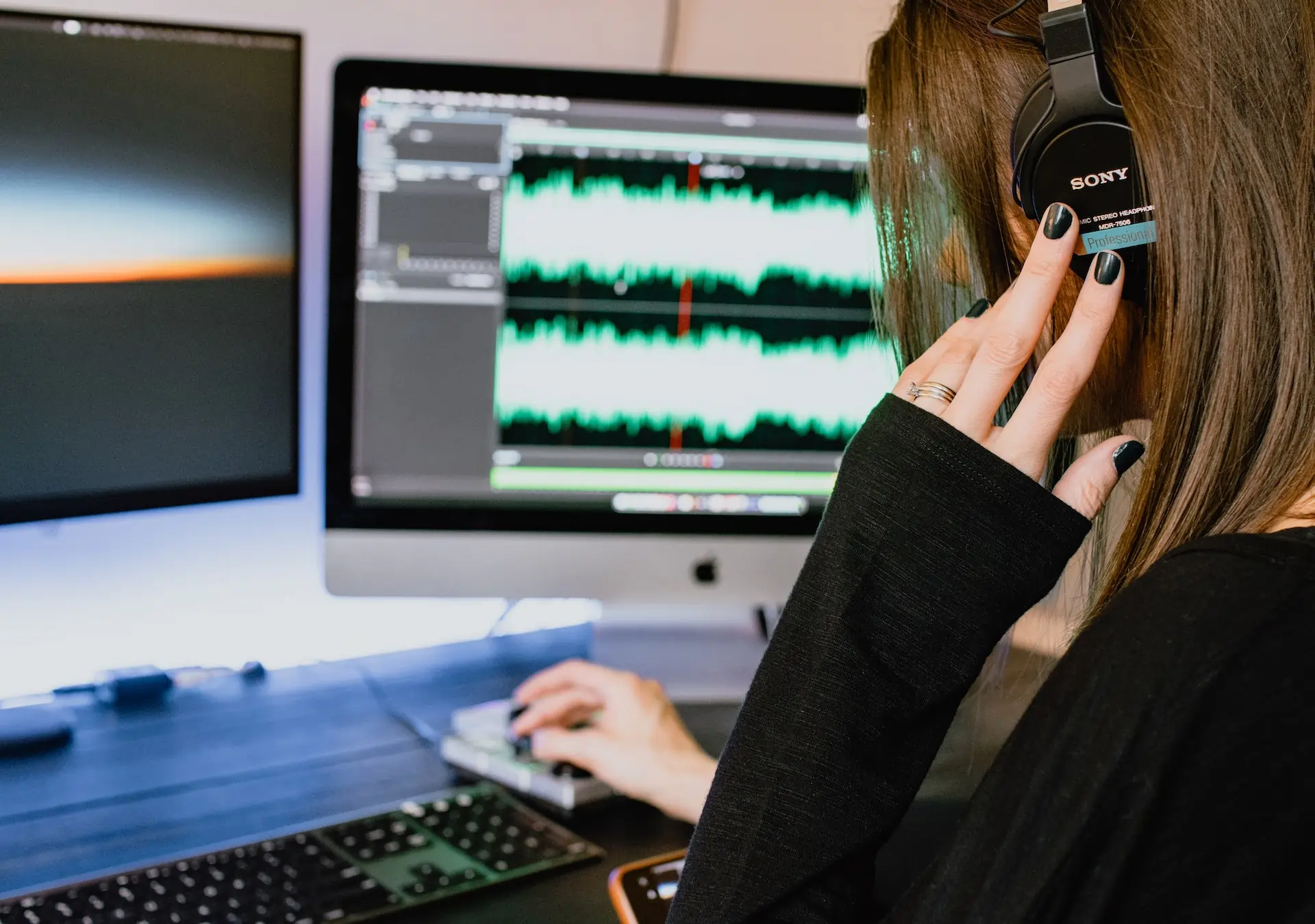
A DAW is a digital music production tool that allows you to lay down tracks (either sounds you recorded or digital instruments you played) and manipulate them in various ways. A DAW lets you do all this in a digital space as you would in a physical studio with instruments, microphones, and mixers.
Key Functions of a Digital Audio Workstation:
- Recording: This is where the magic begins. A DAW lets you capture sounds—whether it's your voice, an instrument, or any other audible source. Just hook up a microphone or an instrument to your device, and you're ready to record.
- Audio editing: Did you make a mistake or want to change something in your recordings? DAWs allow you to cut, paste, move, stretch, and manipulate audio in various ways. You can adjust the pitch, change the tempo, and even rearrange whole sections of a song.
- Mixing: Mixing is where you define the volume, panning (left or right), and effects for each of your tracks. This ensures every instrument or voice sits perfectly in the mix.
- Mastering: Consider this as the finishing step in your composition process. After mixing your track, mastering guarantees that it sounds exceptional on all types of devices, from large speakers to earphones. Mastering focuses on improving the overall sound quality and maintaining consistency in volume and tone.
Many of these DAW functions can be enhanced with the use of plug-ins. For example, if you're looking for a professional and refined vocal effect, look no further than the comprehensive library of Auto-Tune plug-ins.


AutoTune Unlimited
The Ultimate Vocal Production Suite
Other Functions of DAWs
With DAWs and third-party plug-ins, the options are endless. Let's delve deeper into what you can do with these powerful tools.
- Virtual Instruments: Ever wanted to play the drums, piano, or even a sitar, but you don't have one? Virtual instruments within DAWs let you do just that. You can play endless instruments with a MIDI keyboard or your computer keyboard.
- Various Audio Effects: From reverb (echo-y sounds) to distortion (gritty, electric sounds), DAWs offer many effects to shape your sound.
- Sound Design: Whether you're creating a spooky soundtrack for a game or crafting unique sounds for a track, the sound design capabilities of high-end DAWs are stunning.
The Interface
When you first use a DAW, it can seem as complex as operating a spaceship. However, as you get more familiar with it, it becomes much more intuitive. Common elements of a DAW include:
- Tracks: Rows where you lay down your sounds. Each track can be an instrument, a voice, or audio.
- Mixer: This is where you control each track's volume, panning, and effects.
- Transport Controls: Play, stop, and rewind like a music player.
- Effects Rack: A space to add and adjust the various effects for each track.
- Piano Roll/Sequencer: For virtual instruments, this is where you 'draw' or 'sequence' the notes.
Every DAW might have a slightly different layout, but the basic interface is usually the same. With a bit of time and patience, you'll soon be navigating like a pro.
Types of Digital Audio Workstations
Companies own certain DAWs and usually require payment. These are called proprietary DAWs, which may include regular updates, specialized customer assistance, and high-quality features. Some offer limited free "lite" or "intro" editions.
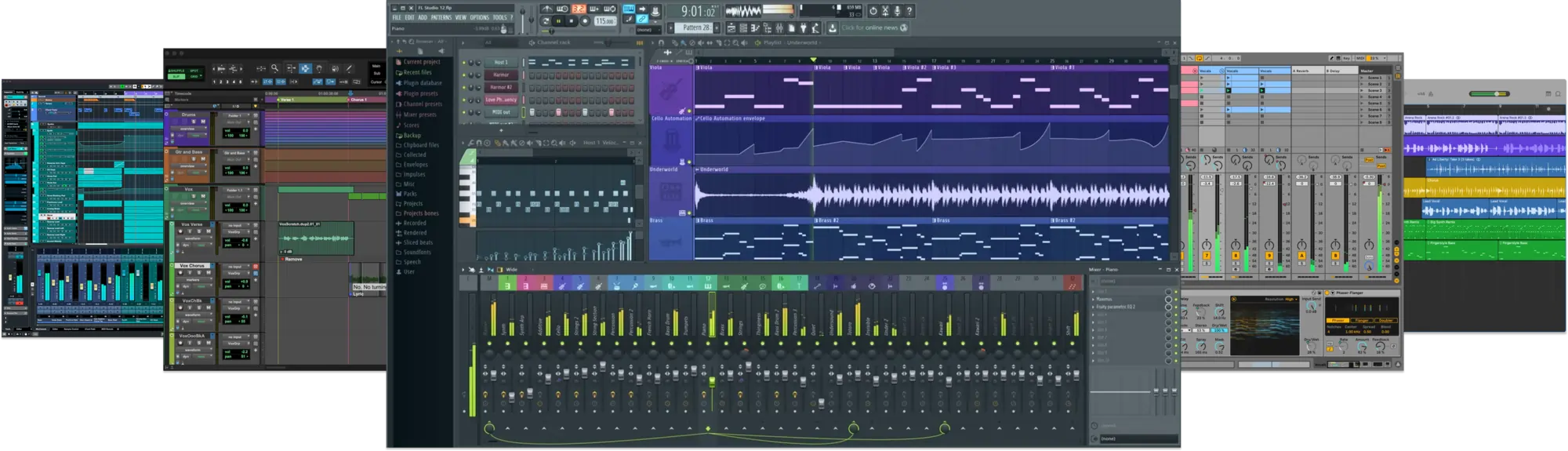
Examples: Ableton Live, FL Studio, Pro Tools, Logic Pro X, Cubase.
Other DAWs are freely available for users to download, modify, and sometimes even redistribute, and these are called Open-source DAWs. Open-source means their source code is open for anyone to review or build on.
Examples: Ardour, Audacity, Hydrogen.
You can find DAWs specifically designed to run on Windows OS (Cakewalk), on MacOS (Logic Pro X, GarageBand), and even on the Linux operating system (Ardour, Qtractor). With the rise of advanced smartphones and tablets, mobile DAWs have emerged, allowing users to create music on the go (FL Studio Mobile, GarageBand, BandLab).
How to Choose the Right DAW
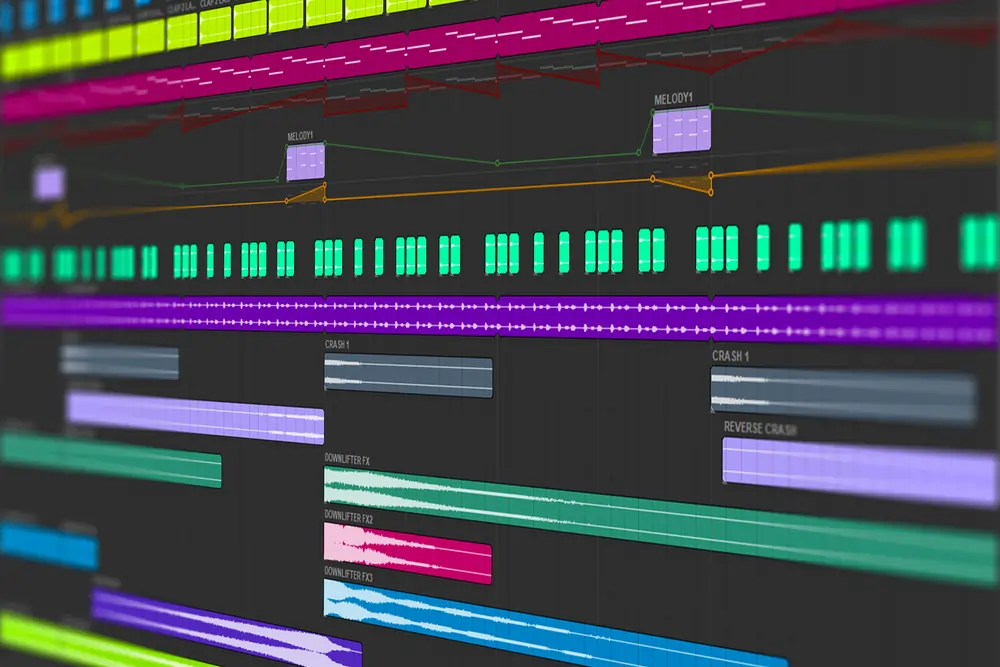
Define Your Purpose: Start by understanding what you want to achieve with your DAW. Are you inclined towards electronic music creation or capturing live performances? Each DAW caters to different specialties. For example, while FL Studio is a favorite among electronic music producers, Ableton Live is preferred by many for live performance recordings.
Set a Budget: While there are complimentary DAWs available, investing in a premium one might give you access to advanced features and enhanced performance. Determine a budget and find a DAW that offers the best value within that range.
Ease of Use vs. Customization: If you're a beginner, you might prefer a DAW with a user-friendly interface and straightforward workflows. However, if you're seeking intricate customization, be prepared for DAWs that might be more complex but offer greater flexibility.
Think Long-Term: If you envision yourself using the DAW for an extended period, opt for one that supports plug-ins. This will ensure that as you grow as a musician, your DAW will be able to keep up by expanding its capabilities.
Research and Test: With many DAWs available, taking the time to research and even test a few can help ensure you find the one best tailored to your specific needs. This way, you can confidently produce top-notch music in your personal space.
AutoTune Unlimited
The Ultimate Vocal Production Suite
Final Thoughts
There's no doubt the world of music production has been transformed by the introduction of digital audio workstations, which have enabled people of all skill levels to bring their musical ideas to life with ease. With so many options available on the market, choosing the right DAW for your needs can be overwhelming. But, once you find the perfect fit, the possibilities are truly endless.

Exclusive AutoTune Content

AutoTune Pro


AutoTune Unlimited

AutoTune 2026 and Metamorph
Now Included

Antares Editorial
Antares is a leading developer of software for music recording and live performance. For over 20 years, Antares has powered the music of top-charting and indie artists with products including the industry standard for pitch correction, AutoTune™.