

For many artists, audio mastering is a form of dark art. If you're a musician who doesn't know anything about post-production, you can generally get a good grip on how recording and mixing music work. Conversely, audio mastering seems like a fluid concept that only professional engineers can fully grasp.

However, the result is tangible: after a professional mastering process, the quality of a song can increase considerably, helping you bring to life music that sounds fantastic on all devices. The tracks' vibes will feel more consistent throughout, and musical instruments will feel carefully blended and harmonious.
If you decide to go DIY and master your tracks using your DAW, there are a few things you need to consider if you want to sound professional and reach the so-called audio industry standards. Let's take a look at the most common mistakes newcomers make when they master music.
Over-Processing
While trying to achieve the perfect sound, it's not uncommon to take it too far and use too many plug-ins or use just a few but use them too extensively. This is referred to as over-processing.
The problem with long mastering chains is that the plug-ins included can interfere with each other, causing distortion or compromising the audio frequencies you intended to highlight.
Compression, EQ, and limiting are often the only tools you need to master your track professionally. A mastering chain containing these effects will result in a track that sounds authentic but is also loud and clear enough to satisfy the needs of all listeners.
Making a Master Excessively Loud (or too Quiet)

The problem with making a song too loud is that streaming services will lower the volume before it's uploaded. This can significantly impact the quality of the song, as the track will be available to the audience at a volume lower than the one it was initially mixed and mastered in. The average loudness accepted by streaming platforms these days is -14 LUFS, so make sure you set it up before you start mastering your track.
The most crucial aspect is sound clarity; if the mix sounds transparent and balanced at all volume levels, chances are it'll sound even better after mastering. On the other hand, if the mix is bad, any mastering process will magnify the audio issues present in the track. Spend some time reviewing your mix before you start the mastering process.
Ignoring the Broad and Detailed Stereo Image
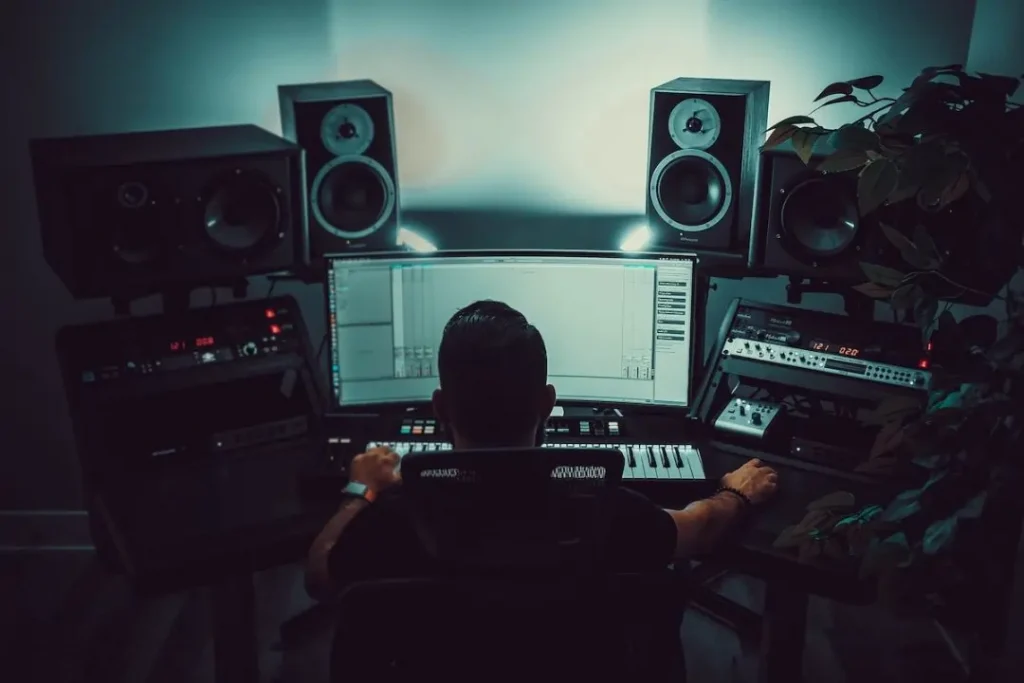
Stereo widening is a process that should be done carefully. A narrow master, in which everything is placed in the center of the mix, will make the audio lose its dynamics. On the other hand, a master that's too wide will sacrifice all minor frequencies, which will disappear when the audio is played in standard consumer-grade equipment.
You should use stereo widening to make your audio more immersive while ensuring that the song will still sound good even if your fans listen to your song in mono.
Needless to say, the dynamic variation between the left and right channels should never be too wide. In this phase, constantly monitoring how your song sounds on different playback devices is fundamental.
Over Compressing Vocals
In the intent of enhancing the vocal track with a compressor, you might end up over-compressing it. Generally, over-compression results in a track that loses its authenticity and feels artificial. Furthermore, the more compressed the vocals, the less dynamic the track will feel overall.
The mastering engineers' role is to ensure the song sounds the best possible way across all streaming platforms and playback systems. More importantly, however, their role is also to ensure the master track sounds natural and features all the nuances that make the song great. By over-compressing vocals (or any other musical instrument), the song will likely lose clarity and become less engaging.
Causing Clipping Distortion
The more effects you use, the higher the chances of them clashing against one another. For instance, if you use too much gain staging or many compressors, distortion and peaks will start appearing here and there in your mix.
Use these tools sparingly and exclusively to boost the intrinsic qualities of the song. To minimise the noise floor and distortion, you can use Auto-Tune SoundSoap, the best way to repair and clean your vocal track. With a vocal restoration and enhancement software, and a sophisticated background noise removal, Auto-Tune SoundSoap can help you save damaged sounds and make your vocals sound professional.

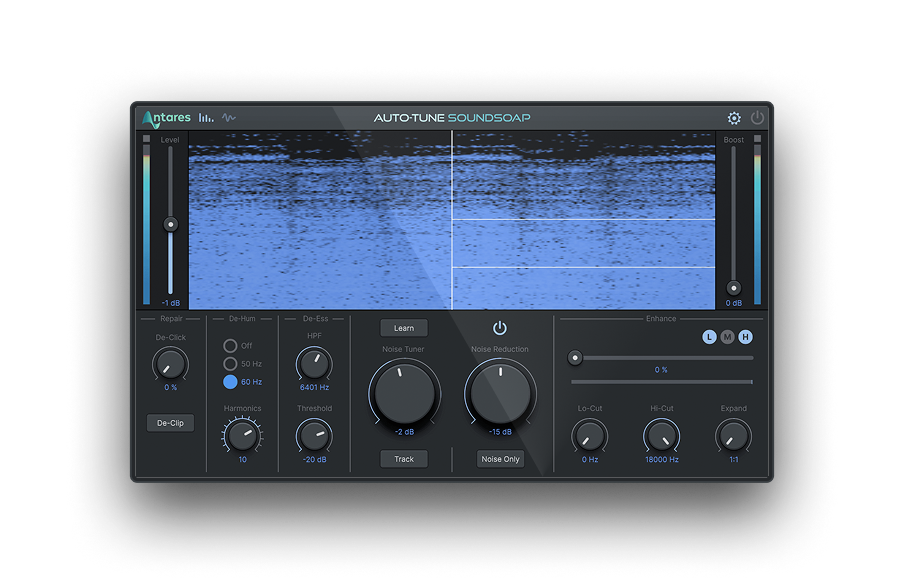
SoundSoap
The Fastest and Easiest Way To Clean Your Audio Tracks
Too Much EQ
Applying EQ while mastering is a fantastic way to add depth, warmth, and authenticity to your track. However, overdoing it will worsen the final result.
Equalizing during the mixing phase will help you fine-tune all the frequencies, ensuring the different instruments (the bass guitar with the snare drums, the vocals with the guitar, etc.) blend in perfectly with each other without conflicting frequencies. Using an EQ while mastering will help you reach perfect tonal balance and allow you to make some final adjustments to the song's audio spectrum to make it sound consistent and immersive throughout.
If you require an EQ amplification or attenuation greater than 2dB, chances are you'll need to go back to the mix and fix the issue there. Otherwise, if you want to get the most professional result for your vocal tracks, try Auto-Tune Vocal EQ, which will provide you with everything you'll ever need to make your voice shine: real-time pitch metering, sophisticated pitch tracking, and an intuitive vocal learning system will help you enhance any vocal track in no time.

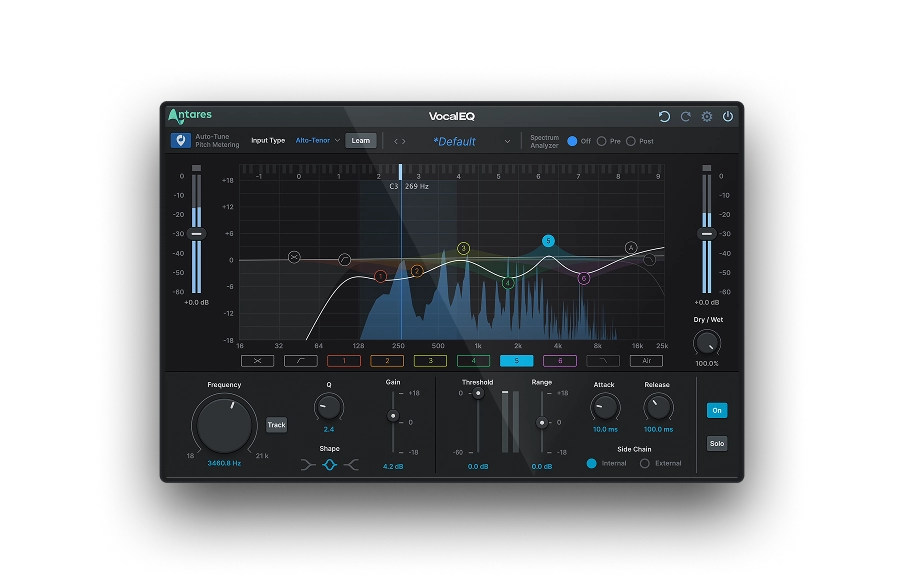
Vocal EQ
Clarity Above All
Overusing Presets
Presets can give you an idea of the sound you want to achieve, but you shouldn't use them without adapting them to the song you're working on. If you use a preset plug-in chain to help you speed up your workflow, you should never forget to change the settings of each element in the chain so that your master will sound unique and tailored to the track.
Taking Your Master in a Chaotic Direction
Do you know what you're aiming for with your master? If you don't, then you'll probably spend endless hours trying to figure out how you want each musical instrument to sound.
All professional audio engineers recommend having a reference track as a source of inspiration: a song that features the characteristics you'd like your new song to have.
Before starting the mastering process, spend some time figuring out the type of sound you're looking for and find music that features a similar sound. Once you have a clear vision of where your master is heading, things will be much easier and faster.
Combining Mixing and Mastering as a Single Process
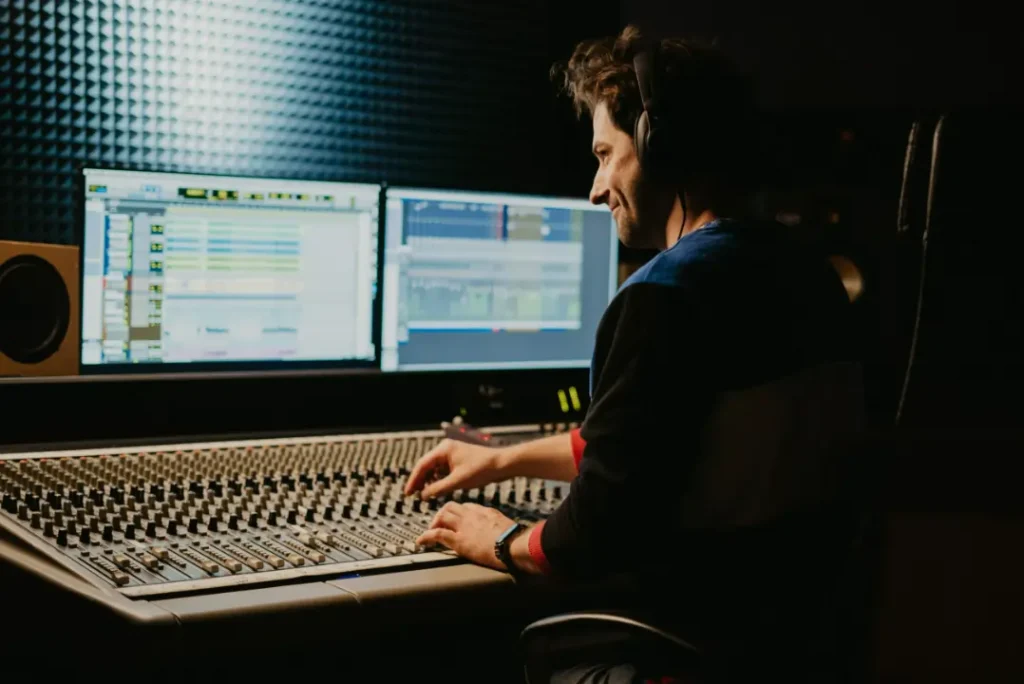
Mixing and mastering audio are two completely different processes. While mixing is all about putting all the tracks together to make them sound melodious and coherent, audio mastering will make your song ready for publication.
The mastering engineer doesn't make any adjustments to the single tracks: on the contrary, they take the single-track mix and adjust the volumes so that it'll meet the industry standards and sound professional. Combining these two processes will always lead to disaster. Mixing comes first, and once the mix sounds harmonious and in line with the artist's vision, you can move on to mastering.
Nothing stops you from both mixing and mastering your track; however, please do not do these two processes simultaneously, as it'll compromise the quality of your track.


AutoTune Unlimited
The Ultimate Vocal Production Suite

Exclusive AutoTune Content

SoundSoap

Vocal EQ

AutoTune Unlimited

AutoTune 2026 and Metamorph
Now Included

Antares Editorial
Antares is a leading developer of software for music recording and live performance. For over 20 years, Antares has powered the music of top-charting and indie artists with products including the industry standard for pitch correction, AutoTune™.