
What Is AutoTune Pro 11?
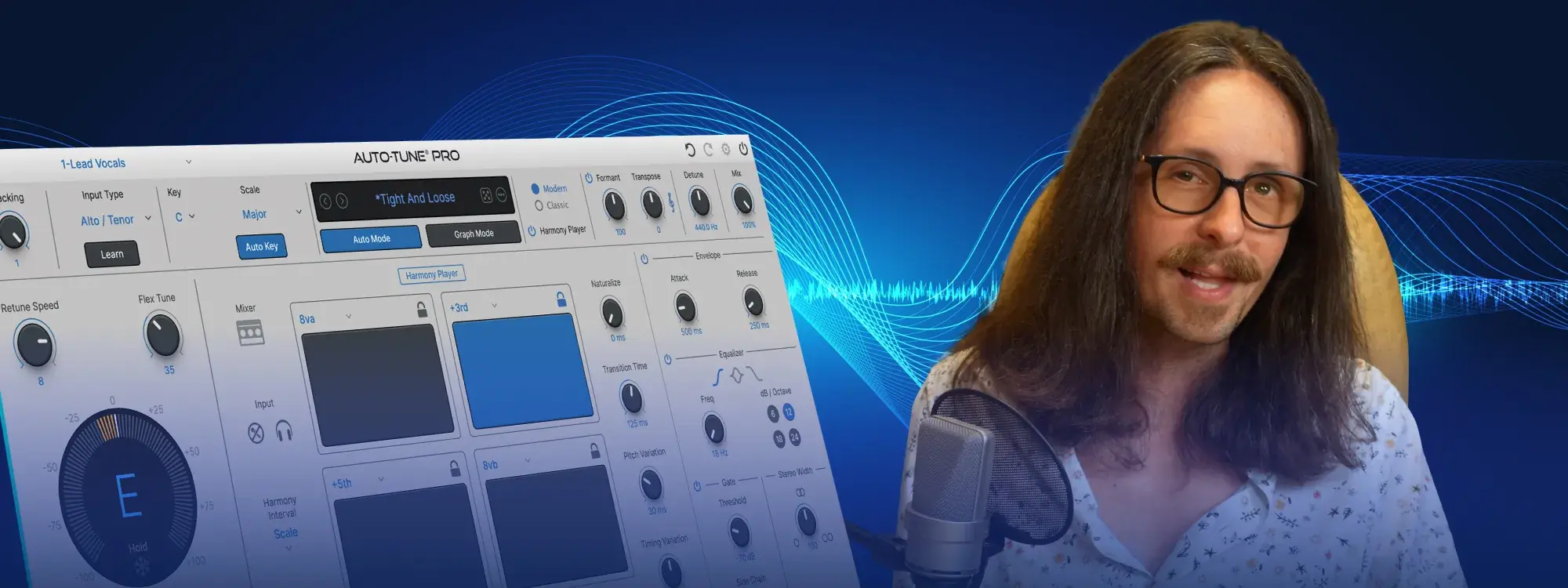
AutoTune Pro 11 is the latest version of Antares' industry-standard pitch correction and vocal production plugin. It is the most powerful and creative version of AutoTune ever released, introducing a built-in 4-part Harmony Player, enhanced MIDI functionality, new Graph Mode tools, and a fully refreshed interface for both Auto Mode and Graph Mode.
Whether you're a longtime AutoTune user or just getting started, AutoTune Pro 11 is designed to help you produce professional-quality vocals in minutes.
What's New in AutoTune Pro 11?
AutoTune Pro 11 includes four major updates over previous versions:
1. Integrated 4-Part Harmony Player
AutoTune Pro 11 introduces a seamlessly integrated 4-part Harmony Player that lets you create, tune, mix, and MIDI-trigger four independent harmonies from directly within the plugin. This opens up new creative and compositional possibilities without requiring a separate harmony tool.
2. Smart MIDI Hardware Mapping

The updated MIDI functionality includes smart MIDI learning, giving producers greater control and precision when mapping hardware controllers to AutoTune Pro 11 parameters. This is a significant workflow improvement for live performance and studio production.
3. New Graph Mode Tools for Faster Editing
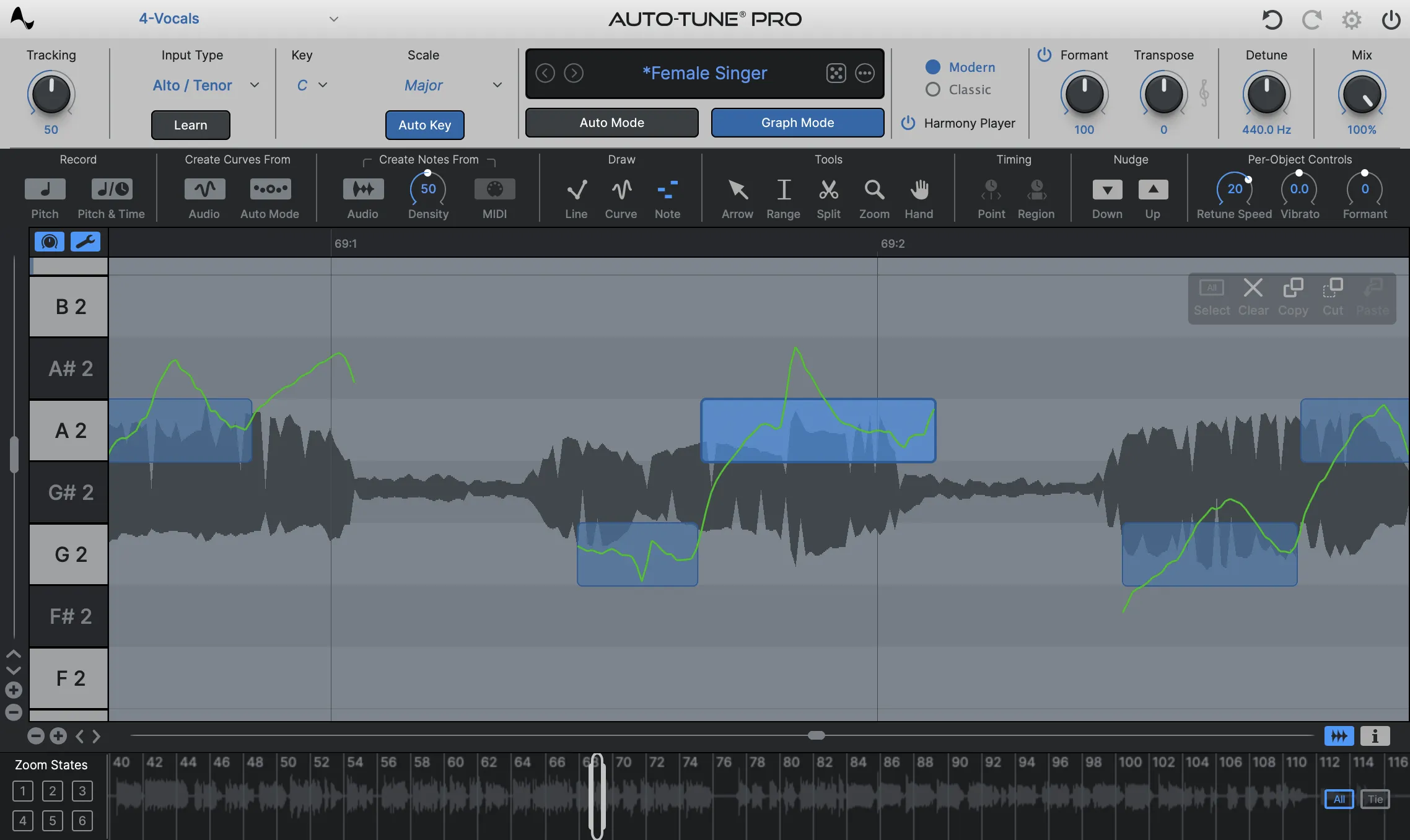
AutoTune Pro 11's Graph Mode has been updated with improved zooming and navigation features, making it faster and easier to make precise pitch edits. Users who rely heavily on manual correction will benefit most from these streamlined tools.
4. Refreshed Auto Mode and Graph Mode Interface

The GUI for both Auto Mode and Graph Mode has been redesigned for enhanced readability and ease of use. The update was developed based on direct community feedback, making it more intuitive for new users and more efficient for experienced ones.
How to Get Started with AutoTune Pro 11
The video tutorial below, featuring producer Bradley Denniston, walks through all of the new features in AutoTune Pro 11 and shows how you can start producing professional vocals in just a few minutes.
Topics covered in the tutorial:
- How to use the new 4-part Harmony Player
- Setting up Smart MIDI hardware mapping
- Navigating the updated Graph Mode tools
- Working with the refreshed Auto Mode and Graph Mode interface
The tutorial is designed for both new and existing AutoTune users. Existing users will find the new features quick to learn, while new users will find AutoTune Pro 11 easier to pick up than any previous version.
Start Using AutoTune Pro 11 Today
AutoTune Pro 11 sets a new standard for vocal production — combining precision pitch correction, creative harmony generation, and an intuitive interface in one plugin.
- Learn more about AutoTune Pro
- Explore AutoTune Unlimited — includes AutoTune 2026 and Metamorph


AutoTune Pro
The Professional Standard for Pitch Correction
Frequently Asked Questions
What is AutoTune Pro 11 used for?
AutoTune Pro 11 is used for pitch correction, vocal tuning, and vocal production. It is used by professional producers, recording engineers, and artists to correct pitch in recorded vocals, create stylized pitch effects, and generate harmonies in a DAW environment.
What is the difference between AutoTune Pro 11 and previous versions?
The main additions in AutoTune Pro 11 are the integrated 4-part Harmony Player, smart MIDI learning, updated Graph Mode navigation tools, and a redesigned interface for both Auto Mode and Graph Mode.
Does AutoTune Pro 11 work for beginners?
Yes. AutoTune Pro 11 has been specifically designed to be easier to get started with than previous versions. The refreshed interface and the short tutorial above make it possible for new users to produce professional vocals quickly.
Is AutoTune Pro 11 included in AutoTune Unlimited?
AutoTune Pro 11 is available as a standalone plugin. AutoTune Unlimited is a subscription suite that includes AutoTune Pro alongside other Antares vocal production tools, including AutoTune 2026 and Metamorph.
How do I learn AutoTune Pro 11?
The best way to get started is by watching the official tutorial above. It covers all of the key features and takes only a few minutes to complete.

Exclusive AutoTune Content

AutoTune Pro

AutoTune Unlimited

AutoTune 2026 and Metamorph
Now Included

Antares Editorial
Antares is a leading developer of software for music recording and live performance. For over 20 years, Antares has powered the music of top-charting and indie artists with products including the industry standard for pitch correction, AutoTune™.