

5 Powerful Ways To Get Pro Sounding Vocals in Logic Pro
Turn your bedroom recordings into professional-quality vocals with these game changing techniques.
April 2, 2025
Read time: 6 mins
Turn your bedroom recordings into professional-quality vocals with these game changing techniques.
Logic Pro contains everything needed to transform bedroom vocals into release-ready tracks. No thousand-dollar outboard gear required. Just five techniques that separate amateur productions from streaming hits.

1. Master Gain Staging First, Ask Questions Later
Great vocals start before plugins enter the conversation. In Logic Pro, proper gain staging isn't just good practice. It's your defense against mediocrity.
Record with peaks between -18 and -12 dBFS on Logic's channel strip meter. This sweet spot gives you headroom for processing while keeping signal above the noise floor. Beginners record too hot, thinking louder equals better. It doesn't. It leaves you with distorted vocals that no plugin resurrects.
Enable pre-fader metering to see your true input levels. Click the level meter in your channel strip and select "Pre Fader." This shows exactly what's hitting your interface's preamps. Consistently peaking above -6 dBFS? Dial back your gain.
Recording at appropriate levels creates the perfect canvas for AutoTune. The algorithm works best with clean source material where original pitch comes through clearly. Get this right and everything downstream gets easier.

2. Sculpt Vocals with Precision, Not Guesswork
Logic's Channel EQ works. AutoTune's Vocal EQ works differently. It's designed specifically for the human voice, with algorithms that understand vocal resonance and formant structure.
A tried-and-true EQ approach:
- Cut narrow problematic frequencies between 200-500 Hz. This isn't about removing; it's about revealing.
- Add gentle presence around 3-5 kHz for clarity. Not brightness. Clarity.
- Apply subtle air above 10 kHz. The difference between amateur and professional often lives here.
The AutoTune Vocal EQ "Learn" function isn't just another preset system. It listens to your audio for 5 seconds, then sets the most appropriate Input Type and adjusts the High Pass Filter to fit your vocal range. It's like having an experienced engineer making real-time decisions about your specific recording.
Instead of guessing which settings might work, this feature analyzes your actual performance. For Logic users who value their time as much as their sound, the Learn function eliminates the trial-and-error cycle that kills creativity.
If you’re looking for a plugin that combines all of these features and is designed specifically for vocals, check out our Vocal EQ plugin here.

3. Compression: The Space Between Raw and Polished
Logic's stock compressor offers multiple hardware emulations. The VCA and FET types handle vocals well. But even these tools require complex setups to achieve truly professional results.
AutoTune's Vocal Compressor changes this equation with dual-stage compression in a single plugin. Stack two different compressor styles - FET, Opto A, Opto B, and Modern - in any configuration. One plugin replaces multiple.
The machine learning technology listens to your vocal and suggests settings tailored to your performance. Not someone else's voice. Yours. This eliminates hours of parameter tweaking.
Beyond the technical, AutoTune Vocal Compressor delivers what matters: compressed vocals that maintain their emotional impact while sitting perfectly in the mix. The tube saturation adds warmth that digital processing often strips away. It transforms Logic's vocal processing into something that rivals expensive outboard gear without mimicking it.
For an intuitive, AI-powered compressor for vocals, try our AutoTune Vocal Compressor here.

4. Space Is More Than Reverb, It’s Context.
Logic's Space Designer is powerful. But it lacks the specialized algorithms needed for truly professional vocal reverb.
Vocal Reverb by AutoTune analyzes your specific vocal performance and suggests tailored settings. This AI Assist feature eliminates the trial-and-error process typical with stock reverbs.
The Auto-EQ feature, powered by AutoTune Pitch Tracking Technology, dynamically adjusts frequencies in the reverb tail. This prevents the muddiness that plagues amateur mixes. Your vocals sit in the space rather than being swallowed by it.
With three reverb algorithms, two delay types, and ten effects including pre and post-verb processing, it delivers more sophisticated ambiance than possible with Logic's built-in tools.
Insert it on an aux track, route your vocals via a send, and experience improved depth that transforms bedroom recordings into professional productions. Not because it sounds expensive, but because it sounds intentional.
If you’re looking for a reverb plugin made specifically for vocals, try our own Vocal Reverb, or our multi-effects plugin, EFX+ 10, for vocal presets made by real artists and professionals.

5. Perfect Pitch: Beyond Correction to Expression
Logic includes Flex Pitch. Professional vocal production demands AutoTune Pro 11. This isn't about brand loyalty. It's about results.
AutoTune Pro 11 offers two essential modes: Auto Mode for real-time processing and Graph Mode for surgical precision. Auto Mode delivers immediate results during recording or mixing. The retune speed determines whether you get transparent tuning or the iconic "AutoTune Effect."
For natural correction, set retune speed between 40-80ms. For the distinctive effect that defined a generation of music, drop it below 10ms. The choice isn't about right or wrong. It's about creative intent.
The new 4-part Harmony Player, borrowed from Antares' professional Harmony Engine, allows you to create layered vocals from a single track. Place AutoTune Pro 11 on your vocal track, choose from producer-crafted presets, and transform a solo voice into professional harmonies.
Logic Pro users get an additional workflow advantage with AutoTune Pro's ARA2 support. This integration eliminates the lag when loading vocal files into Graph Mode. Select it from the Audio Effects menu and experience synchronized playback. The enhanced communication between Logic and AutoTune means the playhead indicators align perfectly between both environments.
This isn't just a technical improvement. It's a creative one. It keeps you in flow, making decisions about sound rather than waiting for software to catch up.
Now Go Make Something Real
These techniques are just the beginning. The key is finding what works for your voice and music. Start with these approaches, then bend them until they break. Then put them back together.
Remember: great vocal production enhances the emotional impact of the performance. Technical perfection means nothing if the feeling gets lost. Keep that in mind as you explore these tools, and you'll craft vocals that connect rather than just sound good.
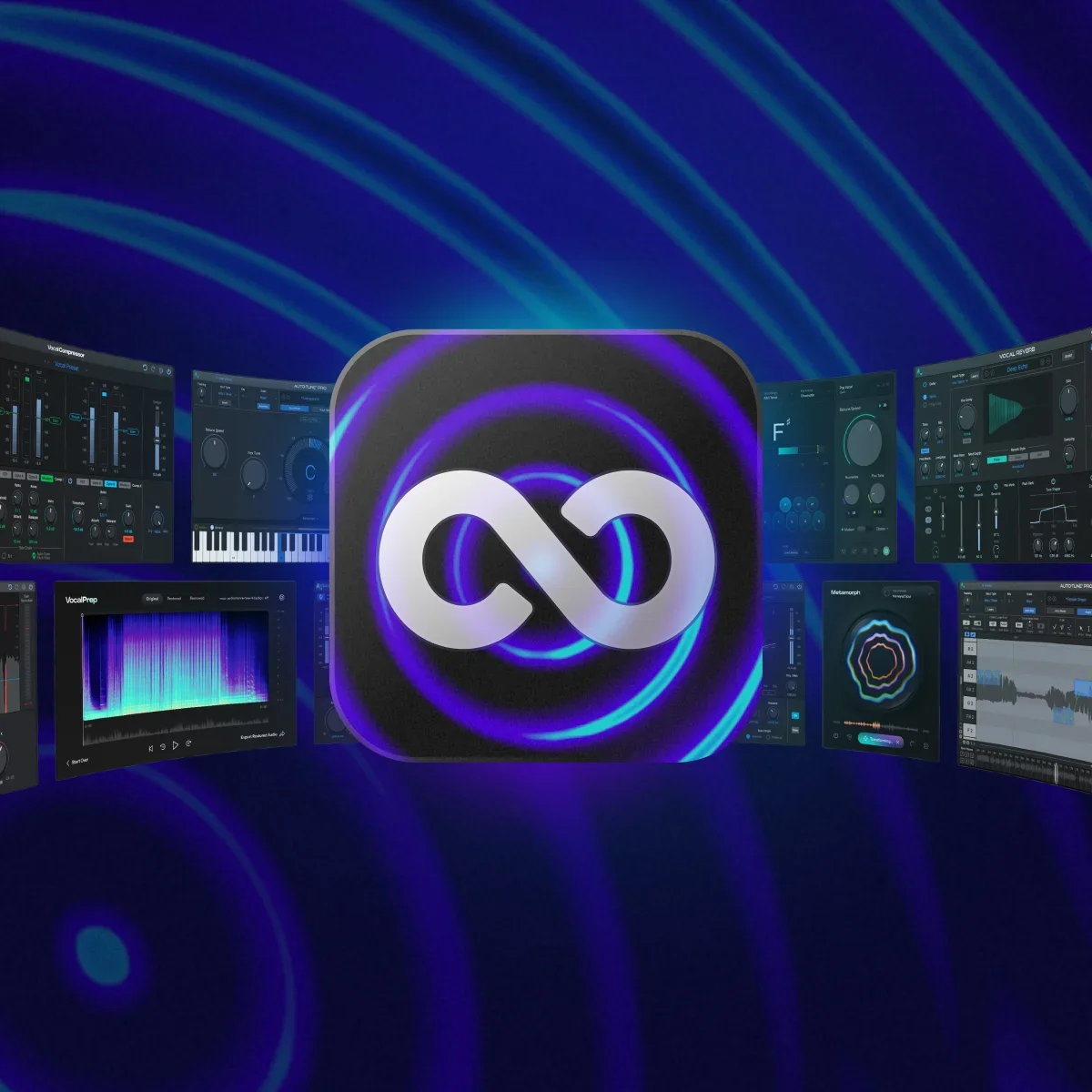
Your vocal chain matters. Your performance matters more. Explore every edition of AutoTune, plus 20+ professional vocal plugins, completely free for 14 days.


Written by
Brian has 15+ years of experience in the music industry, transitioning from his early 2000s roots touring with bands to becoming an audio engineering professional after earning his degree in 2011. Before joining AutoTune, Brian built his expertise working with legendary music technology brands including M-Audio, HeadRushFX, and Akai Pro. When he's not developing marketing strategies for AutoTune, Brian rocks out with his Math Rock band Between 3&4.