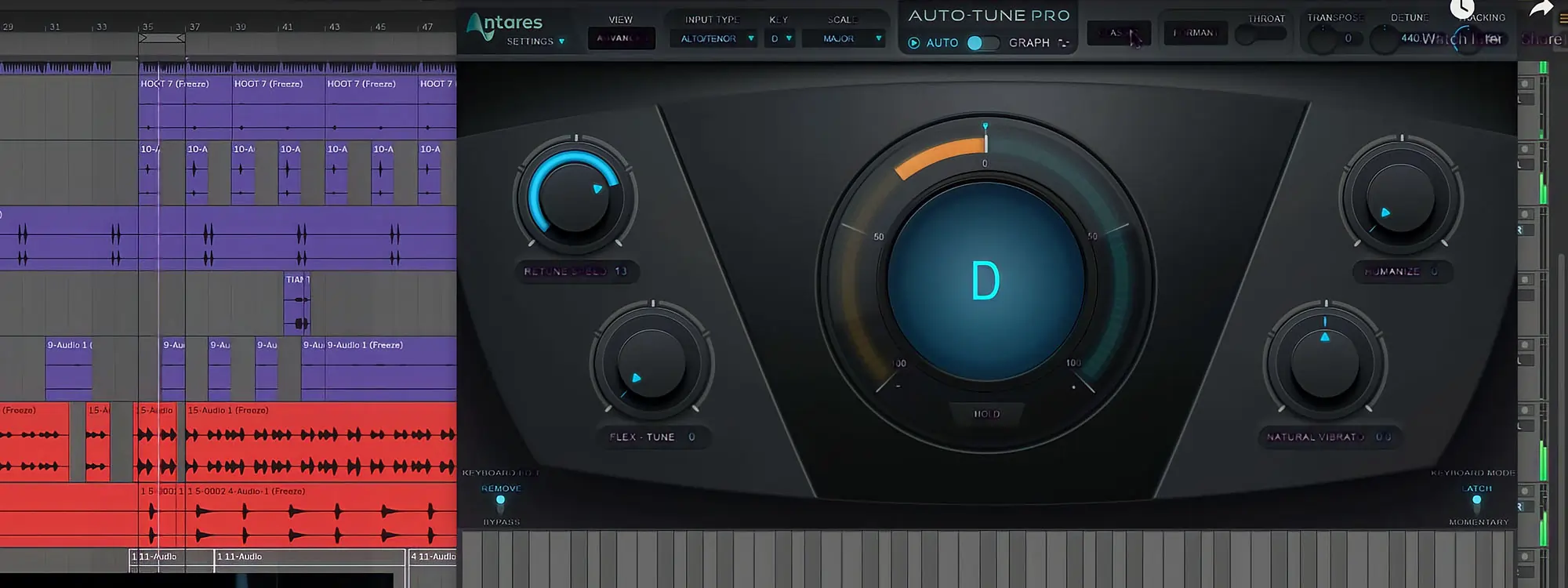
Reid Stefan shows you how to “hide your Auto-Tune” and get more natural-sounding pitch correction in this video tutorial.  He demonstrates using automation, Retune Speed,  Humanize and Flex-Tune in Auto-Tune Pro to get more natural sounding pitch-correction in his Ableton 10 vocal mix.

Black background with teal vertical light waves
AutoTune Pro plugin interface

AutoTune Pro

The Professional Standard for Pitch Correction

Exclusive AutoTune Content

Black background with blue and green diagonal rays of light

AutoTune Pro

AutoTune Pro plugin interface
Black background with purple and teal diagonal half stripes

AutoTune Unlimited

AutoTune Unlimited infinity wall of plugin interfaces

AutoTune 2026 and Metamorph
Now Included


Reid Stefan

Reviewed by: Reid Stefan

Youtube | Facebook | Twitter

Reid Stefan is "the realest puppet in the game" with Ableton tutorials, Pro Tools
tutorials, mastering tips, and music / vocal production tips and tricks.


