
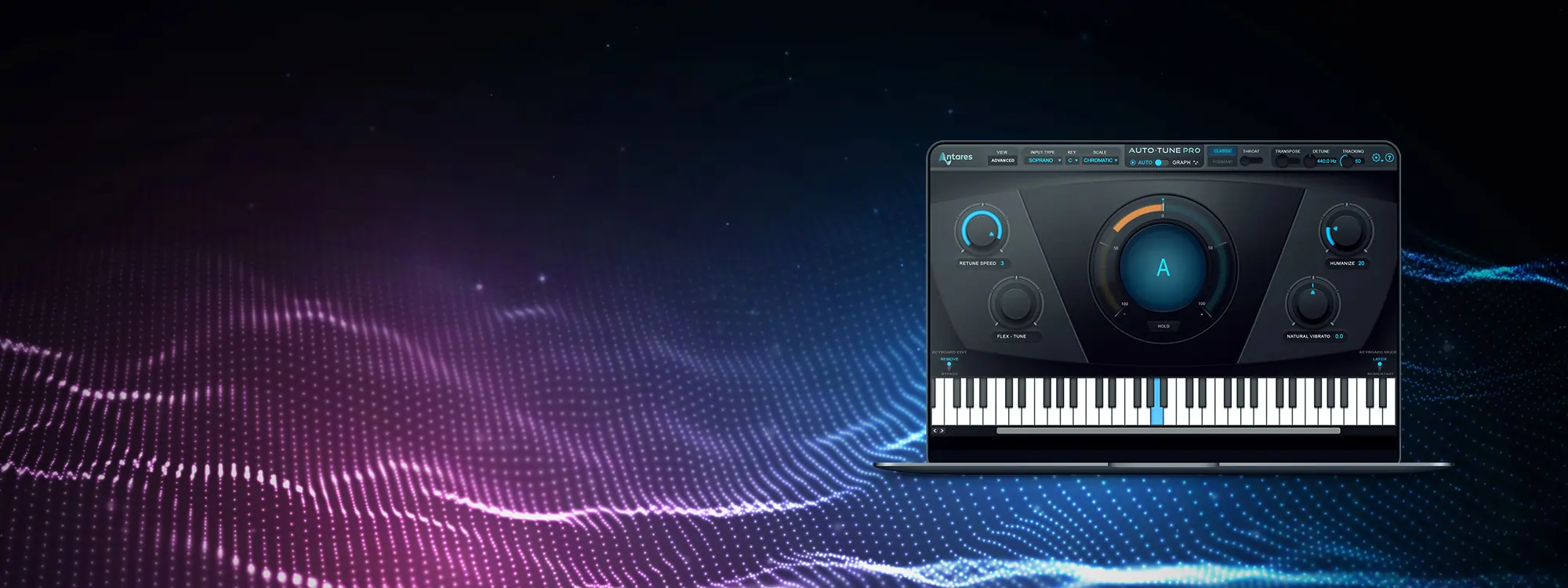
Auto-Tune Pro is the flagship of the Auto-Tune product line and the most powerful vocal pitch correction plug-in on the planet. It’s also arguably the most iconic vocal effect of all time. In this introduction to Auto-Tune Pro tutorial video, renowned producer, engineer, and vocal coach J. Chris Griffin unleashes the power of its Automatic Mode, yielding utterly natural-sounding corrected vocals, the robotic “classic Auto-Tune effect,” and everything in between.
Introduction to Auto-Tune Pro Tutorial: Automatic Mode
Auto-Tune Pro is available with Auto-Tune Unlimited, the ultimate collection of professional vocal effects. Subscribe now, or download your fully-featured, FREE 14-day trial of Auto-Tune Unlimited today.
Auto-Tune Pro: Learning the Basics
Our introduction to Auto-Tune Pro tutorial begins with the core input settings of every version of Auto-Tune: Input Type, Key, and Scale, as well as the ability to specify target notes using the onscreen keyboard. He then demonstrates Formant Mode, which empowers Auto-Tune Pro to ignore all non-pitched aspects of the human voice (plosives, sibilants, glottal stops, etc.), resulting in an extremely clean sound with no artifacts. From there, you’ll learn how Throat and Transpose parameters interact—letting you avoid (or create) a chipmunk or monster vocal character.


AutoTune Pro
The Professional Standard for Pitch Correction
How to Produce the Classic Auto-Tune Effect
Up next is an overview on how you can produce the intentionally hard-tuned “Auto-Tune effect,” the iconic sound that has come to define the vibe of so many hit songs. After that, Chris covers the Detune and Retune Speed settings, the latter of which makes pitch corrections as smooth or as abrupt as you like. Humanize and Flex Tune let you preserve all the nuances of expressive singers, and Natural Vibrato helps with those who aren’t so expressive. Finally, our tutorial wraps up with a preview of Advanced Mode, which offers surgical controls for more in-depth mixing and production workflows. (Keep checking back on our blog, as we’ll be published a tutorial on those advanced features soon.)
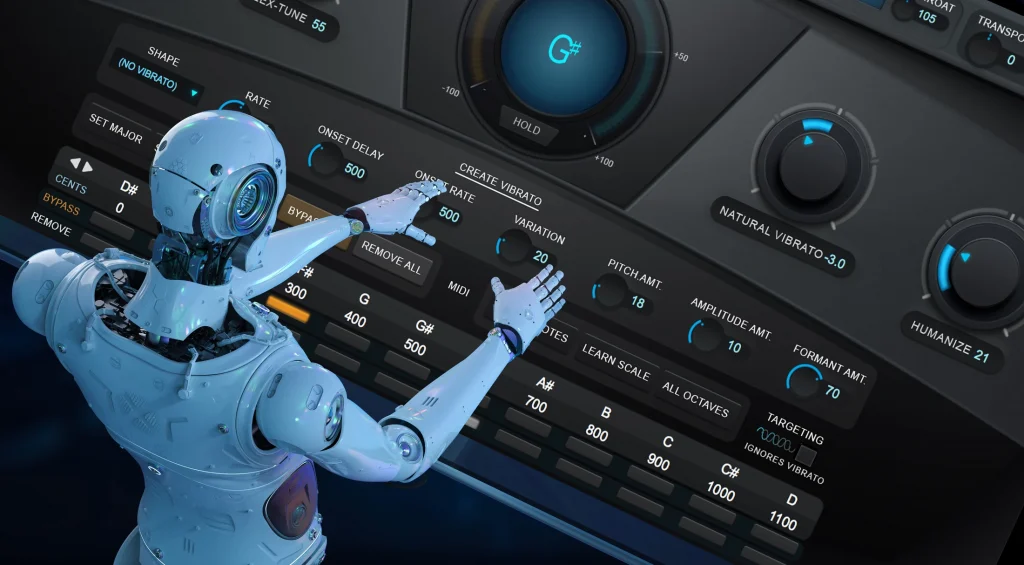
Auto-Tune Pro Unlimited
Auto-Tune Pro is one of many plug-ins available in Auto-Tune Unlimited, the ultimate collection of vocal effects that includes every version of Auto-Tune plus the entire Vocal Effects line. Subscribe now, or see for yourself by downloading a fully functional FREE 14-day trial today.
Discover the most iconic vocal effect of all time. Included with Auto-Tune Unlimited.


AutoTune Unlimited
The Ultimate Vocal Production Suite

Exclusive AutoTune Content

AutoTune Pro

AutoTune Unlimited

AutoTune 2026 and Metamorph
Now Included

Tutorial by: J. Chris Griffin
Multi-faceted producer, engineer, educator and vocal coach
Website | Facebook | Twitter
Veteran producer / remixer / engineer J. Chris Griffin’s experience and credentials in many ways speak for themselves. His 20+ years in the music industry based out of both New York City and Nashville have garnered him production and engineering credits from A-list recording artists such as Madonna, Kanye West, Janet Jackson, Kelly Clarkson, The Killers, Missy Elliot, John Legend and many more.