
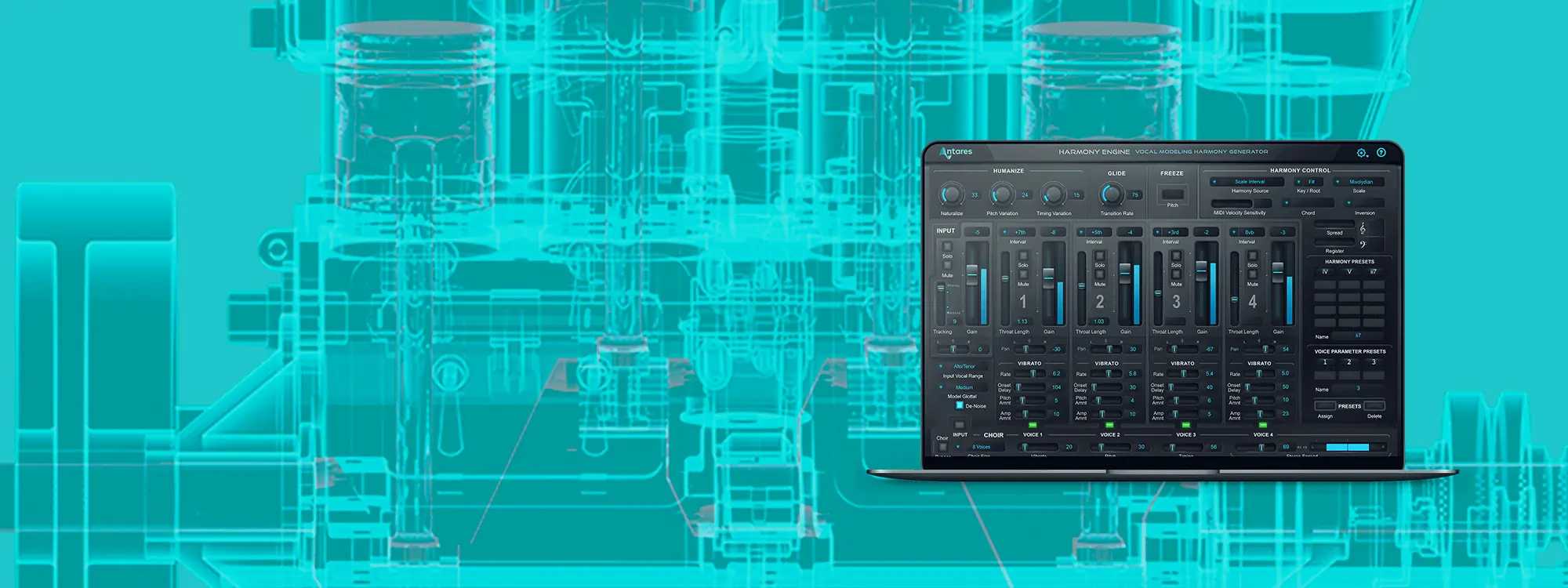
Backing vocals can make or break a song. They can also be difficult to pull off given the reality of everything from tight budgets to time constraints. But with Harmony Engine, those real-world challenges no longer apply. In this Harmony Engine tutorial video, you’ll learn just how easy it is to create incredible virtual harmonies from a single vocal track. Produce natural-sounding layers, or tweak it to discover your own synthesized vocal sounds. With Harmony Engine, your creativity is the only reality that matters.
Getting Started with Harmony Engine
Harmony Engine is available with Auto-Tune Unlimited, the ultimate collection of professional vocal effects. Subscribe now, or download your fully-featured, FREE 14-day trial of Auto-Tune Unlimited today.

Harmony Engine
Automatic Vocal Harmony Generator
The Best Virtual Harmonizer
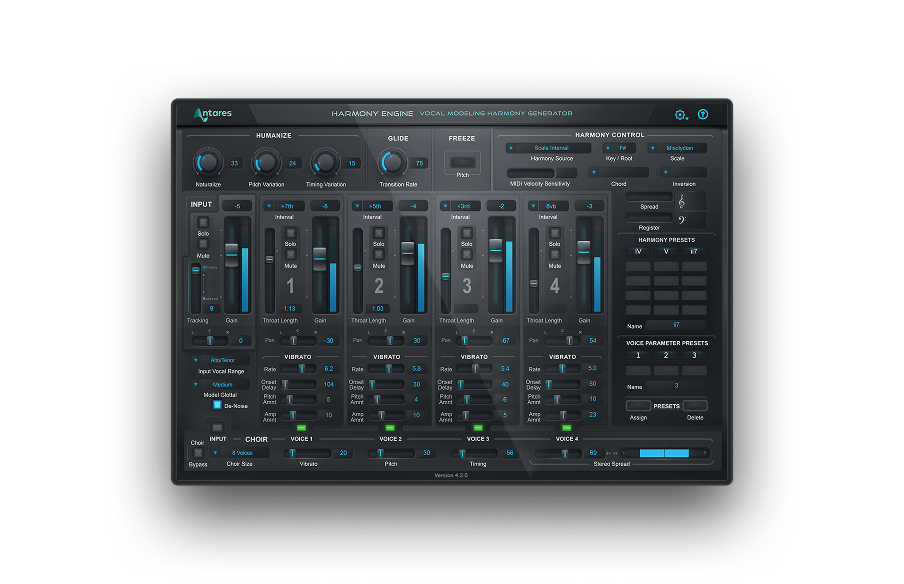
In this video, you’ll learn how to optimize the settings that analyze the incoming vocal. You can then adjust the glottal (vocal cords) characteristics. Josh shows how to choose the interval for each harmony voice, and how this tracks the pitch in real time. The volume, stereo panning, and even throat length is independently adjustable for each virtual singer.
Harmony Control lets you source harmonies from scales, chords, and modes, as well as fix Harmony Engine’s processing to the musical key of the song. Josh then showcases the amazing Vibrato section, where each harmony vocal can have its own vibrato rate, onset delay, and depths for pitch and volume variation. Finally, the Choir function thickens things up even more, adding unison voices to each harmony voice independently, with separate control over pitch, timing, and stereo width.
Create lush layers of vocal harmonies with Harmony Engine
Harmony Engine Unlimited
Harmony Engine is one of many plug-ins available in Auto-Tune Unlimited, the ultimate suite of vocal effects that includes every version of Auto-Tune plus the entire Vocal Effects line. Subscribe now, or see for yourself by downloading a fully functional FREE 14-day trial today.


AutoTune Unlimited
The Ultimate Vocal Production Suite

Exclusive AutoTune Content

Harmony Engine

AutoTune Unlimited

AutoTune 2026 and Metamorph
Now Included

Tutorial by: Josh Carney
Audio Engineer, Musician, and Video Producer
Website
Josh Carney is an audio engineer, musician, and video producer with over 15 years of experience. In addition to creating tutorial videos for Antares, YouTube, Ask.Video, and MacProVideo, Josh offers recording, mixing, mastering, songwriting, and session musician studios at his studio in Tampa Bay, Florida.