

Have you ever been working on vocal mixes and something wasn’t quite right, but you just couldn’t put your finger on what was wrong? You’re listening carefully and saying to yourself, “It’s just not hitting me…why is it getting lost in the mix? It’s not loudness…maybe it’s something else?”
If you’ve ever found yourself with these thoughts while working on tricky vocal mixes, you aren’t alone. Especially in the realm of mixing vocals, it’s hard to get everything to sit just right. Often, when we think that loudness or EQ is the culprit, it’s really that things are just too dull and need to be “punched” up in the transients. That’s where Punch comes in.
Give your vocal mixes the impact they need with Punch.

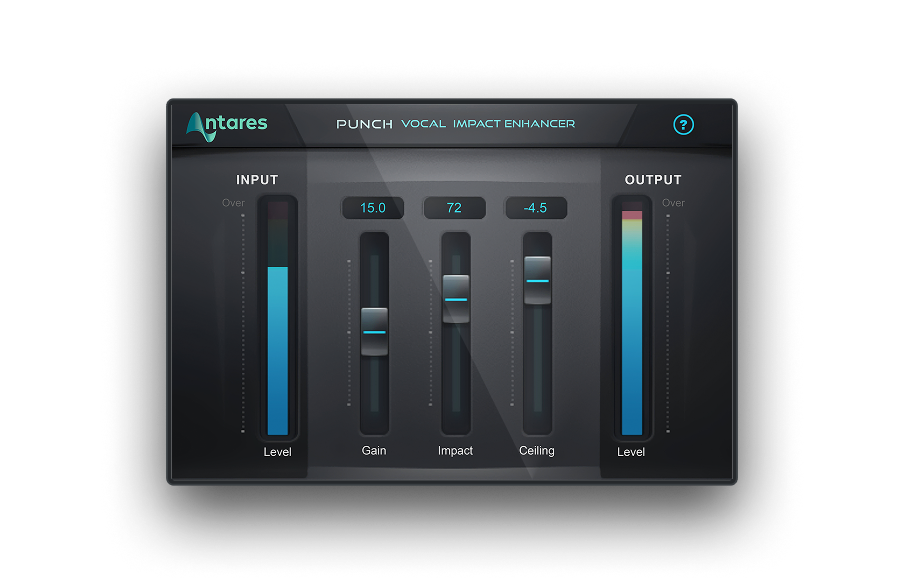
Punch
Vocal Impact Enhancer
Punching it Up
To hear how to use the plug-in to punch up a vocal, let’s listen to the mix below; first dry, then with the vocals turned up 9 dB to sit better:
Punch Vocal: Dry
Punch Vocal: Dry +9 dB
In the second example, the vocals are much more audible in the mix, but they’re also overpowering things. Clearly, this isn’t just a loudness issue, and requires more subtle tools. Punch is the perfect tool for this case. Punch is an intelligent transient processor that combines compression, gain, limiting, and overload protection to give you vocals that cut through a mix without dominating. Listen to Punch applied to our track:
Punch Vocal: Wet
Notice how the vocal is clear, without drowning out the instruments? The settings used in this case allowed us to ease up on the overall gain, while adding that always-desirable “punch” to the performance. Punch’s controls are simple: Gain controls overall gain, Impact controls how much punch is added, and Ceiling provides a final attenuation to keep things level. Don’t let the easy control panel fool you, however. There’s a lot going on under the hood with Punch, which makes it a very adaptable tool for a number of mix problems.
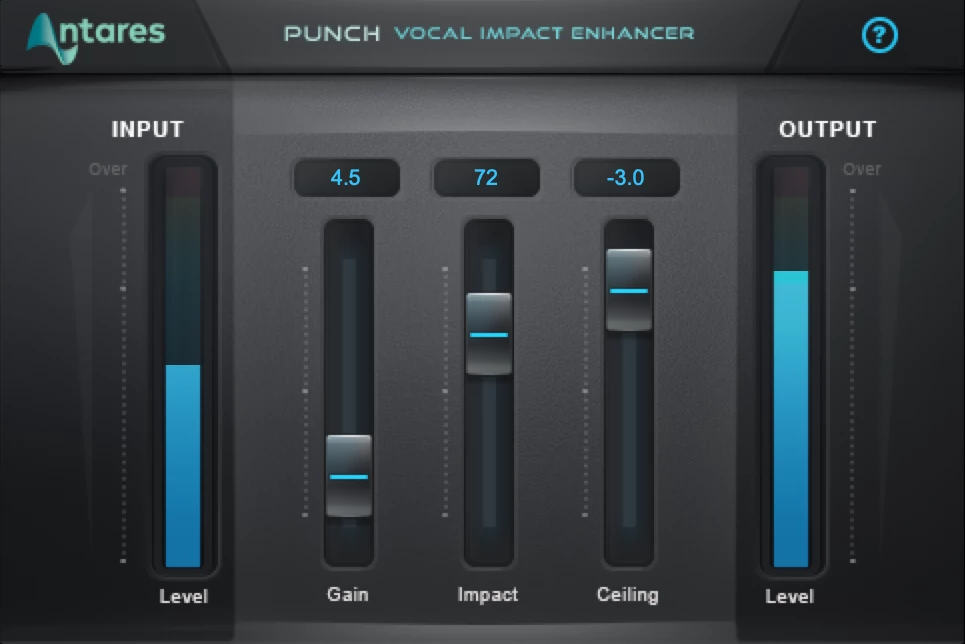
Swirling but Clear
Punch is excellent on vocals, but it can solve other problems, too! Consider the IDM/breaks track here, and listen in particular to the piano part:
Punch: Piano Ambient Dry
The dense, effects-heavy sound that we get with the delay and reverb layers on the piano is nice, but it’s washed out the transients and left the performance sounding a bit dull. It’s also competing with the breaks and the pad synth, and getting lost in the mix. Now, let’s apply Punch more subtly, with 0 gain, and Impact set at 65.
Punch: Piano Ambient Wet
Without disrupting the balance of the mix, Punch rescues the piano from being lost and lifeless. The layered effect is still there, and we avoid having the piano part overtake the mix, which would happen if we just increased the volume on its own.
Punch
Vocal Impact Enhancer
Beating on the Drums
Naturally, even the word “punch” might make you think of drums, and Punch excels at bringing out the crisp, cutting sounds of drums. In this example, overcompression is used as an effect on electronic drums, with the unfortunate side effect of flattening things and taking out transients:
Punch: Acid 909 Dry
With a little bit of Punch—no Gain, Impact set to 50— we can rescue the drums, and this entire mix:
Punch: Acid 909 Wet
Making Knockout Vocal Mixes with Punch
If you’re ready to start making knockout vocal mixes with Punch, download a free trial of Auto-Tune Unlimited. Available exclusively through subscription, Auto-Tune Unlimited comes complete with Punch, all of the vocal effects plug-ins, every current edition of Auto-Tune, and more. It also offers the lowest cost-of-entry to access the most comprehensive collection of pro vocal effects ever offered from Antares.


AutoTune Unlimited
The Ultimate Vocal Production Suite

Exclusive AutoTune Content

Punch

AutoTune Unlimited
