
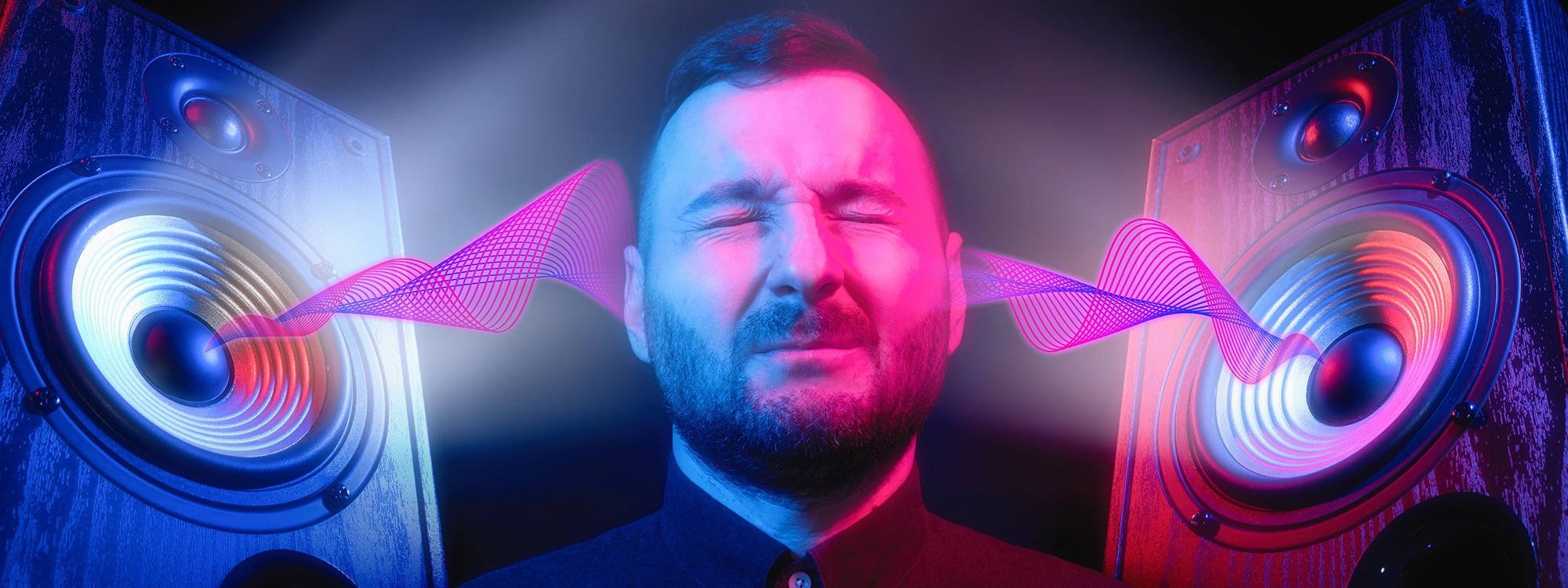
Audio restoration software is a life-saver for many content creators these days. These phenomenal tools can help you recover and enhance poorly recorded audio in no time, thanks to carefully-crafted algorithms and intuitive interfaces.

Whether you're an artist, podcaster, or filmmaker, the most advanced audio restoration software will help you publish better content without an audio engineer's (expensive) support.
However, audio restoration tools don't perform miracles. There are certain situations when these plug-ins can genuinely improve your content, while in other cases, they might end up worsening the overall sound quality of your audio file.
Let's look at how audio restoration works, why you need this software, and the result you can expect from these powerful plug-ins.
What Is Audio Restoration?
Audio restoration is a digital process of restoring and repairing recorded sounds. This is made possible by a powerful AI that can detect certain flaws in the audio and fix them by removing the disrupting frequencies.
Audio restoration can be done by plug-ins or standalone pieces of software featuring advanced algorithms that exclusively target a designated unwanted noise. For instance, you can buy an audio restoration plug-in to remove wind noise, hums, hiss, or air conditioning sounds.
You need a separate plug-in for all unwanted frequencies because these sounds have entirely different characteristics: they can have a higher or lower pitch, cause distortion or be subtle background noise.
Regardless of the type of noise, there are algorithms designed to precisely target the frequencies related to a specific noise, ensuring the rest of the frequency spectrum is left untouched.
Why Do You Need Audio Repair?
You might need an audio repair tool for all sorts of reasons. If you're an artist, you can use it to improve the quality of your vocal tracks, for example, by removing plosives and pops from your vocal recordings. There are also audio restoration plug-ins focused on mitigating the echo effect of a room or the sound of an air conditioner.
If you're a podcaster, audio repairing plug-ins will completely change your life. Imagine recording a 60-minute interview and finding out during post-production a rustling noise or crackle compromises the audio quality. With these plug-ins, you can dramatically improve the quality of your recordings without having to record the interview all over again.
The same goes for filmmakers. Generally, video makers focus more on visuals than sound quality, and this approach often results in beautiful cinematography accompanied by poorly recorded audio.
By having the ability to repair audio in post productions, filmmakers won't have to worry much about the filming location and audio conditions, as sounds can be improved later.
How Audio Restoration Improves Your Recorded Audio Tracks
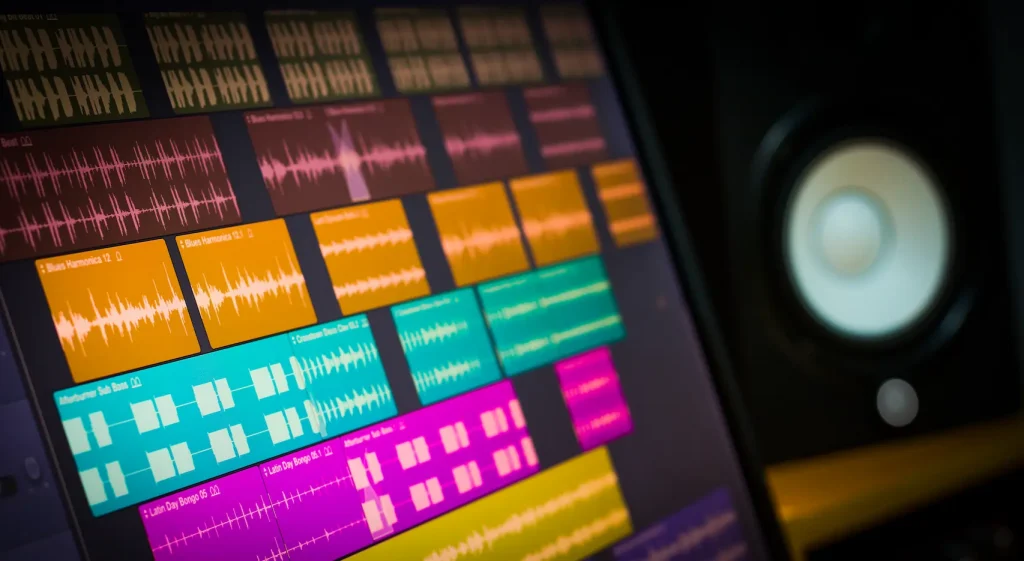
Audio restoration can make poorly recorded audio sound professional. This is possible thanks to advanced algorithms that can remove unwanted noise while leaving the rest of the frequency spectrum untouched.
These audio repairing effects can have endless uses in the audio industry and help you save time and money by automatically completing a painstaking process you should either do yourself or hire someone to take care of.
It's hard to get vocal recordings just right, especially if you're recording in a home studio. Perhaps you made a fantastic audio take, but realized you could hear your computer's fan in the background.
So what do you do? You can re-record the vocals or apply an audio restoration tool to remove the unwanted noise from your audio file. Most plug-ins work on all the popular DAWs and video editing software, so you won't have to worry about compatibility when choosing the right effect for you.
This is just one of the many possible uses of audio restoration tools. Basically, if you're working with any sort of sound, audio restoration tools can significantly improve your workflow and the quality of your content.
Audio Restoration Tools
Whether it's background noise or damaged audio, some tools and techniques can make your audio files sound professional.
The great thing about audio restoration tools is that they're often compatible with the most popular plug-ins and video editing software, meaning you'll be able to easily integrate them into your effects chain.
Let's look at all the options available for audio content creators.
Audio Restoration Software
There are dozens of different plug-ins and standalone software that aim at restoring audio files. Perhaps the most common tool is the so-called denoiser: a generic noise remover that can help you mitigate unwanted background noise.
However, many different pieces of software available can target specific sounds, like echo and reverb, plosive sounds, noise gates, and many more.
There are also plug-ins designed to tackle wind noise, which until recently proved to be one of the most complex noises to remove due to the unpredictability of its frequencies.
All you have to do is identify the type of sound you want to remove and choose the right plug-in for the purpose. Most audio restoration software is extremely intuitive: often, they have one or more control knobs that let you adjust the effect's strength, which you can increase or decrease depending on the file's quality.

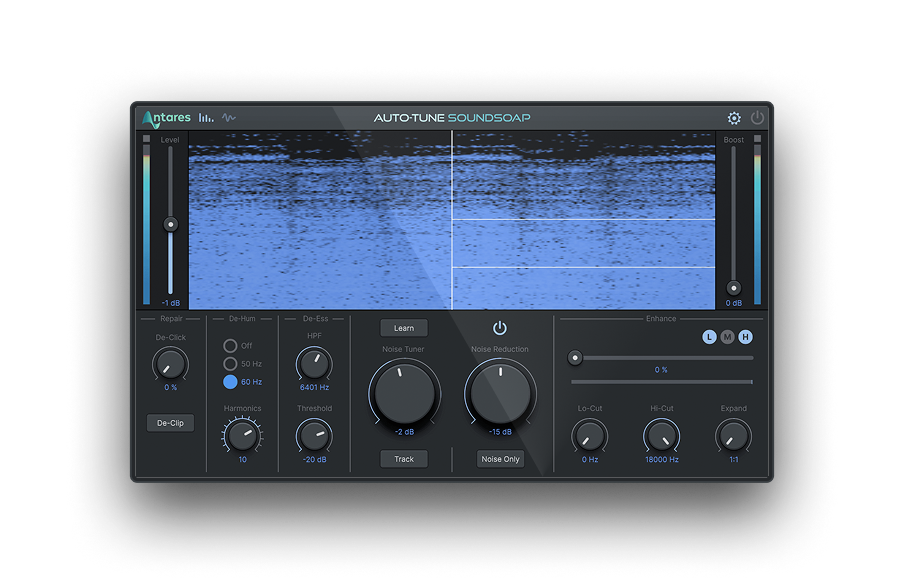
If you're looking for the ultimate solution to achieve noiseless audio, look no further than SoundSoap, the all-in-one solution for artists and audio engineers who want to deliver pristine-quality vocals. Thanks to a cutting-edge algorithm, SoundSoap can rescue the most damaged audio, repair all sorts of imperfections, from audio clippings to rustle noise, and enhance the quality of your sound with carefully-crafted aural profile controls.
Manual Audio Restoration
Manual restoration is a more complex process that requires you to modify certain parts of the audio spectrum. This is possible thanks to advanced spectral editors that let you alter, mitigate or remove bits of sounds from your audio file.
If you don't have any audio editing experience, we suggest you stick with the automated processes described above, at least for now. Manual audio restoration requires experience, a trained ear, and a lot of patience.
On the other hand, results can be astounding, mainly when repairing audio from old vinyl. The difference between manual and automated audio restoration is like the difference between a mastering software and a mastering engineer: it's impossible to recreate the human touch perfectly, and sometimes algorithms end up affecting valuable audio frequencies we'd have preserved.
We suggest starting with automated noise reduction tools and gradually altering audio manually whenever you see fit. After some time, you'll realize a manual audio repair is a great option when you want to make minor adjustments in limited areas of your audio file without affecting the entire track.

SoundSoap
The Fastest and Easiest Way To Clean Your Audio Tracks
The Limits of Audio Repair
It's always easier to record good-quality audio right away than having to fix it during post-production.
Many content creators underestimate the importance of having a good microphone and a decent recording environment, leading to endless hours spent fixing audio that could have been good from the start with minor precautions.
Of course, things happen, and you might need to remove unexpected noises from your recordings, which is when audio restoration tools can save your life. So consider these tools as the icing on the cake: make sure you create the perfect recording environment and then apply these effects to enhance your audio even more.
When it comes to audio restoration, sometimes less is more: use these plug-ins sparingly, and ensure you don't compromise the authenticity of the recordings by adding unnecessary effects. The purpose of audio restoration is to preserve the intrinsic characteristics of an audio file while improving the parts that can make it sound more professional.
SoundSoap is the perfect tool for audio professionals who need an easy and effective way to repair imperfect vocals, rescue "unusable" audio, and enhance tone and timbre across any project. With its simple interface and powerful tools, Auto-Tune SoundSoap makes repairing and enhancing your audio faster and easier than ever before.

Exclusive AutoTune Content

SoundSoap

AutoTune Unlimited

AutoTune 2026 and Metamorph
Now Included

Antares Editorial
Antares is a leading developer of software for music recording and live performance. For over 20 years, Antares has powered the music of top-charting and indie artists with products including the industry standard for pitch correction, AutoTune™.