
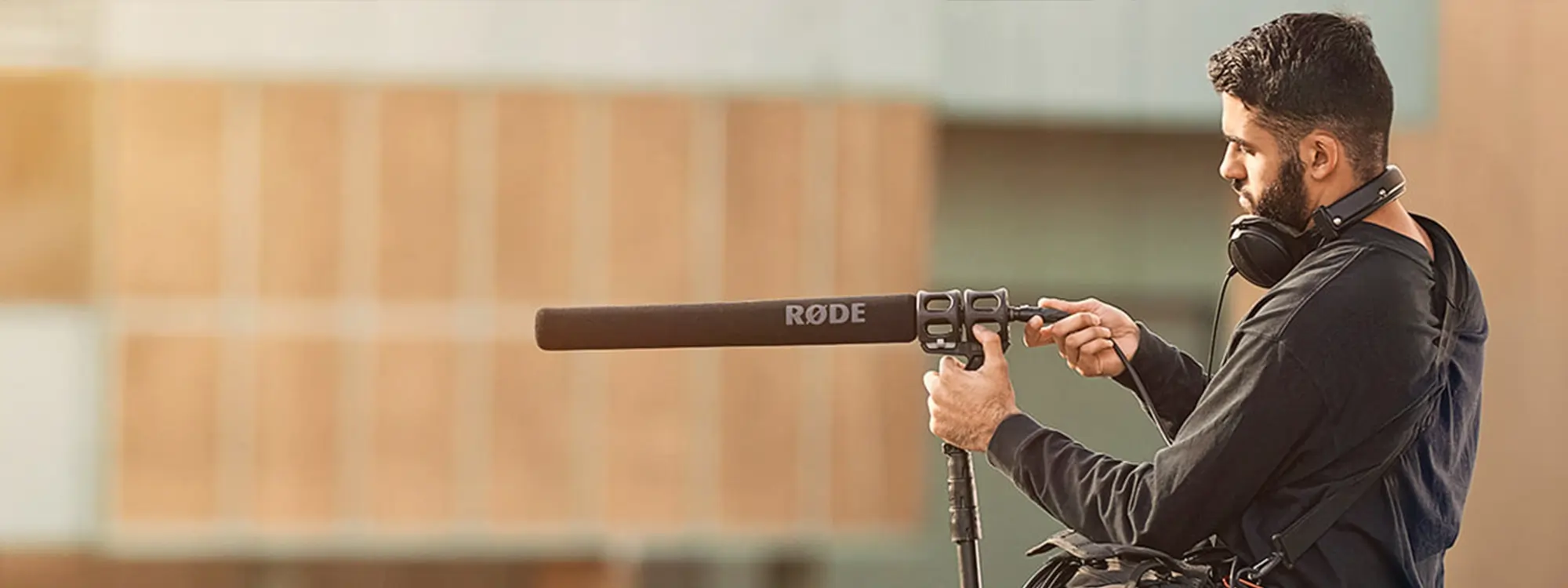
Room tone is an aspect of audio production present in many different creative mediums, from music production to podcasting to filmmaking. Capturing the room tone is essential when you want to produce high-quality audio content with an authentic feel.
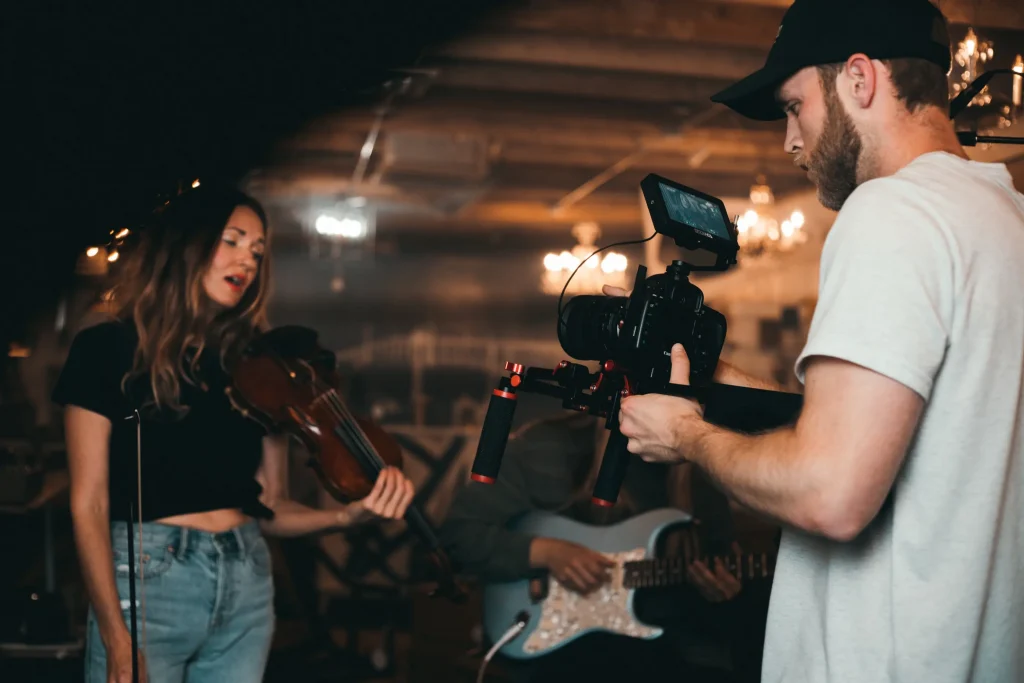
If done right, room tone can add "soul" to your audio content, with the warmth and depth creatives often aim to achieve with their content. Furthermore, it'll help you immensely during post-production as you can use it to make adjustments and cut sections of dialogue without compromising the audio quality.
Room tone can dramatically improve the quality of your sound, regardless of whether you work in the field of music, podcasting, or filmmaking.
What is Room Tone?
Room tone is the process of recording the background noise of the room in which you'll be recording or filming, using the microphone you'll use later and while everyone present is silent.

In this way, you'll be able to capture the sound of the room. Since total silence doesn't exist on our planet except in anechoic chambers, what you'll be recording is in fact the background noise that will be present while you're recording your movie or interview.
This sound is affected by a variety of things, from the walls to the furniture to the noise outside the room. Even the microphone's position has an impact on the way audio is captured. All in all, each recording session is unique, which is why it's so important to always record the room tone.
Why do you Need Room Tone?
Room tone adds a realistic touch to your recordings. If background noise is completely removed from the audio, you'll notice right away there's something wrong going on. Although our brain automatically ignores background noise, it does register its absence, so adding background noise will make your recordings sound more realistic and genuine.
Room tone is also great for post-production. Before filming, sound designers ask the crew to be silent for a minute or two while they record the room tone. These recordings can be used during the editing phase, as they allow us to hide the abrupt cuts in the recordings while we make the necessary adjustments.
Overall, room tone makes it easier to achieve a natural effect in audio recordings and makes the audio engineer's life easier during post-production.
The Difference Between Room Tone vs. Ambiance
Room tone is the sound of the place where we're recording, and it's used to achieve sonic realism and to make adjustments during post-production. The ambiance is a soundscape that's added after the scene has been recorded, to give a certain feel and atmosphere to a scene, be it visual or auditory.

Imagine filming a dialogue in a nightclub. Of course, you won't film the scene with the speakers blasting at full volume: you'll do it without music, and add the music later on. This is what we call ambiance: not the natural characteristics of a space, but the sound effects we add in post-production that create the desired soundscape.
When you're recording a conversation in a quiet place and want to add some ambiance to it, you'll need to remove the natural background noise from the original recordings. You can do so using a noise removal tool or by enhancing the vocals before adding the appropriate ambiance.
What is Room Tone in Filmmaking?
Room tone is crucial in filmmaking because it helps make transitions smoother and more consistent. If you're filming a scene with multiple cameras, having the room tone will help you blend the multiple recordings together and make the whole scene harmonious.
During post-production, audio engineers can use the room tone to create a noise profile of the space, which they can use to master audio, remove unwanted noise or enhance other sounds. Without a rolling room tone, this process is extremely time-consuming and nowhere near as effective.
What Else is Room Tone Good For?
If you're a podcaster, room tone can help you add a realistic touch to your interviews. Furthermore, you can use the recorded room tone to hide unwanted sounds recorded during the interview, whether it's a ringing cell phone or an airplane taking off.
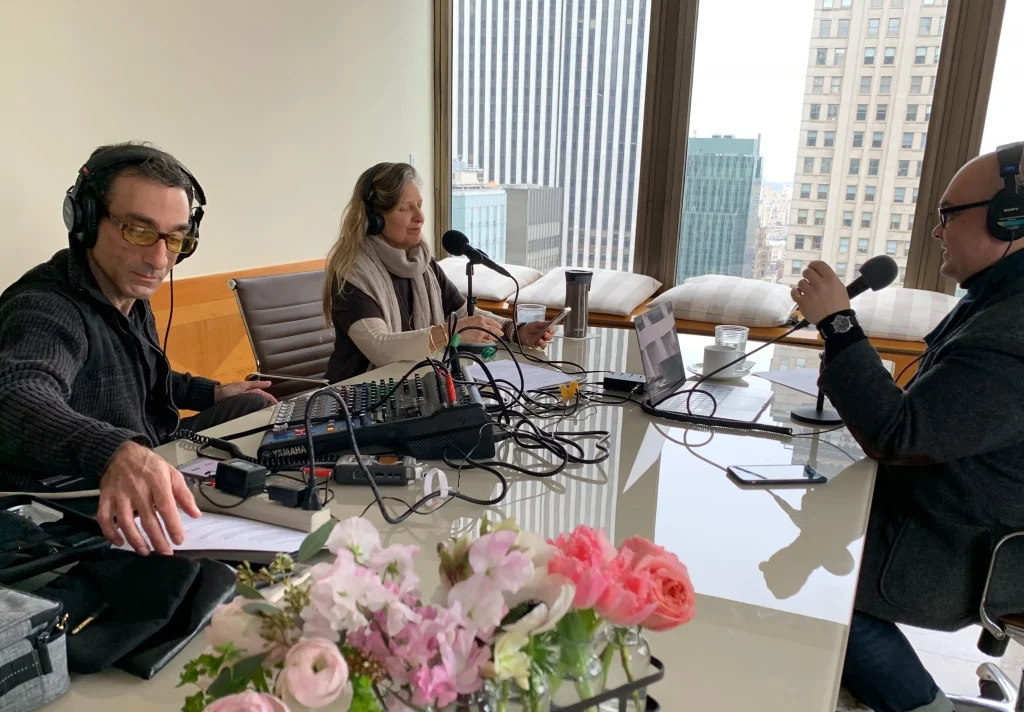
If the location where you're recording has an interesting background noise, you can use it to your advantage and create an immersive sonic experience. In this case, recording the room tone beforehand will help you make all the necessary adjustments in post-production while preserving the natural feel of the audio recordings.
Musicians and field recordists can use room tone in many creative ways, enriching the natural acoustics of recording studios with the authentic atmosphere of a location’s unique soundscape. Using room tone as a stylistic choice offers plenty of opportunities for those interested in the acoustic features of different environments.
How to Record Room Tone
First, ensure all microphones are positioned in the right place. Next, invite everyone present (crew, band members, podcast guests) to stay silent for a minute.
Record the background noise for at least 30 seconds, ensuring nothing noisy happens while you're capturing the room tone. If a loud car passes by while you're recording, start all over again.
If you change the microphone's position, or the background noise changes significantly, you'll have to repeat the process again.
Tools and Creating Options
Room tone will allow you to be creative when mixing audio, adding interesting elements to your sonic palette, which might boost the quality of your content. There's a chance you won't need it at all: you might be recording in an acoustically-perfect environment or add loud music that'll cover background noise completely.
In those cases, room tone will be helpful as a backup. It's good to know you can always use it in case you decide to change the room's ambiance or publish two versions of the same audio content.
Having the right microphone to capture room tone is fundamental, but why should you choose one microphone when you can carry as many as you want with you?
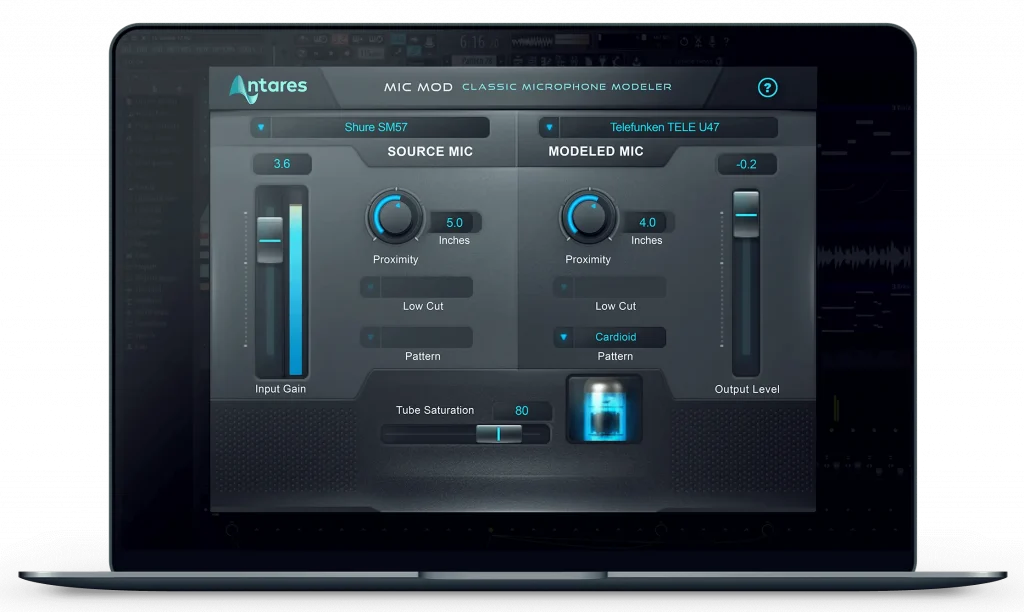
Antares Mic Mod is a cutting-edge microphone modelling with a huge virtual microphone collection featuring the best microphones ever created. Mic Mod also offers plenty of options to adjust the microphones' settings and make your audio unique, whether you use it for recording music, podcasts, or sounds for films.

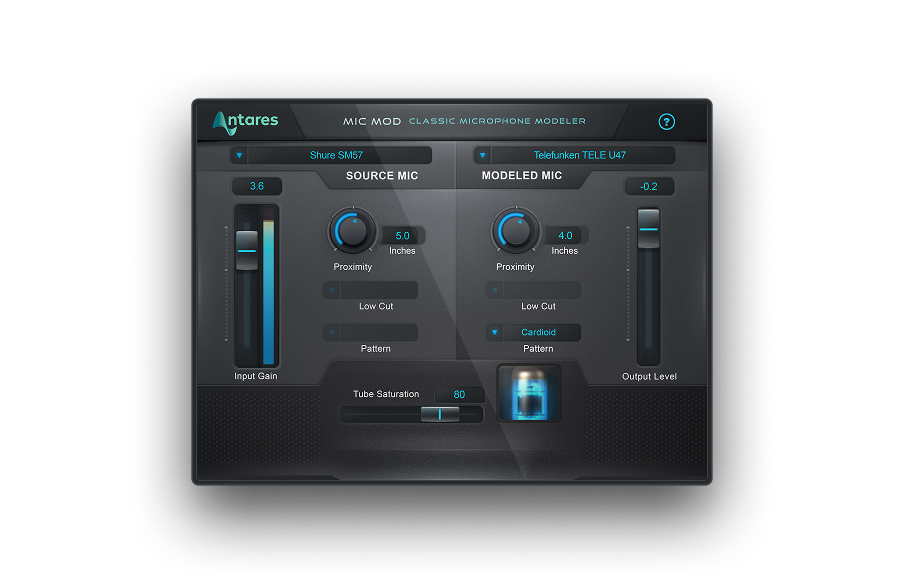
Mic Mod
Classic Microphone Modeler
Good luck, and stay creative!

Exclusive AutoTune Content



AutoTune Unlimited

AutoTune 2026 and Metamorph
Now Included

Antares Editorial
Antares is a leading developer of software for music recording and live performance. For over 20 years, Antares has powered the music of top-charting and indie artists with products including the industry standard for pitch correction, AutoTune™.