

In this step-by-step guide, you'll learn how to master one of the most powerful tools in music production: a mix bus. Often overlooked, this mixing technique can streamline your workflow, make your songs more balanced and consistent, and help you craft a unique sound signature.
The difference between a good and a great track is often in the mix bus. Simply put, this tool allows you to combine all the different pieces of your song to create a coherent soundscape where all sounds blend together seamlessly.
A powerful and versatile tool, the mix bus adds the subtle changes you need to refine your track and make it release-ready. However, understanding what the mix bus is and the different ways you can use it to organize your mixes might be overwhelming at first.
Today, we'll learn what a mix bus is and how to make the most of it and enhance the quality of your songs.
Understanding Mix Buses
A mix bus involves redirecting multiple tracks of your mix into one channel, with the effects applied to that channel affecting every track connected to it. Imagine the bus track as an actual bus picking up passengers: once in, everyone on the bus will follow the same path.

You can use a mix bus to apply certain effects to the whole song or specific tracks. The most common effects applied in the mix bus include delay, reverb, stereo widening, EQ, limiting, and compression.
So, why should you use a mix bus instead of applying effects to every single track? One reason is to reduce CPU usage: the more effects you use for each track, the more CPU power your computer will require during production.
Secondly, and most importantly: you may want some elements of your song to blend together and sound as natural as possible. For instance, imagine recording acoustic drums. As it requires ten or more microphones to record them professionally, you’ll need to ensure every part of the drum set has a sound that blends well with the others. Using a mix bus that affects every drum track will help you create the ideal drum sound without adjusting single channels one by one.
So, processing multiple tracks simultaneously by routing them to a single channel will not only make your life easier but also greatly improve the quality and balance of your mix.


AutoTune Unlimited
The Ultimate Vocal Production Suite
Mix Bus vs. Master Bus
As we start delving deeper into the concept of bus mixing, let’s identify the different processes of routing multiple tracks into another audio signal. While a mix bus is used to route certain instruments to the same audio signal, a master bus is the final chain of effects before exporting your piece.

Imagine mixing a rock song. Chances are you’ll have different mix buses for the drums, bass guitar, guitar, and vocal tracks. After you create the ideal blend of sounds using separate mix buses for each instrument, you'll probably want to make final adjustments to every track in your song, for instance, by applying multi-band compression or by adjusting the overall loudness. The best way to do so is by using a master bus.
Subgroups, Aux Channels, Sends, and Returns
We mentioned that similar instruments can be combined into a single mix bus. When you have multiple mix buses affecting different instruments, these are called subgroups. You can have a subgroup for bass, drums, synths, and vocals, which can then be redirected to a master bus for the finishing touches.
You can use an aux channel to create a copy of a mix bus where you can make adjustments without affecting the original signal. This gives you more control over the final mix and allows you to experiment with more effects without affecting the original signal. Aux channels are divided into aux sends and aux returns.
"Send" channels send part of a channel's signal to an effects bus, while "returns" are used to reroute the processed signal from the effects bus and back to the original mix. Combined together, these two techniques allow you to blend multiple channels of a mix and create a coherent song.
How to Create a Mix Bus - A Step-by-Step Guide
Different DAWs have different ways of creating a mix bus, but the process is fairly intuitive. We’ll explain how the most popular digital audio workstations handle mix buses and include YouTube videos focusing on single DAWs if you want to learn more about a specific workstation.
You’ll need to start by grouping all the tracks that you want to process together into a single bus. You can select the tracks you want to send to the mix bus and assign them to the new channel.
Next, you’ll have to create a dedicated mix bus or auxiliary channel to converge all the selected audio signals. Here’s where the process varies depending on the DAW you use: some workstations don’t have channels labeled as mix buses, but you just need to route the output of a channel to another (Ableton); others already have channels dedicated to bus mixing (Logic Pro and Pro Tools). For more information on how to create mix buses on the most popular DAWs, check out the following YouTube videos:
Ableton
Pro Tools
Studio One
Logic Pro
Reaper
Cubase
FL Studio
Common Mistakes When Creating A Mix Bus
The most common mistake when creating a mix bus is to be too heavy-handed with the effects. Creating the perfect mix bus channel is often the result of subtle changes that can enhance the beauty of every part of your song.
A mix bus won't help you fix frequency issues or bring to life a delicate balance out of nowhere. On the contrary, a mix bus should be the icing on the cake, the final step to make different elements of your mix coexist in harmony.
You achieve this by making minor adjustments that smoothen the sound or make it more vibrant. You can enhance the transients, blend elements using reverb and delay, widen the imaging, and apply EQ to different subgroups. With mix buses, your options are endless, but consider it as a final step, not as a way of fixing deep-rooted issues.
Although you should start by working on individual channels, we recommend you create a mix bus early in the post-production process. In this way, you won't be destroying your mix the moment you combine different audio signals into a unique bus but rather enhance the sound signature you've been sculpting.
Our final recommendation is not to overdo it. Sometimes, you only need a high-quality reverb, a low-ratio compression, and a subtle EQ to make your mix shine. Compressors and limiters are fantastic tools, but they can compromise the sound quality of your song when not applied correctly. The same goes for fast attack and release settings, which can make your piece more energizing, but may completely overshadow transients.
Focus on mastering a few crucial effects, and use them to take your track to the next level.
Effectively Using a Mix Bus
There's no limit as to what you can do with a mix bus. Processing multiple channels together will glue certain tracks together, allow you to unleash your creativity, and enrich your mix with effects like reverb, delay, and compression. Let's take a look at the most common mix bus applications.

Mix bus compression is a crucial technique that can transform your mix. If you’re familiar with the effect, you should know the most important parameters are: Attack, Release, Ratio, Threshold, and Gain.
A fast attack will reduce transients and make your song lose the punch, so start with a slower attack and gradually speed up until you create the perfect balance between impact and natural ambiance.
Release speed should be all about the groove. Find a balance that makes your track more engaging without transients overlapping. It's a delicate balance that depends on the song's style and tempo, and there's no one-size-fits-all solution here.
When it comes to ratio and threshold, consider applying subtle changes through your mix bus channel, as these parameters can drastically affect the dynamic range and natural feel of your track. Finally, the makeup gain can bring the audio level back to the volume before we apply the compressor, giving you a clear overview of how the effect is changing your mix.
A parametric EQ allows you to make fine adjustments to audio frequencies directly on the mix bus, shaping audio signals and their tonal balance to create a more coherent soundscape. Start by applying a high-pass filter and low-pass filter to create a more polished sound, then proceed to widen the stereo imaging and sculpt your sound by adjusting different frequency bands. Once again, sometimes less is more with a parametric EQ, so use it sparingly, and ensure your track sounds great on both stereo and mono before exporting.
Mid/Side EQ will make your mix cleaner and more spacious by mitigating unnecessary frequencies or muddiness caused by contrasting frequencies coming from different audio signals. You can use this effect to address problematic resonances and phase issues, and enhance the presence of certain elements of your mix.
Finally, another effect commonly added to a mix bus is saturation, which will add warmth and natural sound characteristics to your track.
Depending on the genre, style, and personal taste, there are endless ways to apply saturation to a mix bus, but our recommendation is to always pay attention to the overall mix balance: saturation can add new harmonic elements to your mix and also raise the perceived volume, so use it wisely and ensure you don’t compromise the balance of your mix.
If you’re looking for the perfect plug-ins to take your vocal tracks to the next level, check out Auto-Tune Vocal EQ and Auto-Tune Vocal Compressor plug-ins. With a mix of cutting-edge machine learning and carefully-crafted vocal presets, you can enhance harmonics and magnify the beauty of your tracks thanks to an intuitive interface that'll simplify your workflow and unleash your creativity.
AutoTune Unlimited
The Ultimate Vocal Production Suite
Pro Tips for Creating Amazing Bus Tracks
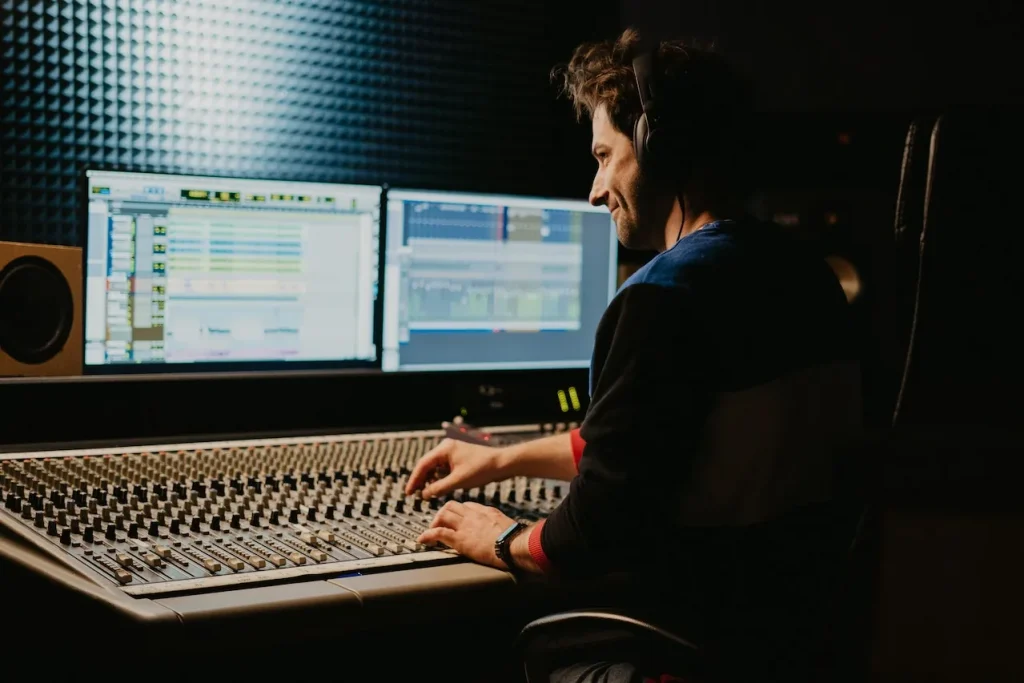
Mix buses, when used correctly, can make a track more engaging, pleasant, and consistent. It's one of those techniques in music production that can revolutionize your creative process, making you a better artist and releasing music that meets the high-quality standards of modern audio productions.
Start by using a mix bus to glue different elements of your song together and create an immersive sound texture that's pleasant and perceptible at all volume levels. Next, use effects like EQ and compression to sculpt your unique sound, adjusting frequencies from different audio signals so they blend together seamlessly.
Finally, embellish your sound with reverb and delay, adding a natural feel to your music, and widen the stereo imaging to make your song spacious and dreamy.
Good luck, and stay creative!

Exclusive AutoTune Content

AutoTune Pro


AutoTune Unlimited

AutoTune 2026 and Metamorph
Now Included

Antares Editorial
Antares is a leading developer of software for music recording and live performance. For over 20 years, Antares has powered the music of top-charting and indie artists with products including the industry standard for pitch correction, AutoTune™.